TikTok Username Changes: Timing, Names and Profile Links
- TikTok's username (@handle) can be changed roughly once every 30 days. The display name above it is a separate field with no such lock — and it is what most people actually want to change.
- The popular workaround — setting your phone's date 30 days forward — cannot work: the countdown lives on TikTok's servers, not on your device clock.
- Changing your @handle rewrites your profile URL. Every link, QR code, bio mention and @tag pointing at the old handle stops resolving to you.
- If the handle itself is the problem and you are locked out for another three weeks, fix the display name now and treat the handle change as a scheduled migration, not an emergency.
You typed your new username, hit save, and TikTok told you to come back in 26 days. So you searched for a way around it — and the first page of results is a wall of near-identical posts explaining that you should go into your phone settings, turn off automatic time, and set the date one month into the future.
That trick does not work. It cannot work. And the reason it cannot work is worth understanding, because it tells you something about every "bypass the platform limit" tutorial you will ever read.
Why the date trick is not a trick
Your phone's clock is a display setting. When TikTok needs to know when you last changed your username, it does not ask your phone — it reads a timestamp stored on its own servers next to your account record, and compares it to its current time. Your device could think it is 2031 and the answer would not move.
This is a general principle worth keeping: anything the platform enforces against your account is enforced server-side. Cooldowns, rate limits, eligibility windows, appeal timers. If a tutorial's method only touches something on your device, ask yourself what server it is supposed to be fooling.
A "workaround" that only changes what your own phone believes is not a workaround. It is a way to spend fifteen minutes and end up exactly where you started, with your clock wrong.
It gets worse. When we ran this search, one of the results teaching the date trick was a hijacked page on a university domain — the kind of injected content that ends up on legitimate sites and exists to farm clicks, not to help you. The search results for platform bypasses are unusually low quality, because nobody with an accurate answer has an incentive to write "you cannot."
You probably want to change the other field
TikTok gives you two names and most people do not separate them:
| Username (@handle) | Name (display name) | |
|---|---|---|
| Where it appears | Under your photo with an @, and in your profile URL | The larger text above the handle |
| Change limit | Roughly once every 30 days | No comparable lock |
| Characters | Letters, numbers, underscores, periods (not at the end) | Much freer, including spaces and emoji |
| What breaks when you change it | Your profile URL. Every old link, QR code and @mention | Nothing |
| What people search it for | Rebrands, typos, being findable | Rebrands, seasonal changes, adding a tagline |
The 30-day figure and the character rules above are third-party consensus — TikTok's help pages were not reachable when we checked. Verify against the prompt inside the app, which is the only source that knows your specific account's next available date.
Now ask yourself what actually bothers you. If the problem is "my name looks unprofessional" or "I rebranded and the name is wrong," the display name fixes that today, for free, with no cooldown and nothing breaking. The handle only genuinely needs to change when it is the thing people type, screenshot, or search for — and that is rarer than it feels at 11pm when you hate your username.
What actually breaks when you change the handle
This is the part the tutorials skip, and it is the reason the cooldown exists at all. Your @handle is your address. Change it and:
- Your profile URL changes. Every link in every other bio, every link-in-bio page, every QR code you printed.
- Old @mentions stop pointing at you. Comments, captions and duets that tagged the old handle do not follow you to the new one.
- Search memory resets a little. People who found you by typing your handle from memory now type something that either fails or, worse, resolves to somebody else who claimed it.
- Anyone can take the old one. A freed handle is not reserved for you.
Instagram has the same identity-layer problem with different mechanics — we walked through the Instagram side separately, and the notable difference is that Instagram does not impose the same 30-day wall, which is exactly why advice written for one platform misleads people on the other.
So the honest answer to "how do I change it before 30 days" is: you don't, and the wait is doing you a small favour by forcing you to decide whether this is a rebrand or a mood.
The three-week plan, if the handle really has to go
Treat it as a migration with a date, not as a thing you are being denied.
- Change the display name today. Whatever the new identity is, it can be live in the biggest text on your profile within a minute.
- Write the new handle down and check it is free — on TikTok and on every other platform you use. There is nothing worse than waiting 26 days for a handle that got taken on day 12.
- Inventory what points at the old one. Other platform bios, your website, printed material, pinned comments, collaborators who tag you. That list is your migration checklist.
- On the day it unlocks, change it and immediately update the list. Then pin a post that says the handle changed, so the people who look for the old one land somewhere useful.
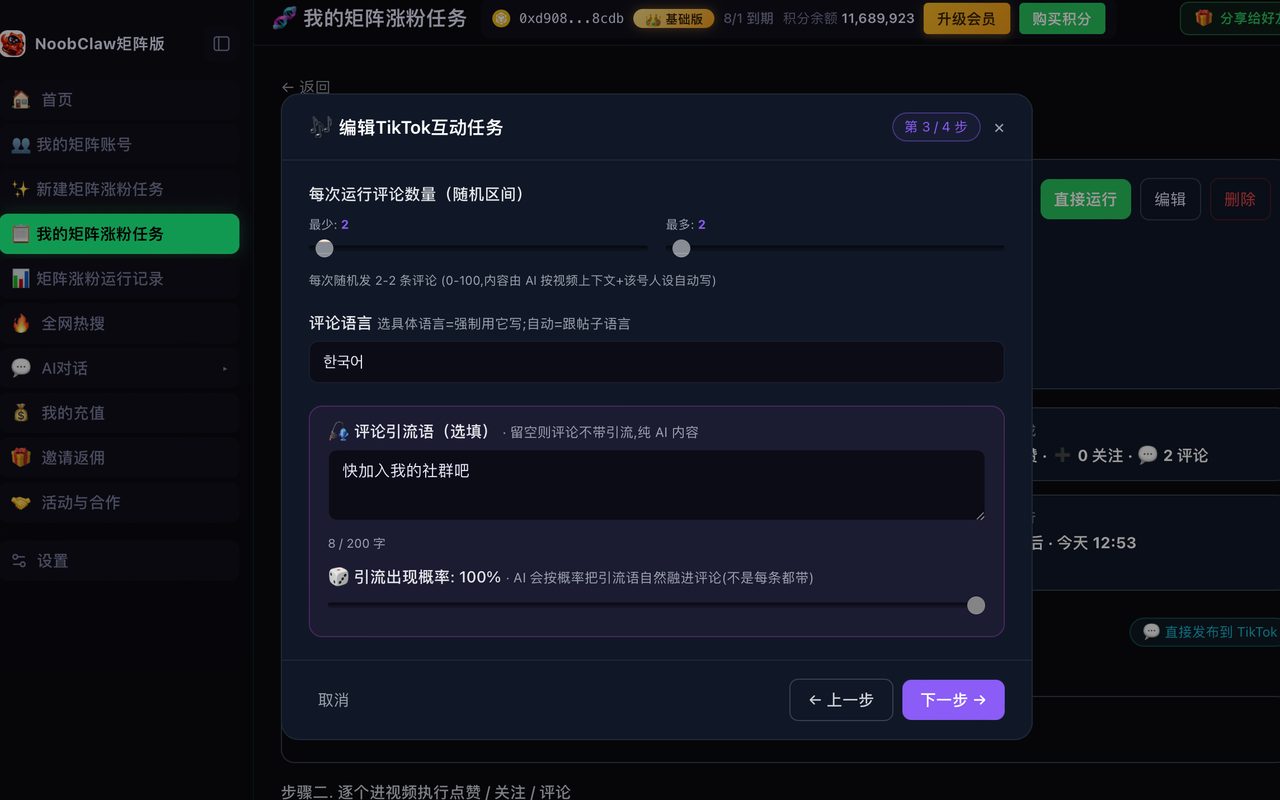
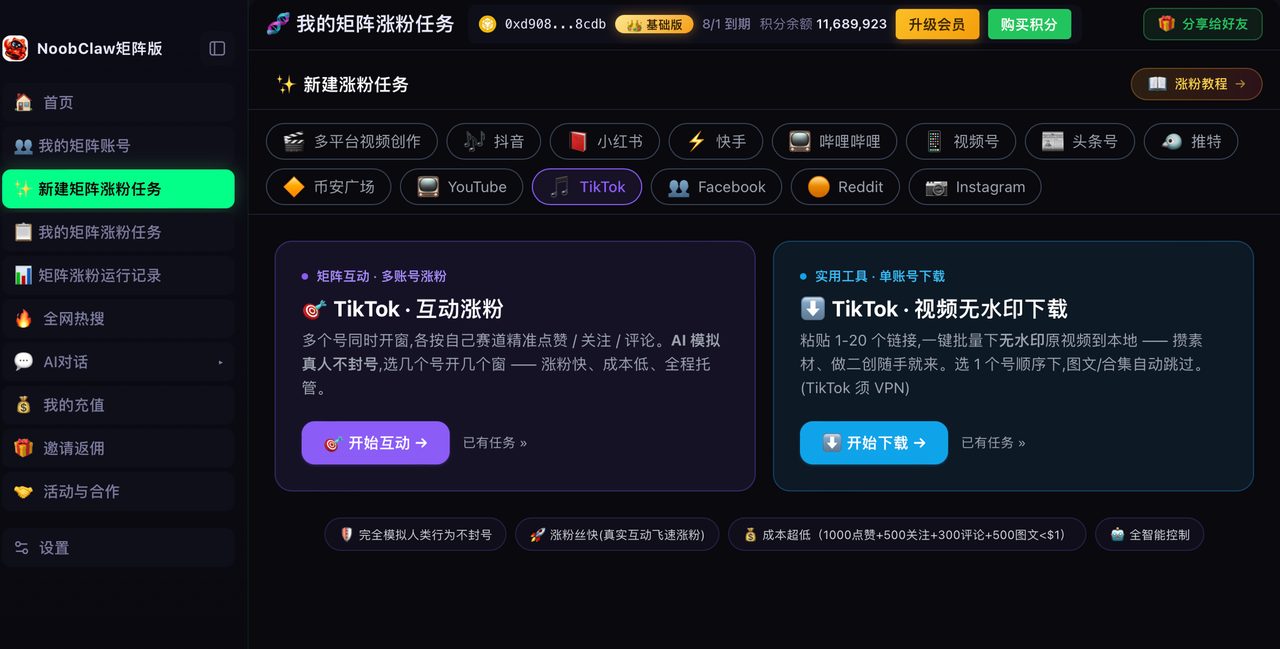
If you are running several accounts and the naming scheme is the actual problem — three handles that look nothing like each other, or worse, three that look like clones of each other — that is a structural decision, not a naming one. The constraint on multiple accounts was never the count, and deciding how many surfaces you actually need is a better use of the next 26 days than refreshing the username field.
FAQ
Is there any legitimate way to change my TikTok username early?
No published one. There is no setting, no support request path advertised for this, and no client-side manipulation that reaches the server-side timestamp. Some people report the counter behaving unpredictably around edge cases, but "sometimes it glitches" is not a method. Plan for the full wait and be pleasantly surprised if the field opens sooner — and in the meantime the display name is unrestricted, which covers most of what people actually want.
Will changing my username hurt my reach or get me flagged?
There is no official statement tying a username change to distribution, and the volume of contradictory claims online is itself evidence that nobody knows. What does have a real mechanism is the link breakage described above — a drop in traffic after a handle change is much more plausibly people failing to find you than an algorithm punishing you. This is the same reasoning we applied to the Chinese-platform version of this question, where a single action had been assigned seven different mutually exclusive consequences.
Can I get my old username back after changing it?
Only if nobody else takes it, and only after your next cooldown expires — so realistically you are looking at another 30 days minimum, with no guarantee the handle is still free. This is why the "change it and see how it feels" approach is a bad idea. Decide, verify availability, migrate your links, then change once.