
How to Bulk Post on Instagram: Methods and Publishing Limits
- Four routes exist and they hit different walls: native scheduling, third-party schedulers, direct API, and disciplined manual batching.
- Rate limits belong to your account, not to your tool. Switching schedulers does not raise the ceiling.
- The most common surprise is audio: the library available through the API is not the same one you see inside the app.
- Bulk posting solves a time problem. If your real problem is producing enough distinct content, no bulk method touches it.
You have thirty pieces of content sitting in a folder and no intention of opening the app thirty times. Reasonable. Here are the four ways to do this, and the wall each one runs into.
Method 1: Instagram's native scheduling
Instagram now schedules posts and reels natively, at no cost, from the app and from the professional dashboard. For most people this is the right starting point and it is routinely overlooked because it does not appear in tool comparison articles.
What it does well: full access to everything the app has, including audio the API cannot reach. No token to break. No third party holding a session.
Where it stops: it is one account at a time, and the queue interface is not built for loading thirty items in one sitting. Fine for a week of content; tedious for a month.
Worth reading before you pay for anything: Instagram schedules natively for free now — so what are you paying schedulers for?
Method 2: Third-party schedulers
The category everyone thinks of. Load a batch via CSV or a bulk uploader, map captions, set times, publish.
What it does well: genuinely bulk. Multiple accounts in one calendar. Approval flows if you work with a team.
Where it stops — and this is the one that catches people: the scheduler publishes through Instagram's official API, and the API does not expose everything the app does. The clearest example is audio. The audio library your scheduler sees is not the one in the app, and this is why scheduled reels sometimes arrive silent or with the wrong track. Related: why a scheduled reel loses its audio, and the five things to check.
Your scheduler is not lying to you about what is available. It is showing you what the API shows it — which is a smaller world than the app.
Method 3: The Instagram API directly
For developers or teams running their own pipeline. You register a developer app, get approved, and publish programmatically — or wire it into a workflow engine.
What it does well: complete control, no per-seat fee, integrates with whatever else you are running.
Where it stops: the approval process is a real gate, tokens expire, and you inherit every API limitation including the audio one above. You have also just made yourself responsible for maintaining a publishing pipeline. That is a fine trade if you were going to build the surrounding workflow anyway, and a bad one if you only wanted to save twenty minutes a day.
Method 4: Manual batching (the one nobody sells)
Produce a week's content in one session. Write all captions in one document. Then post from the list at set times, from the app.
What it does well: zero tools, zero limits, full app access. The efficiency gain from batching production is larger than the gain from automating publication, and almost nobody measures it.
Where it stops: your discipline, at roughly three to five accounts.
The limit that applies no matter which method you pick
Here is the part that surprises people who switch tools looking for more headroom: the rate limits belong to your account, not to the tool. Posting frequency ceilings, action limits, and temporary blocks are enforced at the account level. A different scheduler does not get you a different allowance.
Two things follow:
- Every specific limit number you found online is someone's guess — Instagram does not publish them, and they appear to vary by account age and history.
- New accounts get less headroom than established ones. New accounts play by different limits, which is why a bulk strategy that works on a three-year-old account gets a fresh one blocked in a day.
There is also a policy dimension worth knowing. Meta's spam rule covers posting "manually or automatically" — which means the volume matters more than whether a tool did it. Bulk scheduling a reasonable cadence is fine. Bulk scheduling forty posts a day is a pattern regardless of how they were queued.
The question to ask before choosing a method
Bulk posting solves a time problem: you have the content, and moving it into the app is tedious. It is a good problem to have and every method above solves it.
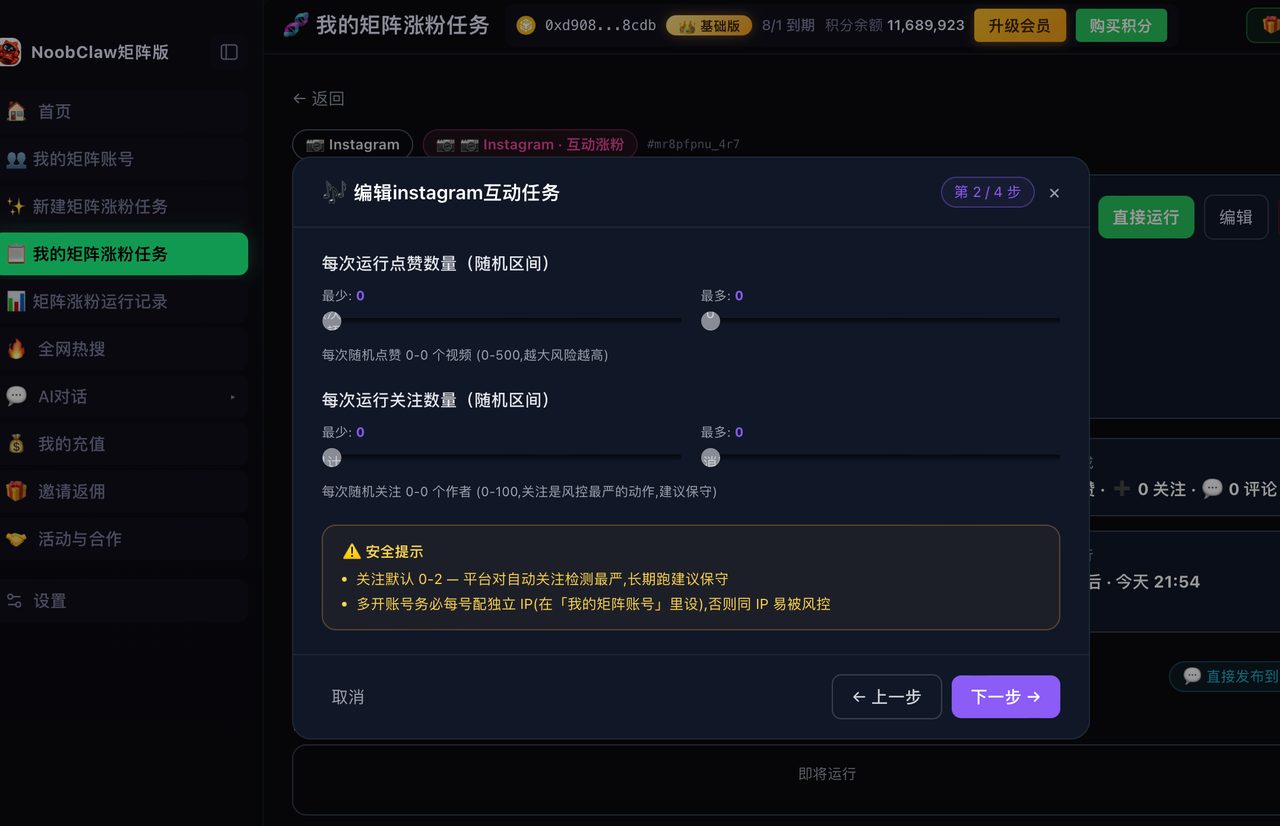
It does not solve a content problem. If you run six accounts and each needs different posts, a bulk uploader gives you a very efficient way to distribute content you have not written yet. That is a different category of product entirely — one where each account generates its own material from its own niche and persona rather than receiving copies. Local multi-account tools like NoobClaw sit there: accounts run in their own browser profiles on your own machine, produce their own posts, and publish on randomized intervals rather than a single queued clock. Which matters here for a second reason — posting the same reel to multiple accounts has its own rule, and bulk tools make it very easy to do accidentally.
A pre-flight checklist for any bulk batch
Run this before you queue thirty items, not after you discover the problem thirty times:
- Audio. For every reel in the batch, confirm the track is available through whatever route you are publishing by. If it is not, either swap the track or post that one natively. This single check prevents the most common bulk failure.
- Aspect and safe zone. Confirm on-screen text is not sitting where the interface will cover it. Build the template once; check the batch against it.
- Cadence. Spread the batch across days at a rate you could plausibly sustain by hand. A month of content published over a month is invisible; a month of content published over two days is a spike.
- Cross-account duplication. If the batch touches more than one account, verify no two accounts are receiving the same asset in the same window. This is the failure bulk tools make effortless.
- First-comment and alt text. Both are commonly dropped when content is queued in bulk, and both are free surfaces you are otherwise paying attention for.
- A spot check after publish. Open the account and look at the first two items that actually went out. Scheduled posts fail quietly, and quiet failures compound across a batch.
Six checks, five minutes, and they catch nearly every bulk-posting problem people write forum posts about a week later.
FAQ
How many posts can I schedule on Instagram at once?
Native scheduling and third-party tools have their own queue sizes, but the binding constraint is the account-level posting rate, which Instagram does not publish and which varies by account. The practical guidance: a cadence a person could plausibly sustain is safe; a spike is a pattern, however it was queued.
Why did my scheduled reel post without audio?
Usually because the track was not available through the API even though you can see it in the app. This is the single most common failure in scheduled reels. The five things to check are here.
Can I bulk post to multiple Instagram accounts at once?
Technically yes with most schedulers. Whether you should publish identical content to several accounts in the same minute is a separate question, and the answer is generally no — simultaneous identical posting is one of the clearer signals that a set of accounts is one operation. Stagger the timing and vary the content.