
TikTok Keyword Research Tools: The Free Ones Are Fine — You Are Using Them at the Wrong Step
- There are four real sources of TikTok keyword data, and three of them are free and built into the app.
- Most people run keyword research last, after the video exists. Done there, it can only change the caption — which is the least powerful place it could act.
- Search Insights inside TikTok's Creator Search Insights surface tells you what people search but not how hard the term is. Divide interest by supply, not interest alone.
- The highest-leverage move is picking the term before you script, so the video answers the query instead of merely mentioning it.
You searched for a TikTok keyword research tool because you have been told TikTok is a search engine now. That framing is right, and the tools people recommend for it are mostly fine.
The reason keyword research usually fails to move anything is not the tool. It is that you are running it at the last step, when the only thing left to change is the caption.
The four sources of TikTok keyword data
Everything on the market draws from these, in some combination:
| Source | Cost | Best at | Blind to |
|---|---|---|---|
| TikTok search autocomplete | Free, in-app | Real phrasing people type | Volume, difficulty |
| Creator search insights | Free, in-app | Demand signals inside your niche | Competition depth |
| Your own Search Performance data | Free, in-app | Terms already sending you views | Terms you have never touched |
| Third-party keyword tools | Paid, mostly | Scale, export, tracking over time | Only as fresh as their crawl |
The uncomfortable implication: three of the four are free and already on your phone. Paid tools buy you throughput and record-keeping, not access. If you publish a few times a week, throughput is not your constraint.
The one that is chronically underused is your own Search Performance data, because it is the only source that tells you what search is already doing for you — see how to read TikTok's Search Performance panel.
The metric nobody computes
Every tool shows you interest. Almost none show you supply, and supply is half the equation.
A term with heavy interest and thousands of strong videos already answering it is a bad target for a small account. A term with modest interest and almost nothing decent addressing it is where a small account can actually rank. The practical version of this is to search the term yourself and look at what the top results are: are they big accounts with polished production, or are they thin, old, or off-topic?
Interest divided by supply beats interest alone, every time. We wrote up the Chinese-platform version of the same arithmetic in a piece on search index tools, and the logic ports directly: a term is worth targeting when the demand is real and the answers are bad.
The sequence that actually changes views
Here is the reordering that does the work:
- Pick the term before you script. Not after. The term should determine what the video is about, not what the caption says.
- Say it out loud in the first few seconds. Spoken words are indexable, and the opening is where both viewers and the index are paying attention.
- Put it on screen as text. Overlay text is another readable surface.
- Answer the query, completely, in the video. If someone searching that phrase watches to the end and has their question answered, every signal you care about improves at once.
- Then write the caption. Last. It is the smallest lever, which is why it is the wrong place to start.
Step 4 is the one that converts search into growth rather than into impressions. Saves in particular carry weight in TikTok search, and saves happen when a video is a useful answer rather than a passing mention — see shares vs saves.
And do not overlook the name field: it is indexed, and most accounts leave it as a handle. Covered separately in the TikTok name field nobody optimizes.
What breaks at multi-account scale
One account, a handful of terms — the in-app tools are enough and a spreadsheet holds the rest.
The failure mode appears with several accounts, and it is not a research problem. It is that everyone ends up chasing the same handful of high-interest terms, so your own accounts start competing with each other for the same query. You do not want five accounts ranking for one term; you want five accounts owning five adjacent terms.
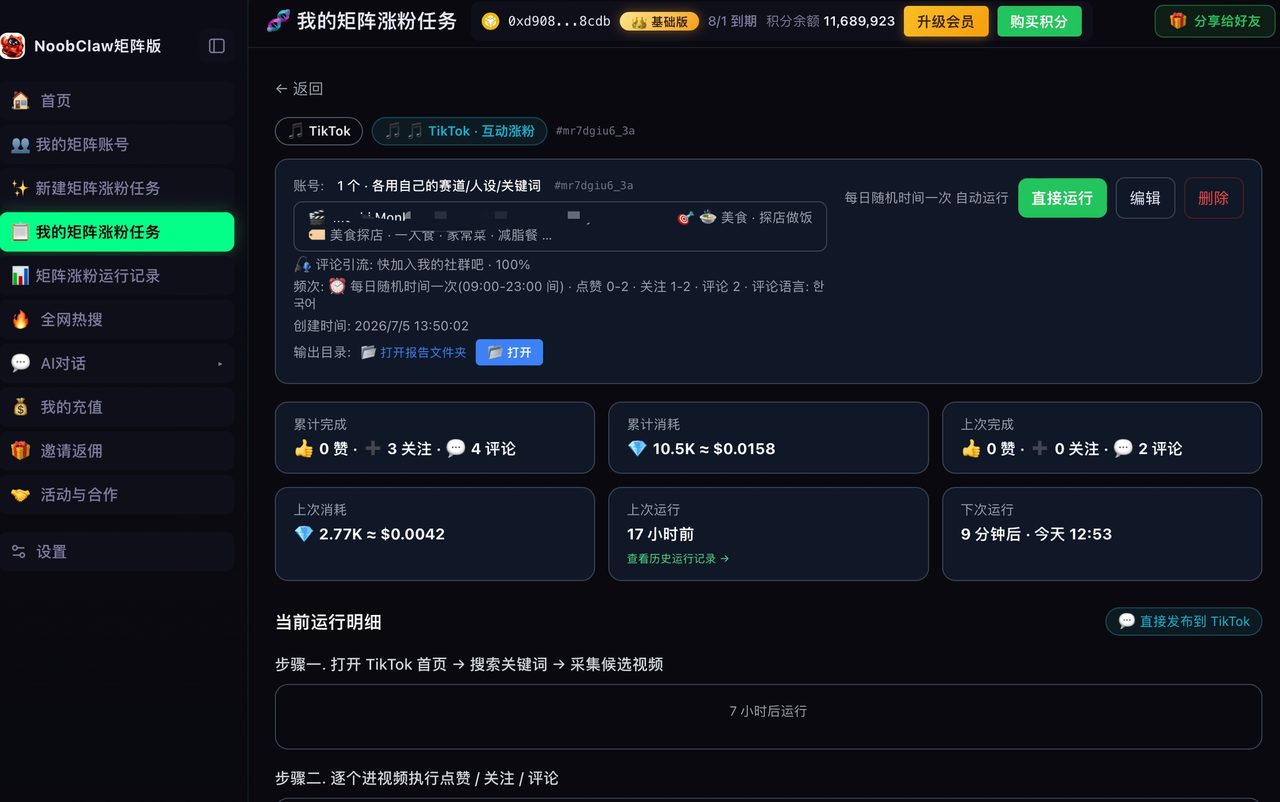
That is a keyword-allocation problem, and it is solved before content, not after. In practice it means each account holds its own niche and keyword set, and content is generated from that set rather than from a shared pool — which is how NoobClaw handles it, with per-account niche and keyword configuration driving what each account produces. The research itself is still yours to do: no tool knows which adjacent terms are worth owning in your specific market.
The one metric nobody computes, stated plainly
Everything above collapses into a single habit that costs nothing and that almost no one does:
Before you target a term, search it yourself and look at what is already answering it. Interest divided by supply beats interest alone, every single time.
What you are looking for on that results page is not competition in the abstract — it is whether the existing answers are any good. Three patterns tell you the term is takeable:
- The top results are old, and the topic has changed since;
- The top results are adjacent rather than on-topic, meaning the index is settling for approximations;
- The top results are large accounts covering it in passing, rather than anyone treating it as the subject.
Any of those means demand exists and the answer does not. That is the entire opportunity, and no paid dashboard surfaces it better than thirty seconds in the app — because the judgement involved is editorial, not statistical.
FAQ
Is there a free TikTok keyword research tool that is actually good?
Yes — TikTok's own. Autocomplete gives you real phrasing, the creator search surfaces give you demand signals in your niche, and your Search Performance data tells you which terms are already delivering. Paid tools earn their money on volume, export and historical tracking, which matter if you are managing many accounts and are close to irrelevant if you are managing one.
How many keywords should one video target?
One primary, with related phrasings appearing naturally. A video that tries to serve five queries answers none of them well enough to rank, and TikTok's index is matching on what the video is about, not on how many terms you managed to say. One question, answered completely, is the whole strategy.
Why are my videos showing up under keywords I never targeted?
Because the index reads the video — spoken words, on-screen text, visual subject — not just your caption. Irrelevant matches usually mean the video's actual subject is ambiguous, so the system guessed. The fix is to make the topic unmistakable in the first few seconds; we walk through the diagnosis in when TikTok matches you to the wrong search keywords.
The takeaway
Nobody needs a better TikTok keyword tool. The free ones expose the data that matters, and the paid ones mostly sell you a nicer table of the same thing.
What changes results is moving the research from the end of your workflow to the beginning. A keyword picked after the video exists can only decorate it. A keyword picked before it exists determines what it is — and only one of those two things ever shows up in your view count.