Bulk Upload Videos to Facebook: Methods and Requirements
- There is no batch flow in the Facebook app or on a personal profile. The bulk entry points and the planner live in Meta Business Suite and are Page-side features.
- File selection batches; captioning generally does not. Scheduling many posts in one sitting is fully supported and is what most people actually want.
- Prerequisites that trip people: you need a Page not a profile, Editor role or above, and per-file specs still apply — test one file end to end before queueing thirty.
- Posting one identical video across several Pages is mechanically easy and editorially bad: five Pages posting one file is one Page's worth of content with four extra distribution attempts.
Facebook is the one platform where "can I bulk upload" has a genuinely confusing answer, and the confusion has a specific cause: the feature exists, but not where you are looking for it.
If you are in the Facebook app, or on facebook.com posting as yourself, there is no batch flow and there never has been. The bulk entry points live in Meta Business Suite, they apply to Pages rather than personal profiles, and they behave differently from what most people picture when they say "bulk upload."
Three things people mean by this, and only two are possible
"Upload thirty video files in one action." This is closest to what Business Suite's bulk entry points offer for Pages. You select multiple files and then work through metadata for each. The selection is batched; the captioning generally is not. That gap disappoints a lot of people, so set the expectation now.
"Schedule thirty posts in one sitting." Fully supported, and this is the workflow most people actually want. Business Suite's planner lets you queue posts across Facebook and Instagram in one session.
"Post the same video to my ten Pages at once." This is the one to be careful about, and not for technical reasons — see below.
The reason "bulk upload to Facebook" produces contradictory answers online is that the three questions above have three different answers, and articles routinely answer one while their readers are asking another.
Where each platform actually put the batch button
Worth seeing side by side, because the differences are structural rather than arbitrary:
| Platform | Native bulk | Where | Applies to |
|---|---|---|---|
| YouTube | Yes — multi-select in the upload dialog | Studio | Any channel |
| Partial — bulk entry points plus a planner | Business Suite | Pages, not profiles | |
| Scheduling only | Business Suite | Professional accounts | |
| TikTok | Essentially none | — | — |
The pattern: platforms that grew up around long-form video treat batching as ordinary; platforms built around an in-app creation flow treat each post as a separate authored act. Facebook sits in the middle because its business tooling was built for advertisers and page managers, who have always needed to move in bulk, while its consumer surface never did.
This also predicts where the feature will keep living: in the business tools, gated behind having a Page. If your content is on a personal profile, no amount of searching will find it.
The prerequisites that trip people up
- You need a Page, not a profile. Bulk and scheduling tools are Page-side features.
- You need Business Suite access with the right role. Editor or above; contributor-level roles frequently cannot schedule.
- Video specs still apply per file. A batch does not relax length, aspect or size rules — it just fails thirty times instead of once if you got them wrong. Test one file end to end before you queue the rest.
- Cross-posting to Instagram is a separate switch and it does not always behave the way the interface implies.
The case worth pausing on: one video, many Pages
Business Suite can manage several Pages, so posting the same video across them is mechanically easy. Whether it is a good idea depends on something the tooling does not ask you about.
If your Pages are genuinely different entities — separate businesses, separate locations, separate audiences — identical content across them is not just a risk signal, it is a bad experience: the same video with the same caption on five Pages tells anyone who follows more than one of them that nobody is home. And distribution systems are measuring similarity, not effort. Five Pages posting one file is one Page's worth of content with four extra distribution attempts, and it tends to get treated accordingly.
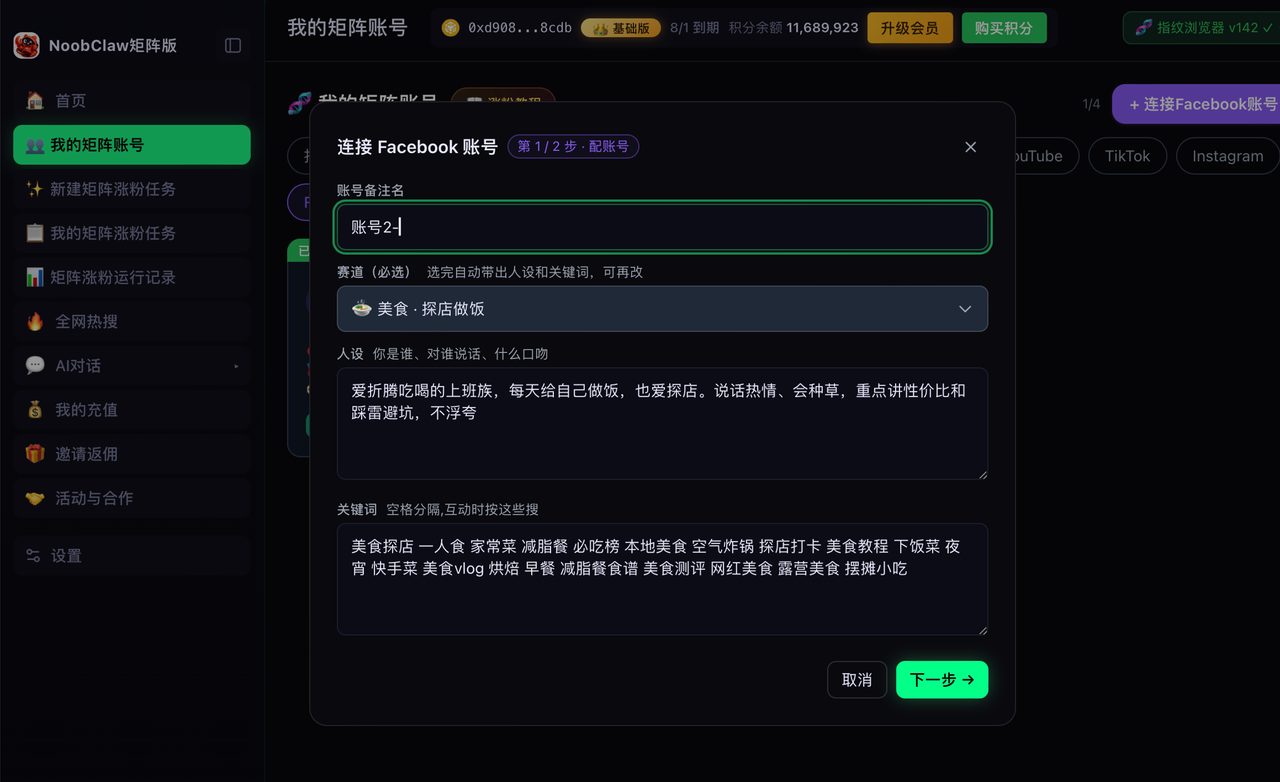
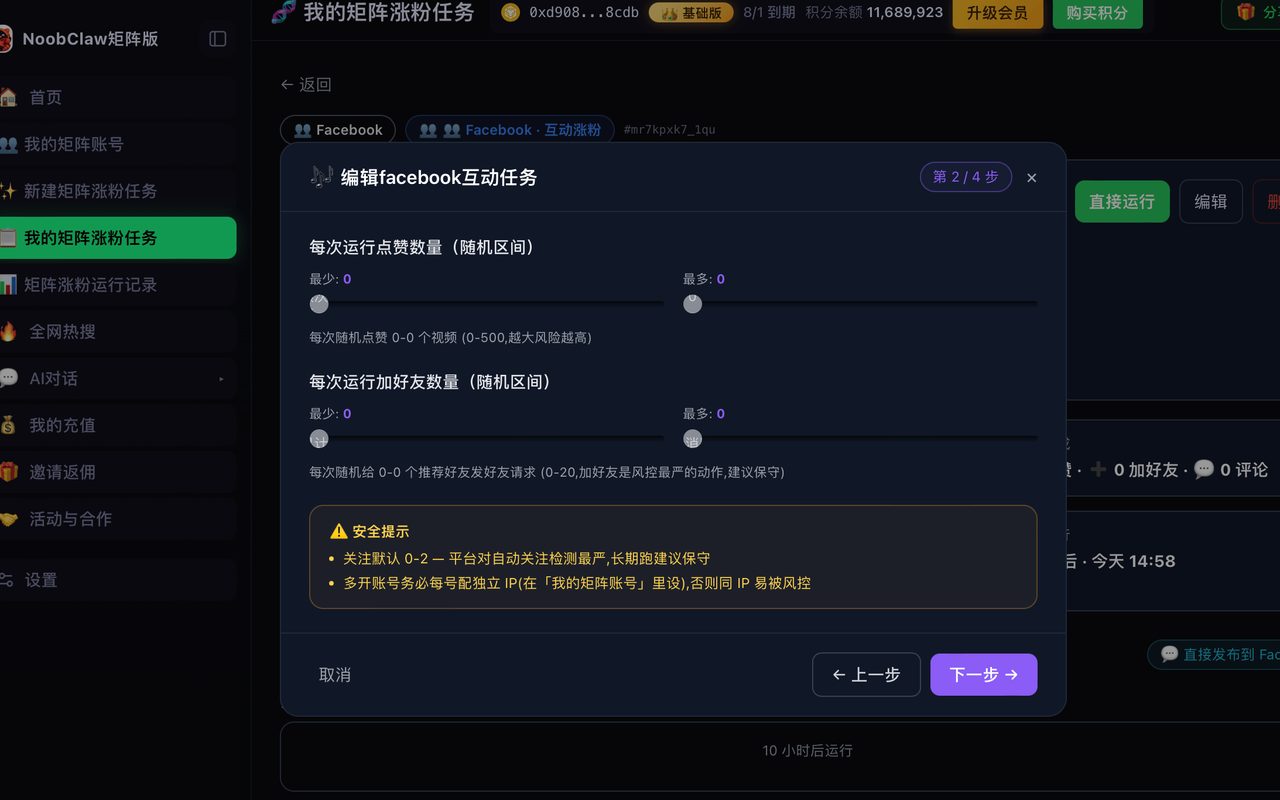
The fix is not technical, it is editorial: each Page needs its own angle on the same underlying material — a different opening, a different framing for that audience, a different call to action. That is real work, which is why the tools built for this case approach it from the content end rather than the upload end. NoobClaw, for instance, generates each account's copy from that account's own niche and persona instead of duplicating one post across the set, and runs each account in its own local browser environment at randomised intervals. The question to ask any multi-account tool: does it duplicate, or does it differentiate?
A workflow that holds up
- Prepare files and metadata offline first — filename, caption, thumbnail choice. The bottleneck is almost never the upload, it is deciding what to write.
- Test one complete post through Business Suite. Confirm the video rendered, the caption survived, and cross-posting did what you expected.
- Then batch the rest, with deliberately uneven spacing.
- Check the first few after they publish. Scheduled posts fail quietly more often than immediate ones do.
If Facebook is one of several destinations, the comparison worth reading is Best Tools to Post Shorts to Multiple Platforms, and Cross Posting to Multiple Social Media Platforms Will Not Get You Flagged covers what does and does not carry risk when the same content goes to several places.
FAQ
Can I bulk upload to a personal Facebook profile?
No. Bulk and scheduling live in the Page and business tooling. If your content is on a personal profile and volume matters to you, the actual answer is "convert to or create a Page" — not "find a better tool." No third-party product can add a capability the platform does not expose for profiles.
Why did my scheduled videos not publish?
The frequent causes are permission changes (your role on the Page changed), a token or connection expiring between scheduling and publishing, and a spec issue that only surfaces at processing time. Scheduled posts fail more quietly than manual ones, which is why the last step of any batch workflow should be going back to confirm the first few actually went out.
Does Meta Business Suite handle Instagram the same way?
Scheduling is shared, but Instagram's posting rules are stricter — professional account required, and certain formats and features are not available through scheduled posting at all. Plan the Instagram side around its constraints rather than assuming parity; a batch that works perfectly on Facebook can partially fail on Instagram for reasons that have nothing to do with the tool.