Free TikTok Editing Tools: Tasks and Feature Limits
- Editing is four jobs: cutting, captioning, sound, and packaging. Free covers three of them well.
- The job where free runs out is not quality — it is repetition at volume across multiple accounts.
- Watermarks and export limits are the visible constraints; the invisible one is how long each video takes you.
- Measure minutes per finished video before upgrading. If it is under 20, the editor is not your problem.
There is a specific kind of frustration behind the phrase free editing tools for tiktok. You are not asking whether free editors exist — you have used one. You are asking whether the thing slowing you down is the editor, and whether paying would fix it.
Usually it would not. Here is how to tell.
Editing is four jobs, not one
| Job | What it is | How free does |
|---|---|---|
| Cutting | Trimming, ordering, pacing | Excellent. This has been solved for years |
| Captioning | Auto-transcription, styled subtitles | Excellent. In-app and free editors both do it |
| Sound | Music, ducking, voiceover | Good, with a licensing caveat |
| Packaging | Covers, hooks, end cards, versions | Fine for one. Painful for twenty. |
Three of these four are genuinely solved at zero cost. Anyone telling you a paid editor cuts better is selling you something you already have.
The licensing caveat nobody reads
Sound deserves a paragraph because it is the one place where "free" has a legal dimension rather than a feature dimension.
Music inside TikTok's own library is licensed for use inside TikTok. The moment you export that video and post it elsewhere — YouTube Shorts, Instagram Reels, your own site — that licence does not travel with the file. This is the single most common way a perfectly legitimate creator ends up with a muted video or a claim on another platform.
If a video is going to more than one platform, its music has to be cleared for more than one platform. Editing tools do not warn you about this, because it is not their problem.
The clean solutions are public-domain or explicitly permissive tracks, or audio you generate yourself. Worth noting: many "royalty free" libraries permit use but prohibit redistributing the audio file itself — which matters if you are building a shared music library for a team.
Where free actually runs out: the twentieth video
Now the real answer. Free editors do not fail on quality. They fail on repetition.
Making one good vertical video in a free editor takes maybe 30–60 minutes once you know the tool. That is fine. Making twenty, each genuinely different, takes twenty times that — and no amount of editor polish changes the multiplier, because the work is not in the editor. It is in you deciding, twenty separate times, what this one says and how it opens.
This is why "upgrade to a paid editor" so often disappoints. You paid to remove a watermark and got a nicer timeline; the multiplier did not move.
The two visible limits, and what they are worth
- Watermarks. Worth removing if you post cross-platform, because a competitor's watermark on your video is a discovery signal working against you — several platforms demonstrably deprioritise recycled content carrying another app's branding. This is a genuine reason to pay, and it is cheap.
- Export resolution and length caps. Usually irrelevant for vertical short-form. If a free tool caps you at 1080p vertical, that is already above what most feeds serve.
Neither of these is about editing quality. Both are about distribution.
The job free editors genuinely cannot do
There is one capability worth naming precisely, because it is where people misdiagnose the problem most often: making twenty pieces that are different from each other on purpose.
This sounds like an editing task and is not. An editor helps you execute a decision. It does not make the decision, and the decision is the expensive part. Twenty videos means twenty opening hooks, twenty angles, twenty reasons a viewer should stay past the first second — and a timeline does not produce any of those.
This matters more than usual if you are running several accounts on one platform. There, "different" is not a quality preference; it is structural. Identical or near-identical videos arriving on several accounts is the cheapest thing a platform can detect, because it requires comparison rather than judgement. Duplicate first, and nothing downstream saves you.
Free editors fail at scale, not at quality. The multiplier lives in the deciding, and no timeline feature has ever reduced it.
So the question to ask before any upgrade is not "is this editor good enough" but "how many distinct pieces do I need per day, and where is that number coming from."
The measurement that settles it
Before upgrading anything, track this for a week: minutes from "I have the idea" to "it is published," per video. Then split that number into buckets — deciding, scripting, shooting or sourcing footage, editing, writing the caption, uploading.
- If editing is the biggest bucket → a better editor might genuinely help. Rare, but it happens.
- If deciding and scripting is the biggest bucket → an editor changes nothing. You need something upstream.
- If uploading and captioning across platforms is the biggest bucket → you need a publishing tool, not an editor.
In our experience the second bucket wins by a wide margin, and it is the one nobody sells an obvious product for.
What upstream tooling looks like
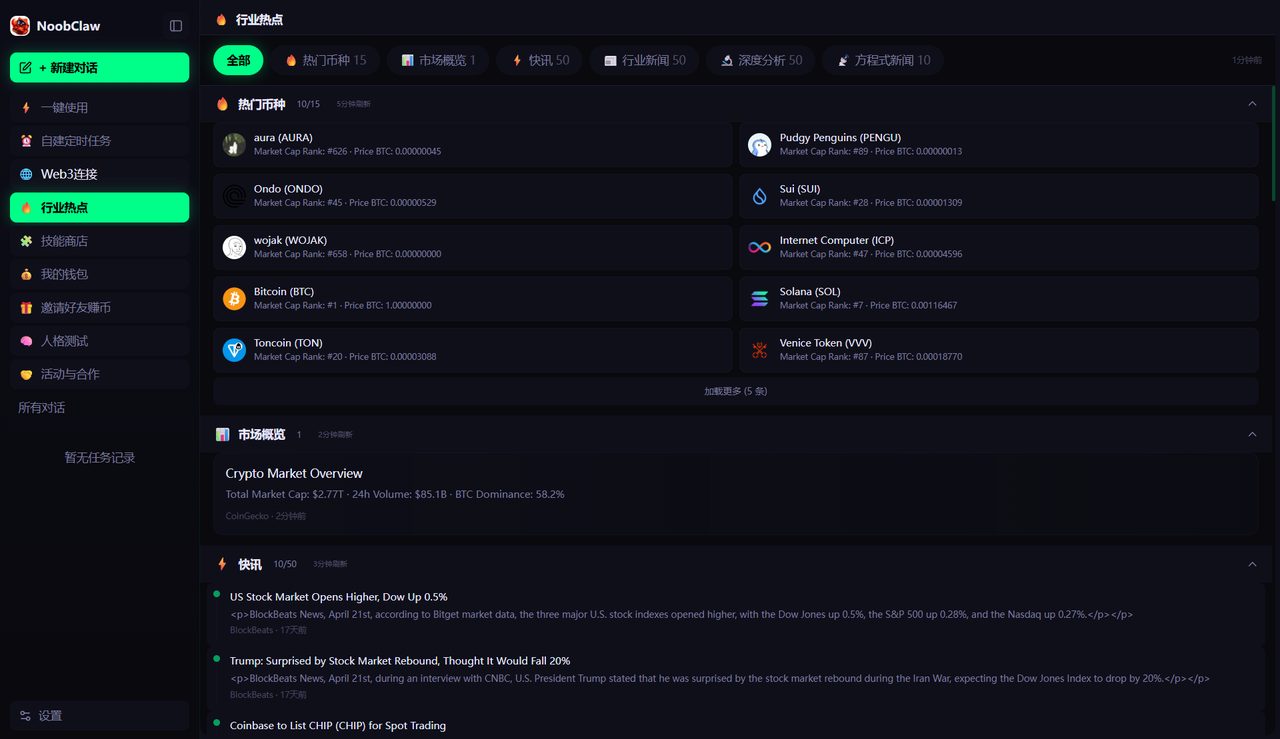
If your bottleneck is the deciding-and-scripting bucket, the tool category you want collapses several steps into one configuration rather than making any single step nicer. Practically: topic in, and out comes a script, a voiceover, matched footage, burned-in subtitles and a caption — with the version differences handled by configuration rather than by you doing it again.
NoobClaw's video side works this way across several engines — trending-topic pieces that fetch source material before writing, stock-footage videos from a topic, template motion graphics, local-footage remixes, and translated re-voicing of an existing video. Each account generates from its own niche and persona, so twenty outputs are twenty different pieces rather than one piece twenty times. It is not an editor and will not replace one when you want hand-crafted work — it addresses the multiplier, not the craft.
FAQ
Is CapCut still free?
It has a free tier with a paid upgrade, and the specifics of what sits behind the paywall change. Rather than trusting any article's snapshot, open the app and check what your intended export path costs today — particularly watermark removal and any cloud features. The general point stands regardless of the vendor: cutting and captioning are commodity capabilities now.
Can I edit TikToks entirely in the app?
Yes, and for a single video it is often the fastest route — the in-app editor has captions, sounds, effects and text. Its weakness is versioning: producing several variants of the same idea is awkward, and nothing is reusable between them. That is exactly the multiplier problem described above.
Do I need a paid editor to remove a watermark?
Not necessarily — the cleanest approach is to avoid acquiring one in the first place by exporting from your own project rather than re-downloading a published video. If you are recycling your own posted content across platforms, get the original file out of your editor rather than pulling it back down from the app. We covered the cross-platform consequences in this piece on what platforms actually penalise.