GoLogin vs AdsPower: Plans, Profiles and Workflow Fit
- Fetched 2026-09-17: GoLogin publishes full per-profile pricing ($9 for 10 profiles up to $279 for 2,000). AdsPower's pricing page rendered plan names, profile counts and discount badges but no dollar
- AdsPower meters the Local API by tier: no API on Free, then 120 / 300 / 600 requests per minute on Professional / Business / Enterprise. GoLogin publishes 300 / 500 / 800 / 1,200 RPM.
- Free tiers: AdsPower 2 profiles with no Local API; GoLogin 3 profiles with no sharing and no team members.
- Neither tool touches the behaviour or content layer, which is where multi-account setups usually fail.
Here is a comparison that broke in an interesting way. We fetched both pricing pages this morning to build a per-profile table. GoLogin handed over every number down to the 100,000-profile tier. AdsPower's page rendered plan names, profile counts, a "50% Off Annual Sale" banner and two discount badges — and not a single dollar amount. The price fields were empty; one tier simply reads "annually" with nothing in front of it.
That is not a reason to skip the GoLogin vs AdsPower question. It is the answer to a different question: what can you actually verify about these two before you hand over a card?
What each page tells you on 2026-09-17
Sources, both fetched today: gologin.com/pricing and adspower.com/pricing.
| GoLogin | AdsPower | |
|---|---|---|
| Prices on the public page | Yes, every tier | Not rendered (names, profile counts and discounts only) |
| Free tier | 3 profiles, no profile sharing, no team members | 2 profiles, 0 members, 1 super-administrator, no Local API |
| Paid ladder | 10 / 25 / 50 / 100, then 300 / 500, then 1,000, then 2,000-100,000 | Professional 10 / 20 / 50 / 100; Business (count not shown); Enterprise 5,000+, price on request |
| Discounts | Annual billing = exactly half the monthly rate | Quarterly -15%, annual up to -50% |
| API | REST API 300 / 500 / 800 / 1,200 RPM by tier | Local API: none on Free, then 120 / 300 / 600 requests per minute |
GoLogin's published monthly ladder, for the record: $9 / $19 / $29 / $39 for 10 / 25 / 50 / 100 profiles, $99 / $139 for 300 / 500, $179 for 1,000 and $279 for 2,000 — which is $0.90 down to $0.14 per profile per month, halved again on annual billing. Every paid tier also includes 2 GB of resident proxy, extra members cost $10 per month each, and concurrent cloud launches are capped at 1 / 2 / 3 / 4.
For AdsPower we will follow our own rule: a number that did not render does not go in a table. Third-party listicles will happily quote you a figure; those pages are frequently written by the vendors or their affiliates, and a price you cannot see on the vendor's own page today is a price you should confirm in the app's cost centre before budgeting.
A pricing page that will not show you a price is not hiding a bad deal. It is telling you the deal is assembled after you log in — so do that before you plan a year around it.
The gate AdsPower does publish: how fast, not how many
AdsPower's feature table spells out something almost nobody compares. The Local API — the thing you drive Selenium, Puppeteer or Playwright with — is absent on Free and rate-limited by tier: 120 requests per minute on Professional, 300 on Business, 600 on Enterprise.
Read that as a category insight rather than a spec. Most limits in this market answer "how much can you own" (profiles, seats, members). This one answers "how fast can you use what you own". You can hold 100 profiles and still be throttled, because bulk-opening windows, rotating fingerprints and pulling cookies all travel down the same pipe.
GoLogin's equivalent ceiling starts higher — 300 RPM on its entry tier, the same as AdsPower's mid tier — and climbs to 1,200. If your workload is bursty (open 200 profiles, do one action, close), the requests-per-minute number will decide your experience long before the per-profile price does.
It is also worth noticing what this limit implies about the buyer. A vendor only meters request rate when a meaningful share of its customers are driving the product with code rather than clicking through it. In other words, both companies know you are automating; one of them has decided to charge you for the speed of it. That reframes the annual-discount banner too: paying more does not get you more accounts to post from, and it does not get you more content. It gets you the same work, finished sooner.
One correction worth recording, because it is easy to get wrong: on a multi-column feature table, the API row has one fewer value than there are columns, since the Free column carries a cross rather than a number. Read the crosses, not the positions — 120 belongs to Professional, not to Free.
What neither of them buys you
Both products solve the same layer, and they solve it well: environment isolation. Separate fingerprints, separate cookie jars, separate proxies, so two accounts do not look like one device.
Underneath that sit two layers no browser touches:
- Behaviour. Twenty profiles that each like eight videos in a tidy sixty-second rhythm are twenty profiles with one operator's heartbeat. Isolation does not hide cadence.
- Content. Twenty accounts posting the same caption with the same hashtags are a template, and templates are legible from the platform's side regardless of fingerprints.
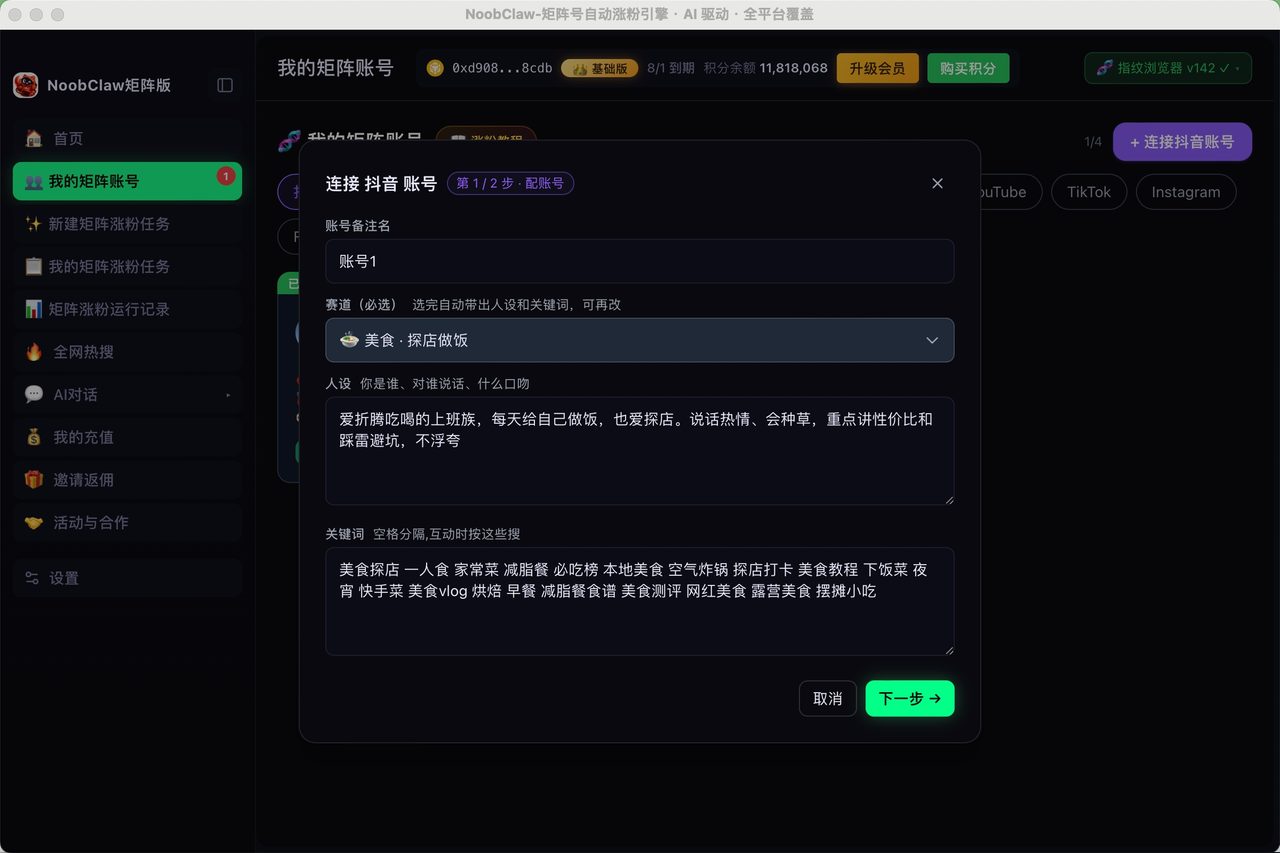
This is why people who did everything right on the browser layer still lose accounts, and it is the honest limit of this whole product category. If the second and third layers are your actual problem, the tool you need sits above the browser: NoobClaw, for example, ships a fingerprint kernel plus randomised human-paced intervals and per-account content generated from each account's own niche and persona, running in your local browser under your own logins. If your problem really is just isolation, an antidetect browser is the cheaper answer and you should buy one.
Picking one, in six checks
- Do you need a number before you sign up? Only one of these gives you one today. That alone settles a lot of procurement.
- Write your peak requests per minute. Under 120, both work. Over 300, AdsPower Professional throttles first.
- Count members. AdsPower's Free tier is 1 super-administrator and 0 members; GoLogin charges $10 per extra member. Team pricing is nobody's headline number.
- Trial honestly. Two free profiles (AdsPower) or three (GoLogin) is enough to test fingerprints and proxies, not enough to test a workflow.
- Price annual only after you see monthly. "Up to 50% off" is a range; a clean halving is a rule.
- Decide who owns behaviour and content before you scale past a handful of accounts.
Related reading: Multilogin vs AdsPower takes the same two-gate approach to a different pair, what is an antidetect browser covers the mechanics, and comparing antidetect browsers for a TikTok matrix covers what happens after isolation is solved.
FAQ
Why can I not see AdsPower's prices?
On 2026-09-17 the public pricing page rendered plan names, profile counts (Free 2; Professional 10 / 20 / 50 / 100; Enterprise 5,000+), the quarterly -15% and annual up-to-50% badges, and the API rate limits — but the amount fields came back empty, with one tier reading "annually" and no figure. The page also routes larger plans to "contact us" and "price upon request". Check the live page or the in-app cost centre for your own numbers.
Is AdsPower's 120 requests per minute limit on the free plan?
No. The free column is marked as not included for the Local API. The published rates are 120 per minute on Professional, 300 on Business and 600 on Enterprise. Any summary that assigns 120 to Free has shifted the row by one column.
Which is better for a 50-account social media matrix?
For pure isolation at 50 profiles, GoLogin's published $29 per month ($14.50 annual) is a known quantity and its 300+ RPM covers most bulk jobs; AdsPower's equivalent needs confirming in the app. But for a social matrix specifically, the browser is the cheap part. Budget separately for proxies, for content that differs per account, and for pacing that does not look scripted.