
Instagram Audio in Schedulers: Why Some Tracks Are Missing
- The audio a third-party scheduler can attach is a subset of what you see in the Instagram app: only tracks explicitly cleared for third-party distribution are returned by the API.
- That is why two things people say are both true: 'schedulers can add native audio now' and 'the API does not give access to the music library'. They are describing different halves of the same boundar
- The practical split: original audio and cleared Music tracks are usually available; the trending commercial track you saw this morning usually is not.
- If a specific sound is the whole point of the post, schedule everything else and publish that one manually. Do not switch tools over it — no tool has the wider library.
You picked a sound. You built the Reel around it. You dropped it into your scheduler and the audio picker either came up empty, or came up with a library that looked nothing like the one on your phone.
Then you went looking for an answer and found two of them, both stated with total confidence:
- "Third-party tools can attach native Instagram audio to scheduled Reels now."
- "Instagram's API does not give third parties access to the music library."
Both are true. They are describing different halves of the same boundary, and once you see where the line actually falls, the whole thing stops being mysterious.
The library is not one library
The audio you see inside the Instagram app is governed by consumer-facing licensing terms — the rights that let a person use a commercial track in their own personal post. Those terms are between the platform and you, as a user of the app.
The audio a publishing API can hand to a third-party tool is governed by something narrower: tracks whose licensing explicitly permits distribution through third-party software. That is a much smaller pool, and it has to be, because a scheduler is a different distribution channel with different rights implications.
So the accurate sentence is neither of the two above. It is this:
The scheduler is not missing a feature. It is showing you the honest subset — the tracks that are actually cleared for the path the post is taking.
In practice, tool help centres describe it exactly this way: they surface only the audio Instagram authorises for third-party use. That phrasing is doing a lot of work, and it is worth reading twice.
What is usually in, and what is usually out
Usually available through third-party tools:
- Original Audio — audio published by users in public Reels. This is the largest practically-usable pool, and it is the one most people overlook.
- Cleared Music tracks — catalogue tracks whose licensing explicitly covers third-party distribution.
Usually not available:
- The trending commercial track that is currently everywhere. Those are the most restrictively licensed by definition — popularity and licensing tightness move together.
- Anything region-locked away from your account's market.
There is a second gate on top of the licensing one: access typically requires an eligible account connected through Facebook Login. If your connection is stale or was made with the wrong account type, the picker can look empty for reasons that have nothing to do with licensing.
Note also that library access has widened on the consumer side — since March 2026 scheduling, insights and trending audio became available to all public accounts, not just Professional ones, though full-catalogue access still varies by account type. We covered that shift in Instagram's native scheduling versus paid tools.
How the tools compare — and why the differences are smaller than they look
Vendors market audio support as a differentiator. It mostly is not, and knowing that saves you a migration.
| What a tool can vary | Can it beat the others? |
|---|---|
| Which cleared tracks it exposes | No. Everyone reads the same authorised pool. |
| Whether it exposes audio at all | Yes. Some have not built the picker. |
| Search and preview quality inside that pool | Yes. This is the real difference. |
| Graceful failure when a track is unavailable | Yes, and it matters more than the picker. |
| Access to the full in-app trending library | No tool has this. Treat any claim otherwise as a red flag. |
So the buying question is not "which tool has more music". It is "which tool tells me clearly, before publish time, that the track I chose will not survive". Silent failure at 7am is the actual cost.
Planning around the gap instead of fighting it
Three approaches, in order of how much of your workflow they preserve:
- Split your calendar by audio dependency. Posts where the sound is decoration get fully scheduled. Posts where the sound is the joke get scheduled as drafts with a push reminder, and you tap publish from the phone. Everything upstream — writing, approvals, asset prep, queue order — stays automated.
- Lean on Original Audio deliberately. Your own voiceover published as original audio is fully yours, fully schedulable, and it compounds: other people can use it, which is a distribution channel commercial tracks never give you.
- Stop treating trending sound as a growth strategy. It is a discovery tactic with a shelf life measured in days. If your entire plan collapses because one track is unavailable, the plan was fragile before the API had anything to do with it.
Where this fits if you run more than one account
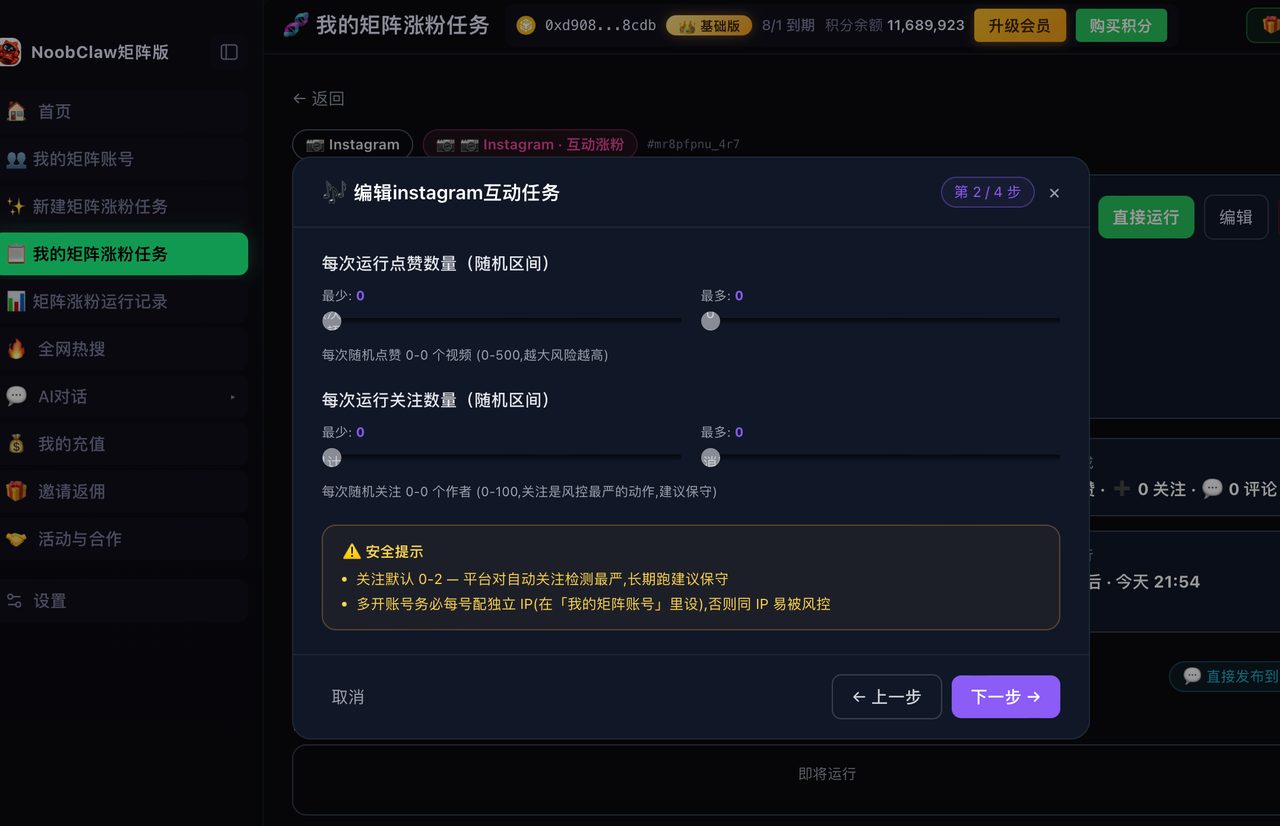
At one or two accounts, the manual-publish workaround costs you a few taps a week and you should absolutely just do it. At fifteen accounts across several platforms, "publish these six manually at the right moment" stops being a workaround and becomes a job.
That is the honest dividing line for tooling generally: automation earns its place when the number of repetitions makes the manual path unsustainable, not when a single step is mildly annoying. Tools like NoobClaw sit on the other side of that line — driving real browser sessions across many accounts so the per-account work does not scale linearly — but that architecture does not conjure licensing rights either. No approach gets you audio that Meta has not cleared.
A five-minute audit of your own audio exposure
Rather than reasoning about this in the abstract, measure how much of your calendar is actually at risk. Open the last twenty posts and sort them into three buckets:
- Sound-agnostic — any pleasant track works, and swapping it would change nothing about how the post lands. For most accounts this is the large majority, and every one of them is safe to fully automate.
- Sound-supported — you cut to the beat, or the track sets a mood the edit depends on. A substitute from the cleared pool works, but a silent publish would look wrong. These are automatable if your tool warns you on failure.
- Sound-dependent — the audio is the joke, the reference, or the trend participation. Nothing substitutes. These need manual publishing, full stop.
Most people discover the third bucket is far smaller than their anxiety suggested — often two or three posts out of twenty. That number is the real size of your problem, and it is usually a manageable one.
The audit is also worth repeating quarterly, because the mix drifts. Accounts that lean into trend participation during a growth push end up with a much larger third bucket than they had six months earlier, and the manual publishing load grows quietly alongside it until somebody notices they are tied to their phone every morning.
FAQ
Will the third-party library get bigger over time?
Direction of travel suggests yes — the pool has widened rather than narrowed. But it is gated by music licensing negotiations, not by engineering, so it will always lag the in-app library and will always vary by region. Plan for a permanent gap of unknown size, not a temporary one.
Can I add the audio after publishing instead?
Instagram has been rolling out a Replace Audio capability that lets you change the soundtrack on an already-published feed post or carousel without deleting it. That changes the shape of the workaround meaningfully — see what Replace Audio does and does not cover.
Is this why my scheduled Reel published silently?
Very likely. A track that was available at scheduling time but not at publish time is the single most common cause of a Reel going out with no audio. The failure mechanics and the fixes are in why your scheduled Reel lost its audio.
The frustrating version of this problem is thinking your tool is broken. The workable version is knowing exactly which posts are safe to automate — and that list is longer than you think.