
Instagram Now Schedules Natively for Free — So What Are You Still Paying a Tool For?
- Since March 1, 2026, scheduling, the insights dashboard, and trending audio are available to all public Instagram accounts — no Professional account required.
- Combined with the May 2026 API change that opened part of the audio library to third-party tools, the historic reason to pay for a scheduler — access to things the app wouldn't allow — has largely eva
- What paid tools still buy you is scale across accounts and platforms, plus content production. Native scheduling queues what you already made; it doesn't make anything.
- A useful test: count how many accounts and platforms you run. Below roughly three of each, native tools plus the app are hard to beat on value.
If you have been paying $15 a month so that you can schedule Instagram posts, there is a decent chance you are paying for something Instagram now gives you for free.
That's an uncomfortable sentence for a company that makes software in this space to write. But writing it is more useful than pretending otherwise, so here is the honest version.
What became free, and when
On March 1, 2026, Instagram made three previously Professional-only capabilities available to all public accounts:
- Scheduling — queue posts natively without a Professional (Creator or Business) account.
- Insights — the analytics dashboard.
- Trending audio — access to the sounds panel.
Then in May 2026, per third-party reporting, Meta opened part of Instagram's audio library to third-party publishing tools — so the one thing schedulers famously couldn't do (attach trending sound to a scheduled Reel) became possible too. The detail on that is in scheduling Reels with trending audio.
For a decade, tools sold access. The platform has been quietly taking access back and handing it to everyone — which means tools now have to sell something harder to fake.
When a paid tool still clearly earns it
Not everything collapsed. Four situations still favor a paid tool, and they have one thing in common: they are all about multiplication, not permission.
- More than one platform. Native scheduling schedules Instagram. It does not schedule TikTok, YouTube Shorts, Facebook, X, or anything else. The moment you're on three platforms, you're either using a tool or doing the same job three times.
- More than a couple of accounts. Native tools assume you are one person with one account. Everything about them — switching, notifications, insights — is built on that assumption, and it degrades fast.
- You need content produced, not just queued. This is the biggest gap and the least discussed. Native scheduling is a queue. It doesn't write anything, doesn't cut anything, doesn't caption anything. If your bottleneck is making the posts, a queue doesn't help.
- You need engagement, not just publishing. Replying to comments, responding to your own audience, keeping accounts alive between posts — none of that is scheduling.
Note what's not on that list: analytics, basic scheduling, audio access, and post previews. Those were the classic feature-list bullets, and they've stopped being differentiators.
When you should just use the app
Equally honest, in the other direction. If you run one or two accounts on one platform, native scheduling plus the app is now genuinely hard to beat. You'd be paying for a nicer calendar view.
A simple decision test, no vendor required:
| Your setup | Reasonable choice |
|---|---|
| 1–2 accounts, 1 platform | Native scheduling. Save the money. |
| 1–2 accounts, 3+ platforms | A cross-posting tool. Cheap tier is fine. |
| Many accounts, few platforms | Depends on billing shape — see below. |
| Many accounts, many platforms, content is the bottleneck | A production tool, not a scheduler. |
That third row is where people overpay most, because the cost of a tool is not one number — it depends on which variable your bill is attached to. Some tools charge per channel (so accounts are what get expensive), some charge per seat (so accounts are effectively free but people aren't). We broke the four shapes down in social media tool pricing models, and the per-seat case specifically in what Hootsuite's unlimited accounts actually cost.
Where NoobClaw sits, stated plainly
We are not a better calendar. If scheduling is your whole problem, Instagram just solved it for free and you should take the deal.
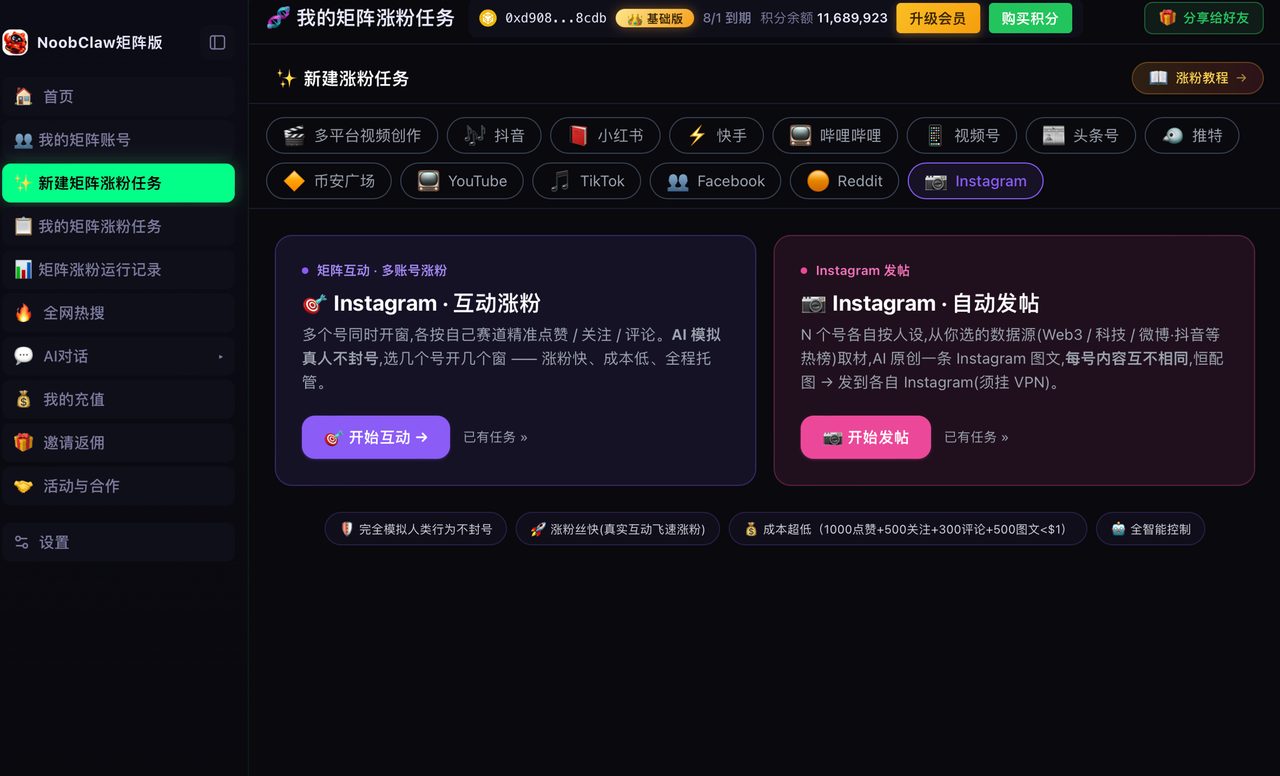
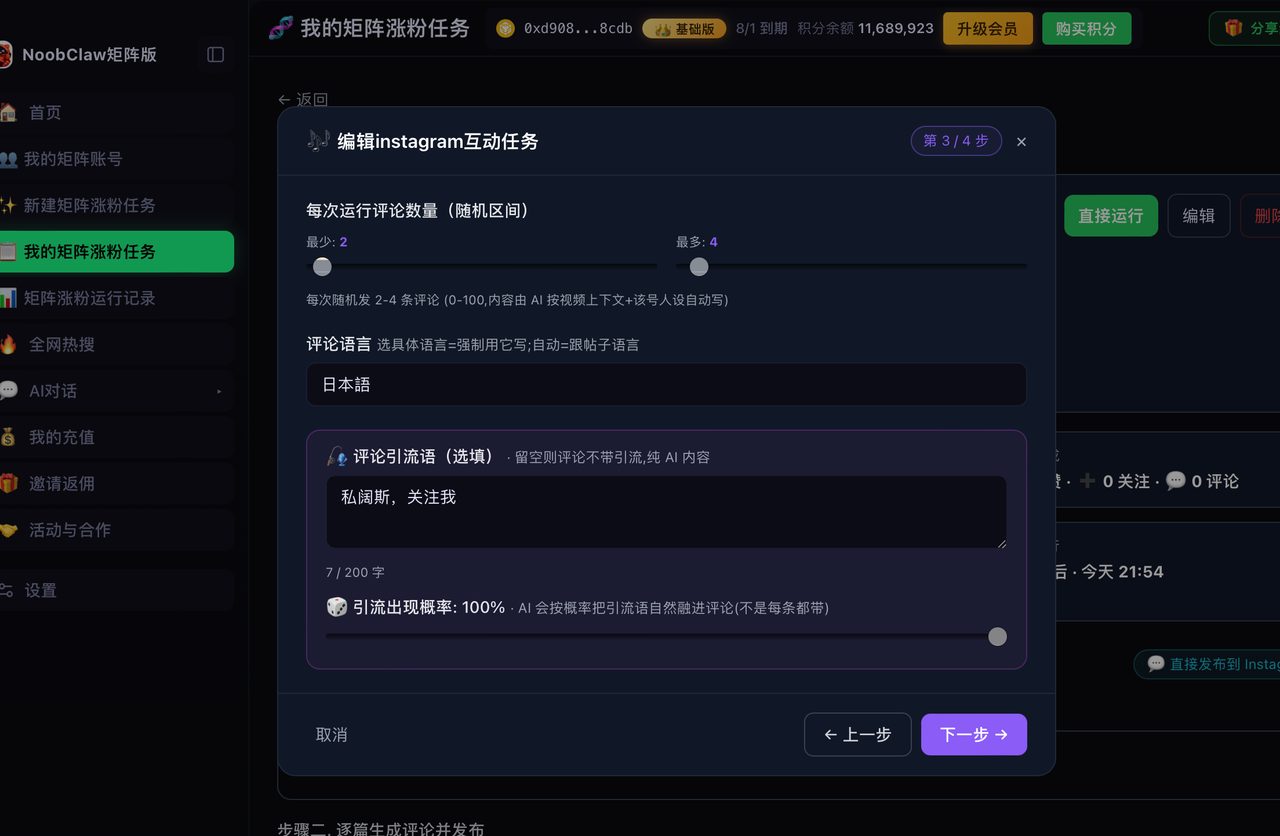
The category we're in is different: content production and human-paced engagement across many accounts — each account generating its own content from its own niche and persona rather than sharing one draft, running in its own local browser profile with its own fingerprint, logging into accounts you own rather than handing over passwords. That's a real category, but it's only worth anything if your bottleneck is production and account count. If it isn't, we're the wrong tool and a free native queue is the right one.
The three costs people forget to count
A subscription price is the easiest number to compare and the least useful one. Three other costs decide whether a tool is worth it, and none appear on a pricing page.
Switching cost. Every tool you adopt absorbs your calendar, your drafts, your asset library, and your habits. That is fine until you want to leave — at which point you discover the real price was never monthly. Before adopting anything, check whether you can export your scheduled queue and your media. If you can't, you're not buying a tool so much as renting a dependency.
Breakage cost. Platforms change their interfaces constantly. Any tool that publishes through the platform's own surfaces has to keep up, and the gap between a platform change and a vendor fix is time your posts don't go out. Ask a vendor how they ship fixes — if the answer involves an app-store release cycle, some fraction of your year will be spent on a broken tool.
Attention cost. A tool with fifty features you don't use is not free just because the plan is cheap. Every dashboard you check is a context switch, and context switching is the documented driver of multi-account fatigue rather than raw output volume.
Why free native tools keep expanding
It is worth understanding the incentive, because it predicts what happens next.
Platforms give away scheduling and analytics for the same reason they gave away Stories analytics and link stickers before: they want more content posted, more consistently, by more people. Every friction point between you and publishing is a post that didn't happen. Free tooling is not generosity — it is supply-side investment.
The practical forecast is that anything purely about getting a post from your head into the platform will eventually be free. Composition, scheduling, basic analytics, basic editing — all of it trends toward the app. What will not become free is anything the platform has no incentive to help with: managing many accounts at once, working across competing platforms, and producing volume the platform would rather you produce by hand.
That is the honest map. Buy tools for the second category, and let the platform pay for the first.
FAQ
Do I still need to switch to a Professional account?
Not for scheduling, insights, or the audio panel — those went to all public accounts in March 2026. Professional accounts still matter for some commerce and advertising features, and account types can differ in music library breadth. If you switched purely to get scheduling, that reason has expired.
Can native scheduling handle Reels with trending audio?
Native scheduling in-app has fewer restrictions than third-party tools by definition. The bigger change is on the third-party side, where the audio catalog opened up in May 2026 — with a smaller catalog than the app. Details in the audio API breakdown.
Is it worth keeping a paid tool just for analytics?
Rarely, now that native insights are free for public accounts. The exception is cross-platform reporting — comparing performance across four platforms in one view is something no native dashboard does. If you only care about Instagram numbers, the free dashboard covers it. For what those numbers should look like, see is my engagement rate actually bad.
The takeaway is uncomfortable but useful: audit your subscriptions against what the platform now does for free. Some of them will still be worth it. The ones that aren't have been coasting on a gate that opened in March.