Open Source Social Media Automation: Setup and Costs
- The main open-source options split into two groups: dedicated schedulers (Postiz, Mixpost) and general automation platforms people wire up themselves (n8n, Activepieces, Huginn).
- The hosting bill is genuinely small — a modest VPS. The real cost is registering developer apps on every platform you want to publish to, and maintaining them.
- Every one of these tools publishes through official platform APIs, which means they inherit every API restriction: rate limits, missing surfaces, and platforms with no write access at all.
- None of them generate materially different content per account. If your problem is "N accounts need N different posts," an open-source scheduler does not address it.
You did the math on Hootsuite for ten accounts, closed the tab, and typed "open source social media automation" into Google. Good instinct. The category is real, the projects are legitimate, and the hosting cost genuinely is a rounding error next to a per-seat SaaS bill.
Here is what the comparison posts leave out.
The landscape, honestly grouped
Group 1 — Dedicated self-hosted schedulers
- Postiz (Node.js, gitroomhq/postiz-app). The widest network list of the group, with API hooks. Actively developed, Docker deployment.
- Mixpost (Laravel, mixpost.app). The most polished interface of the three; a free Lite edition plus a paid Pro license with a one-time payment model rather than a subscription.
- SocioBoard and a long tail of older projects. Check the last commit date before you invest a weekend.
Group 2 — General automation platforms
n8n, Activepieces, Automatisch, Huginn. These are not social tools; they are workflow engines you assemble a social pipeline inside. Enormously flexible, and the flexibility is the point — you can pull an RSS feed, run it through a model, and publish the result. We wrote about where that pipeline tends to break: it is almost always the publishing step.
Group 3 — Specialists
PostyBirb for artists posting to art platforms, FediPlan for Mastodon, WordPress plugins for auto-sharing. Narrow, and often the best answer if your narrow case matches.
Open source removes the subscription. It does not remove the platform. Every restriction that made you unhappy with your paid tool is a restriction of the API, and it moves with you.
The bill nobody lists
The advertised cost is a VPS in the five-to-ten-dollars-a-month range. That number is accurate and also not the cost.
1. Developer apps on every platform
To publish through an official API, you now hold the developer app. That means going through each platform's developer registration, describing your use case, waiting for review, and managing keys. For some platforms this is a fifteen-minute form. For others it is a review process that can decline you. This is the single most common place self-hosting attempts die, and it happens before you have posted anything.
2. Ongoing maintenance
Tokens expire. APIs version. A platform changes an endpoint and your pipeline silently stops publishing — which you discover three days later. With a paid tool, that is the vendor's problem. Self-hosted, it is a recurring tax on your attention.
3. The surfaces the API does not expose
This is the one that surprises people most, because it is invisible until it bites. Official APIs do not expose everything the app does. Two concrete examples we have documented: the Instagram audio library your scheduler sees is not the one in the app, and trending audio access through the API came with specific conditions. If your content strategy depends on a surface the API omits, no amount of self-hosting recovers it.
The structural question: API or browser
Every tool in the list above publishes through an official API. That is a design choice with consequences, and it is worth naming it rather than discovering it:
- API route. Stable, documented, sanctioned. Limited to what the API exposes. Requires developer app approval. Some platforms simply have no public write API for the thing you want to do.
- Browser route. The tool drives a real browser session you are already logged into. Sees everything the app sees, because it is the app. Requires the session to live somewhere — and where it lives is the entire safety question.
Neither is universally right. We laid out the trade-off in full in API or browser: the automation question that decides everything else. The short version: if the platforms you care about have good write APIs, self-hosted open source is genuinely a strong answer. If they do not, no scheduler of any price will help.
The job none of these tools do
Here is the sharpest way to decide whether open source solves your problem. Ask what you are actually short of:
- "I have the posts, I need them to go out on schedule to many accounts." → An open-source scheduler is an excellent fit. Postiz or Mixpost, a small VPS, done.
- "I have N accounts and they each need different posts." → No scheduler solves this, open source or not. Schedulers move content; they do not originate differentiated content per account. You will still be writing N posts by hand.
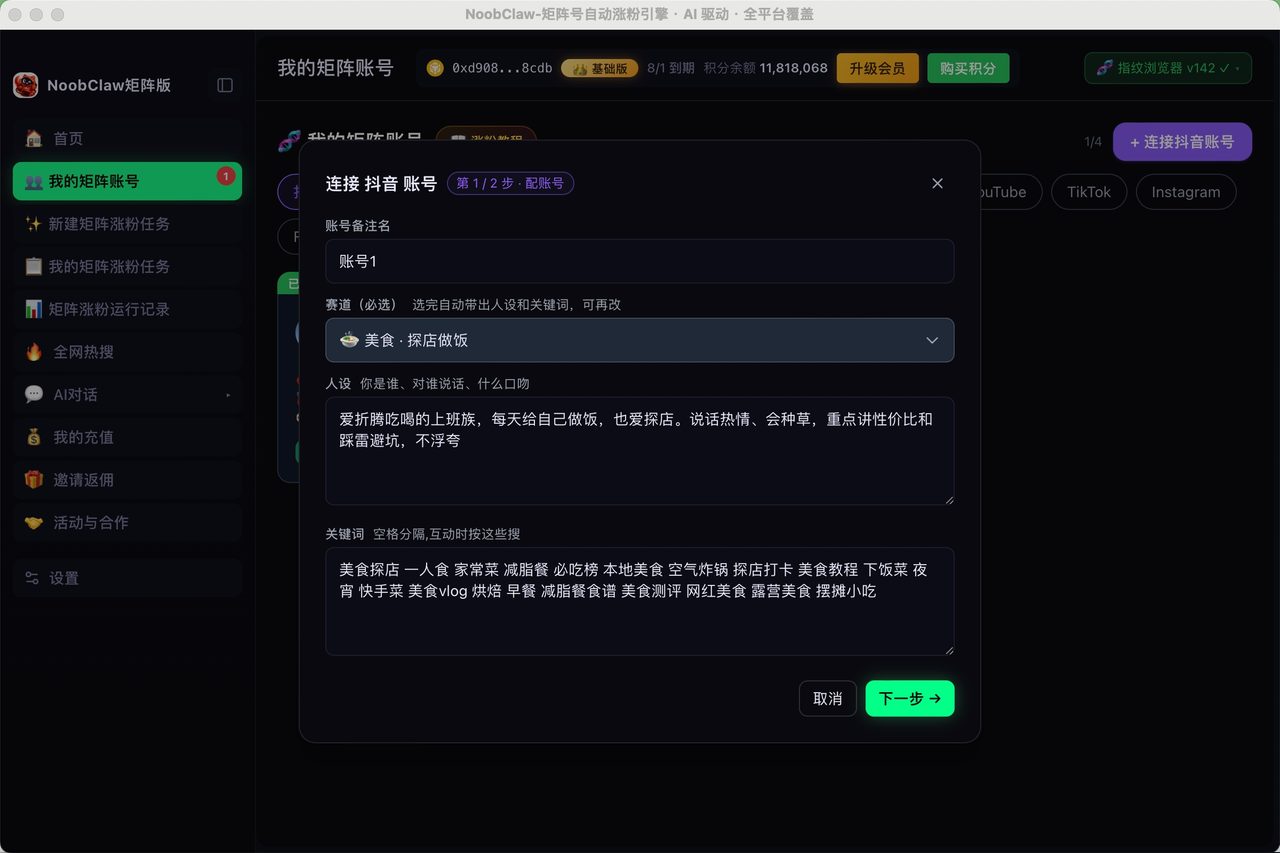
That second case is a different product category. It is where local multi-account tooling like NoobClaw sits: each account has its own niche, persona and keywords and generates its own content, runs in its own browser profile on your machine with its own fingerprint and route, and publishes on randomized intervals. It is not open source and it is not free — but it is answering the second question, not the first. Buying the wrong category is the most expensive mistake in this space, which is why we keep coming back to automation versus scheduling: you are probably buying the wrong one.
A realistic first weekend
If you decide to try it, here is what the first two days actually look like, so the estimate is not a surprise:
- Hour 1–2. Provision a small VPS, install Docker, pull the image. This part genuinely is easy and it is the part every tutorial covers.
- Hour 3–10. Developer app registration on each platform. This is not one task; it is one task per platform, each with its own form, its own review, and its own vocabulary for the same concepts. Budget a full day and expect at least one platform to reject or delay you.
- Hour 11–12. First successful publish. Real satisfaction here — and it is worth noting that this is the point at which most comparison articles end.
- Week 2 onwards. A token expires, or a platform ships an API change, and something stops working quietly. The recurring cost is not hours; it is the small ongoing obligation to notice.
None of this is an argument against self-hosting. It is an argument for being honest about what you are trading: you are exchanging a monthly fee for a permanent maintenance relationship. For someone who enjoys that relationship, or who is already running infrastructure, it is a good trade. For someone who wanted to stop thinking about publishing, it is the wrong direction — you have not removed the overhead, you have moved it from your budget to your calendar.
FAQ
Is Postiz or Mixpost better?
They optimize for different things. Postiz covers more networks and exposes more hooks, which suits people building something on top of it. Mixpost has the more polished interface and a one-time license option, which suits people who want a tool rather than a platform. Both are Docker-deployable; try each for an evening before committing.
Can I use n8n instead of a dedicated scheduler?
Yes, and many people do — especially if publishing is one step in a longer pipeline that also does research, drafting, or approval. Be aware that the publishing step is where these workflows break most often, for exactly the API reasons above. Details here.
Are free hosted tools a better starting point than self-hosting?
They are a faster starting point, with a different set of walls. Every free tier limits something — channels, scheduled posts, features — and the limit is rarely the one advertised on the pricing page. We went through what each free tier actually restricts. If the free tier's limit is not the thing constraining you, self-hosting is not urgent.