Pinterest Board Section Limits: What Is Documented
- The autocomplete family mixes three different units: sections per board, boards per account, and Pins per board. They are separate ceilings and people ask about them interchangeably.
- Pinterest help articles walk through creating, reordering and merging sections step by step, and state no maximum for any of them.
- Thin documentation is not proof of no limit. Where a help page only lists steps, "not written" means not written — unlike a detailed spec page, where an omission is meaningful.
- The Pinterest ceiling that is documented and does bite is Business Manager at 20 businesses, plus one account per email address.
You went to add another section to a board and paused, because you have quite a lot of them now and you have no idea whether there is a wall coming. So you searched — and the results answered three different questions at once.
Look at what the search family is actually asking
The autocomplete for this term returns, in order: pinterest board section limit, how many sections can you have on a pinterest board, is there a limit on pinterest boards, what is the maximum number of pins on a pinterest board.
Those are three separate ceilings. Sections inside one board. Boards inside one account. Pins inside one board. They have nothing to do with each other, and the fact that people ask them in the same breath tells you the real situation: nobody has a mental model of how Pinterest partitions anything, so any wall feels like it could be the wall.
When one search family mixes three units, the reader does not have a number problem. They have a structure problem — and giving them a number would not help.
What Pinterest documents, and what it does not
Pinterest's help article on creating a board section is a straightforward procedure. Open your profile, open the board, click the plus icon, select Section, name it, click Add, then use Organize and Move to shift Pins into it. There are parallel steps for the mobile app. There are companion articles for reordering Pins and sections and for merging boards and sections.
No maximum appears on any of them. Not for sections, not for Pins per section, not for boards per account.
Now the important qualification, because this is where a lot of confident internet writing goes wrong. An omission is only evidence when the documentation is thorough. If a platform writes an exhaustive spec — every adjacent rule, every edge case, every legacy behaviour — and still never names the number you want, you can reasonably conclude the number does not exist. That is not the situation here. Pinterest's section pages are short procedural articles. They do not discuss limits of any kind, so their silence tells you nothing either way.
The honest answer is therefore: Pinterest has not published a section limit, and that is not the same as there being none. Anyone giving you a specific figure is reporting a number they read somewhere else.
The Pinterest ceilings that are real
Two constraints on Pinterest are documented and do affect people in practice, and neither is the one this search asks about:
- One account per email address, with account switching valid only inside the same browser session. Clear your cache or move device and the convenience evaporates.
- Business Manager manages at most 20 businesses at a time. This is the ceiling that stops agencies, and it is a completely different shape from anything to do with boards.
We went through those in detail in the Pinterest Business Manager write-up, including why the 20 is less restrictive than it sounds and what actually stops you first.
What to do instead of hunting for a number
Sections have a practical ceiling long before any technical one. A board with forty sections is not organised, it is a second account wearing a trench coat — nobody scrolls that far, and Pinterest surfaces boards more readily than sections in search. Two rules of thumb that hold up:
- If a section could plausibly be its own board, make it a board. Boards are indexed and discoverable in a way sections are not. You are trading discoverability for tidiness every time you nest something.
- Sections are for the visitor who already landed on the board. They are a navigation aid inside a destination, not a distribution surface. Optimise them for someone reading, not for someone searching.
And on bulk work, be aware of the asymmetries Pinterest has built in deliberately: you can bulk move Pins but not bulk delete them, and moving Pins in bulk has its own quiet rules. Those asymmetries matter more to a real workflow than any theoretical section cap.
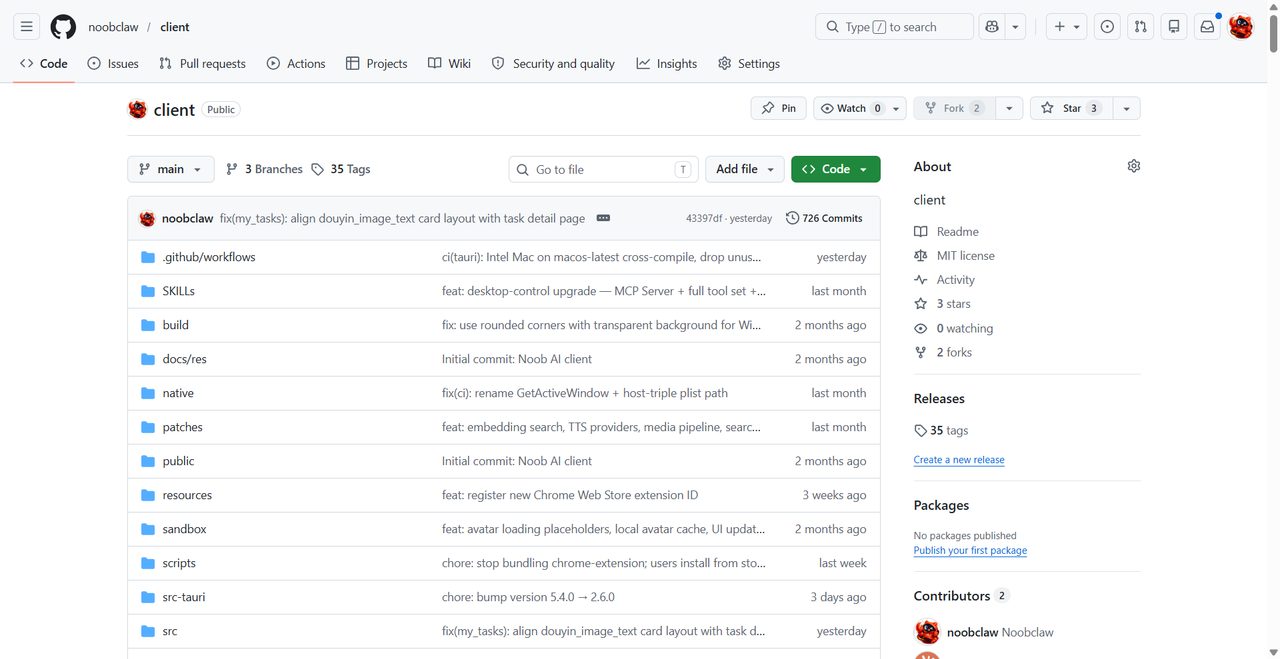
Pinterest is also one platform among several for most people running organised content operations, and the effort of maintaining structure across all of them by hand is the thing that eventually collapses. NoobClaw approaches that by driving your own logged-in accounts locally with per-account content rather than one library pushed everywhere — relevant if the reason you are reorganising boards is that you are trying to run more than you can hold in your head.
Three containers, three genuinely different questions
Since the search family blends them, it is worth separating them properly — because the right answer differs for each, and only one of the three is likely to ever affect you.
Sections inside a board. Organisational only. Sections are a navigation aid for someone already looking at your board. No published maximum, and a practical ceiling around the point where a visitor stops scrolling — call it a dozen before it stops helping anyone.
Boards inside an account. This is the discoverability layer. Boards carry titles and descriptions that Pinterest indexes; sections are much weaker in that respect. No published maximum here either, and the practical constraint is upkeep rather than a number — a hundred half-populated boards is worse than twenty good ones because each thin board dilutes what your account appears to be about.
Pins inside a board. The one people worry about most and the one that matters least. A board with several thousand Pins is not a problem for Pinterest; it is a problem for the human trying to find something in it, which is what sections exist to fix.
Sections solve a reading problem. Boards solve a finding problem. Confusing the two is why people end up with beautifully organised content nobody discovers.
The reason all three get asked together is that Pinterest's interface presents them as a single nesting hierarchy, which invites the assumption that they share one budget. They do not. Nothing you do with sections consumes anything at the board level, and nothing at the board level constrains how many Pins you can save.
If you take one operating rule from this: build boards for search, build sections for the visitor who already arrived. Every time you nest something viable inside a section rather than promoting it to a board, you have chosen tidiness over reach.
FAQ
How many sections can a Pinterest board have?
Pinterest does not publish a maximum. Its help articles cover creating, reordering and merging sections in step-by-step detail without naming any ceiling. Because those articles are procedural rather than exhaustive specs, the absence of a number is not evidence that no limit exists.
Is there a limit on how many boards I can create?
No published figure appears in Pinterest's board help articles. The documented account-level constraints are one account per email address and a maximum of 20 businesses in Business Manager.
Should I use sections or separate boards?
Separate boards, whenever the topic could stand alone. Boards are a discovery surface on Pinterest in a way sections are not, so nesting a viable topic inside a section trades reach for tidiness.