
Best Tools to Post Shorts to Multiple Platforms in 2026: An Honest Comparison
- Three architectures exist: API-based schedulers, local browser automation, and DIY workflow builders. They fail in different places, and pricing models differ more than features.
- API tools are limited by what each platform's API permits — TikTok coverage is the recurring gap, and per-channel pricing punishes multi-account setups.
- Buffer is roughly $5-6 per channel per month; Hootsuite is $99+ per seat; Blotato starts at $29 for 20 accounts with monthly-resetting credits.
- There is no cross-platform duplicate-content penalty. Posting the same short to six platforms is an efficiency decision, not a compliance risk.
Here is the situation a lot of creators are walking into. YouTube's 2027 thresholds reward sustained short-form volume. Producing that volume is expensive. And if you publish it to exactly one platform, you have paid the full production cost for a fraction of the possible return.
So the question stops being "should I cross-post" and becomes "what is the least painful way to do it." Below is an honest comparison — including where our own category of tool is the wrong answer.
First, kill the myth that makes people hesitate
A surprising number of creators do not cross-post because they believe platforms penalize content that appears elsewhere. There is no cross-platform duplicate detection algorithm. Platforms do not compare your TikTok upload against your Reels upload.
What gets penalized is reusing the same asset repeatedly within one account. That is a different problem with a different fix.
The confusion comes from three unrelated things getting compressed into one belief: SEO duplicate content rules (a web search concept, not a social one), within-platform originality enforcement, and visible watermarks from other platforms. Only the third is a real cross-posting concern, and it is solved by exporting without a watermark. We unpacked the whole tangle in cross-posting to multiple platforms.
The three architectures, and where each breaks
| API schedulers | Local browser tools | DIY builders | |
|---|---|---|---|
| Examples | Buffer, Hootsuite, Blotato | Desktop apps driving your own logged-in sessions | n8n, Make, custom scripts |
| Coverage limit | Whatever each platform's API allows | Whatever the site UI allows | Whatever nodes exist and work |
| Credentials | OAuth to a cloud service | Stay on your machine | Depends on the integration |
| Typical pricing axis | Per channel or per seat | Per action or per output | Free software, your time |
| Breaks when | A platform restricts its API | A site redesigns its UI | Anything upstream changes |
API schedulers are the most stable and the most bounded. If the platform's API does not expose an action, no amount of paying fixes it. Buffer shipped a full developer API with a hosted MCP server in 2026, which is genuinely useful for AI agent workflows — but connecting an agent does not expand what the underlying product does. Scheduling remains scheduling.
Local browser tools reach anything you can do by hand, because that is literally what they do — drive a real browser session you logged into yourself. The trade-off is fragility against UI changes and the fact that your computer has to be on. This is the category NoobClaw is in, so treat the description as informed but not neutral.
DIY builders look free and are not. n8n has no working core TikTok node, Instagram support is restricted to Business or Creator accounts with a hard 24-hour posting cap, and failures are frequently silent. Realistic build time starts at several hours and grows. We documented the specifics in n8n social media automation limitations.
Pricing is where the real differences are
Feature lists converge. Pricing models do not, and for short-form volume the pricing axis matters far more than the feature set.
- Buffer — roughly $5 per channel per month on annual Essentials ($6 monthly); Team around $10-12 per channel. Free tier covers 3 channels with 10 scheduled posts each. Cost scales linearly with channel count, which is fine at 3 channels and painful at 30.
- Hootsuite — Standard around $99 per seat per month, Advanced around $399, annual billing; the free plan is gone. Third-party renewal data (SpendHound, March 2026) put SMB renewal increases at roughly +65% year over year while enterprise pricing was nearly flat. Priced for teams, not for creators.
- Blotato — around $29/month for 20 social accounts, $97/month for 40. Note the core resource is monthly-resetting credits, so "enough accounts but not enough credits" is a real failure mode.
- Local tools — typically per-action or per-output rather than per-channel, which inverts the economics for multi-account users. NoobClaw is in this bracket; check current pricing on the site rather than trusting a number in a blog post, ours included.
One trap worth naming: credit-based pricing looks cheap at signup and gets expensive at exactly the moment you start succeeding. Plans that reset a credit pool monthly are priced for average usage, so the month you finally hit a publishing cadence that works is the month you run out. Per-channel pricing fails the opposite way — predictable, but it charges you for account count rather than activity. Neither model is wrong; they fail in different directions, and you should know which direction your usage points before committing annually.
The decision rule that falls out of this is simple: count your channels first, then pick the pricing model, then compare features. Most people do it in the opposite order and end up on a per-channel plan running fifteen accounts.
Picking, in three questions
How many accounts? Under five, per-channel pricing is fine and API tools are the least hassle. Above fifteen, per-channel pricing dominates your costs and you should look at per-action or flat-rate models. We ran this comparison in detail in best tool for managing 20 social accounts.
Which platforms do you actually need? Write the list before shopping. If TikTok is on it, verify coverage explicitly — it is the most common gap across every category, DIY especially.
Do you need production, or only distribution? This is the question people skip. Schedulers assume you already have the video. If your bottleneck is making 90 days of short-form content, a scheduler solves the wrong problem — you need production tooling first and distribution second. That ordering argument is laid out in automation versus scheduling.
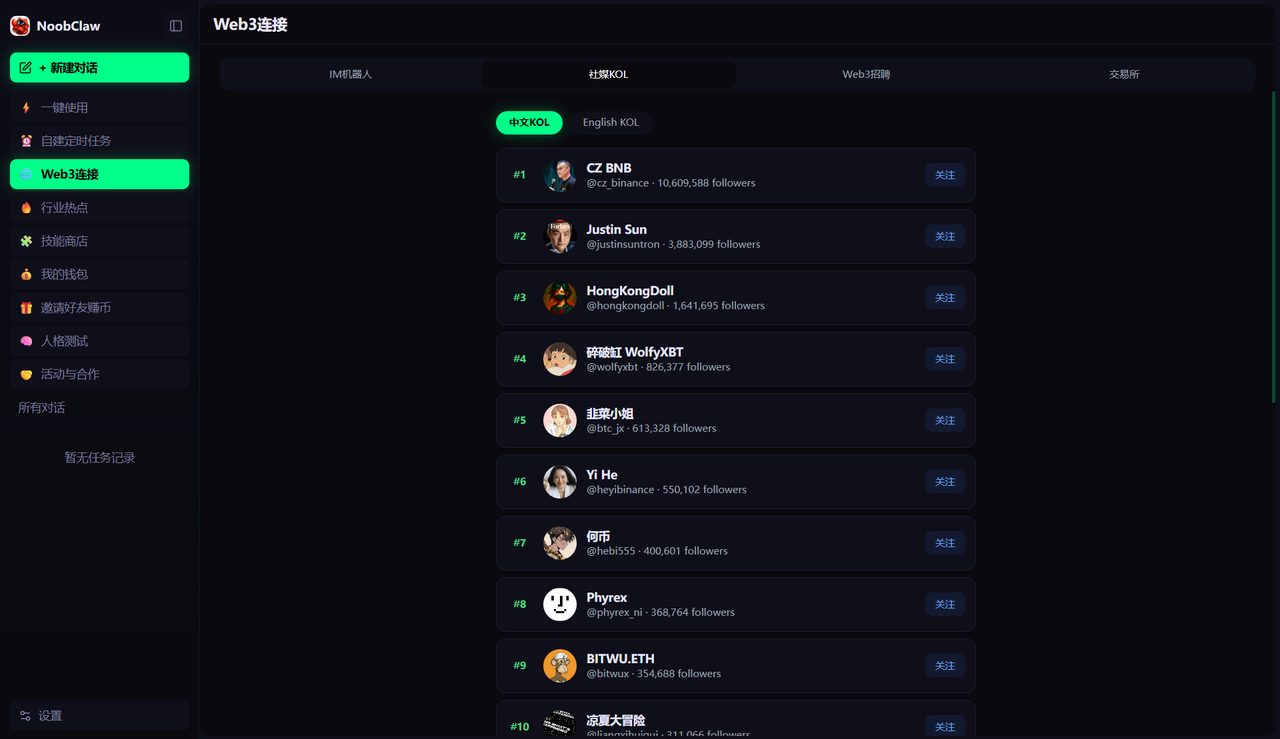
For completeness on where our own tool fits: NoobClaw is a local desktop app that logs into your own accounts in fingerprinted browser profiles and covers both production (script, voiceover, subtitles, editing) and publishing across a dozen platforms. It suits people running many accounts who are bottlenecked on production. It is the wrong choice if you manage three brand channels for a client and need approval workflows and team seats — that is what Hootsuite and Buffer are built for, and they do it better.
FAQ
Will posting the same short everywhere hurt reach on any platform?
Not through duplicate detection, which does not exist across platforms. Reach differences come from format fit — aspect ratio, length norms, and audience expectations vary. A short optimized for TikTok often underperforms on YouTube Shorts for reasons of pacing, not penalties. Remove other platforms' watermarks before uploading; visible competitor branding is the one thing several platforms genuinely downrank.
Is it safer to use official APIs than browser automation?
They carry different risks rather than different amounts of risk. APIs are sanctioned but limited, and rate caps are enforced strictly. Browser automation reaches more but depends on behaving plausibly — platforms scan behavioral signals, not just credentials. The genuinely risky option is handing your passwords to a third-party growth service; both categories above avoid that.
Can I just use one AI agent to post everywhere now?
Partly. MCP servers and public APIs mean an agent can drive several tools, and Buffer's is free across tiers. But the agent inherits each tool's limits — coverage gaps, rate ceilings, and the scheduling-only scope. The connection problem is solved; the coverage problem is not. See can AI agents actually post to social media.