Repost Instagram Reels to TikTok: Watermarks and Permissions
- The visible logo is the smallest signal. Platforms also read file metadata, encoding characteristics and increasingly invisible watermarks embedded by their own tools.
- So the reliable answer is not "strip the watermark" — it is "export a clean master before it ever gets a watermark", which is free and takes one habit change.
- Removing a platform-applied AI-content label is a separate matter and is not something to attempt: several jurisdictions now regulate labelling directly.
- Takeaway: a clean-master workflow, plus the three things beyond the file that determine whether cross-posted video works at all.
You post a Reel, it does well, you download it and upload it to TikTok. It gets four hundred views. Everyone tells you it is the watermark.
They are partly right — and following that advice as stated will send you to a downloader site, which solves the smallest part of the problem while creating a new one.
What is actually on that file
A video downloaded from a platform carries more than a logo:
- The visible watermark. The obvious one, and the least interesting.
- File metadata. Container fields and encoding fingerprints that indicate where the file came from and what processed it.
- Re-encoding damage. Downloaded video is already compressed. Uploading it means a second compression pass, and the result looks visibly worse in exactly the way that makes people scroll.
- Invisible watermarking, where the platform's own AI tools made it. TikTok has publicly described embedding invisible watermarks in content produced with its own AI tools — see TikTok's invisible watermark. Cropping does nothing to this.
Cropping the logo out solves the part a human notices and none of the parts a system notices.
The clean answer: never let it get watermarked
The whole problem exists because people treat the published post as their master copy. Change that one habit and the question dissolves:
- Export the finished video from your editor before you upload it anywhere. That file has no watermark, no platform metadata and one generation of compression instead of two.
- Keep a masters folder. One folder, everything you have made, before publication. It costs nothing and it is the entire fix.
- Export per destination. Same edit, exported to fit each platform's expectations rather than one file forced everywhere.
If the video is already published and you no longer have the master, be realistic: a re-uploaded compressed copy will look worse whatever you do to it. Often the better move is to re-export from the project — or simply re-shoot the good ones, since you already know they work.
One line on what is not on the table: stripping a platform-applied AI-content label is different from removing a branding watermark. Several jurisdictions now regulate AI content labelling directly, and some explicitly prohibit providing tools or services for removing such marks. We do not cover methods for that, at all.
The three things that matter more than the file
Assume you have a clean master. A cross-posted video still underperforms if you change nothing else, because the platforms want different things:
- The first two seconds. A Reel can open on a slow establishing shot because Instagram's audience arrives with more patience. TikTok's does not. If you change one thing, change the opening.
- The audio. A trending Instagram audio is not a trending TikTok audio, and licensing does not travel either. Re-attaching platform-native audio on the destination is usually worth the two minutes.
- The text on screen. Burned-in captions positioned for Instagram's UI often collide with TikTok's interface. Text hidden behind the caption bar or the button column is a quiet killer, and you will not see it in your editor.
The general version of this — what to change and what to keep when the same work goes to several places — is in repurposing content for multiple platforms.
The reverse direction is not symmetrical
Worth knowing before you set up a routine, because most people assume it works both ways equally. It does not.
- TikTok → Instagram is the harder direction. TikTok's watermark is animated and moves position through the clip, so there is no crop that removes it without destroying the framing. Instagram has also been explicit over time that visibly recycled content from other apps is not what it wants to promote. Bring a clean master or do not bring it.
- Instagram → TikTok is the easier direction, which is why this is the question people search. The Reels watermark is static, and TikTok's audience is more tolerant of production variety — but the pacing gap is wider, which is why the opening matters more than the logo.
- Either direction into YouTube Shorts adds a third consideration: Shorts sits in the same recommendation space as your long-form content, so an off-brand cross-post has a cost beyond that one video.
The practical rule: pick a primary platform, keep masters, and treat every other destination as an export target rather than a copy target. That framing solves the watermark question permanently, and it is the same conclusion we reached from the other end in repurposing content for multiple platforms.
A word on audio, because it is the trap after the watermark
Once the visual side is sorted, audio is where cross-posting quietly fails. A track licensed for use inside one platform's library is licensed for that platform. Exporting the video with that audio baked in and uploading it elsewhere is not covered by the original licence, and the destination platform may mute, restrict or take down the upload — which looks, from your dashboard, exactly like poor performance.
Two habits avoid the whole category: keep an audio-free or original-audio master alongside the published version, and re-attach the destination platform's own audio there rather than carrying the source platform's track across. It takes two minutes and it removes an entire class of silent failure. The Instagram side of these constraints is in Instagram audio API limitations.
Doing this repeatedly without it becoming a job
Once a week, this is a chore. Daily across several accounts, it is a job — and it is the point where people start using downloader sites and posting compressed copies, which is how the whole cycle started.
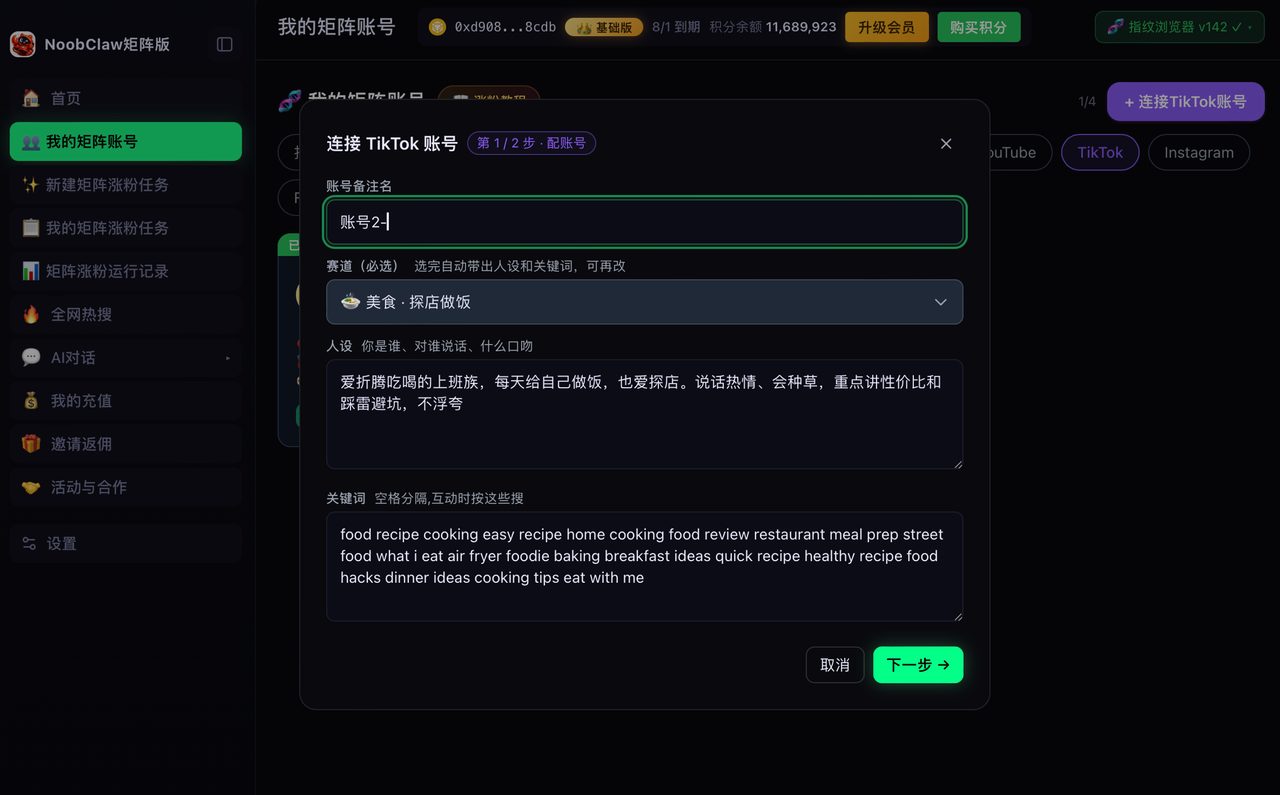
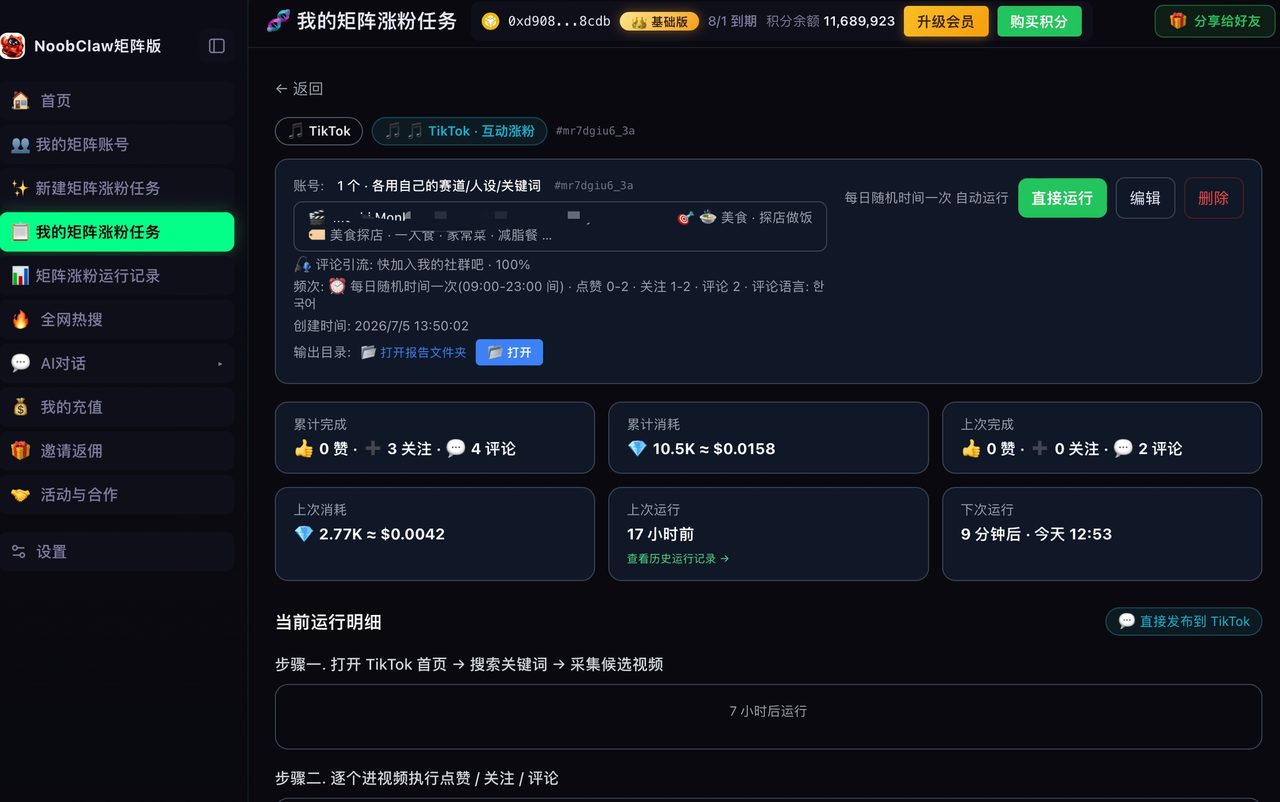
Two of the eight video engines in NoobClaw exist for this stretch. Upload-only takes your own finished file and publishes it unchanged to the platforms you select, with the AI only writing the title, description and tags for each destination — nothing is re-encoded and nothing is downloaded from anywhere. The translation repost engine handles the harder case: transcribe a video, translate it, generate target-language voiceover and burn new subtitles, for when the destination is a different language rather than a different platform. Both run on your own machine, signed into your own accounts.
What it does not do: it will not remove a watermark from someone else's video, and it will not touch AI-content labelling. The premise is that you already have the master — which is the same premise as the free version of this workflow.
FAQ
Do watermark remover sites work?
Some remove the visible logo. None of them undo the second compression pass, and none of them touch metadata or any invisible marking. You get a file that looks slightly worse than the one you started with, minus a logo. Exporting a clean master from your editor is free and strictly better.
Will TikTok penalise me for posting a video that was on Instagram first?
Posting your own work on more than one platform is normal and widely done. What performs badly is a visibly recycled artefact — another platform's watermark, a compressed re-upload, an opening paced for a different audience. Fix those and cross-posting is unremarkable.
Is it legal to remove a watermark?
Removing branding from your own video that you made and exported is an entirely different question from removing a platform's AI-content label, which is regulated in several jurisdictions. This article covers the first case only. If the video is not yours, the watermark is not the issue you should be thinking about.