Open Source TikTok Automation on GitHub: Tools and Limits
- Open-source TikTok projects split into API clients and browser drivers, and they fail for completely different reasons.
- An API client you build yourself is an unaudited client, which TikTok documents as limited to five posting users per 24 hours with all content private.
- Browser-driving projects avoid that entirely but inherit a different problem: session handling, fingerprints and maintenance every time the site changes.
- Repository age is the single best filter. TikTok changed its developer terms in August 2026 and anything older is describing a different product.
Typing tiktok automation tool github is usually a reaction to a price tag. You looked at a scheduler, thought it cannot be that hard, and went looking for someone who had already built it.
Something has been built, many times. But the repositories divide into two families that share nothing except the word automation, and picking the wrong family costs you weeks.
Family one: API clients
These wrap the official TikTok Content Posting API. Clean code, sensible interfaces, and they will work the day you get credentials.
Here is what the README rarely says. When you register your own developer app, you are an unaudited API client until you pass TikTok audit. The developer guidelines, last updated 4 August 2026, state exactly what that means:
Unaudited API Clients can allow up to 5 users to post in a 24 hour window. All user accounts using the API client to post must be set to private at the time of posting.
Content is restricted to SELF_ONLY viewership. To make a post public afterwards, the account owner must first switch the account to public and then change each post privacy setting to Everyone — manually, per post.
So the honest description of a self-built TikTok API client is: five accounts a day, everything private, manual unlocking per video. For a hobby project that is fine. For the ten-account operation that made you go looking, it is not a solution, and no amount of good code changes it because the limit is enforced at the platform.
Both audited and unaudited clients additionally sit under a creator cap and a posting cap, neither of which TikTok publishes. Full context in TikTok API posting limit.
Family two: browser drivers
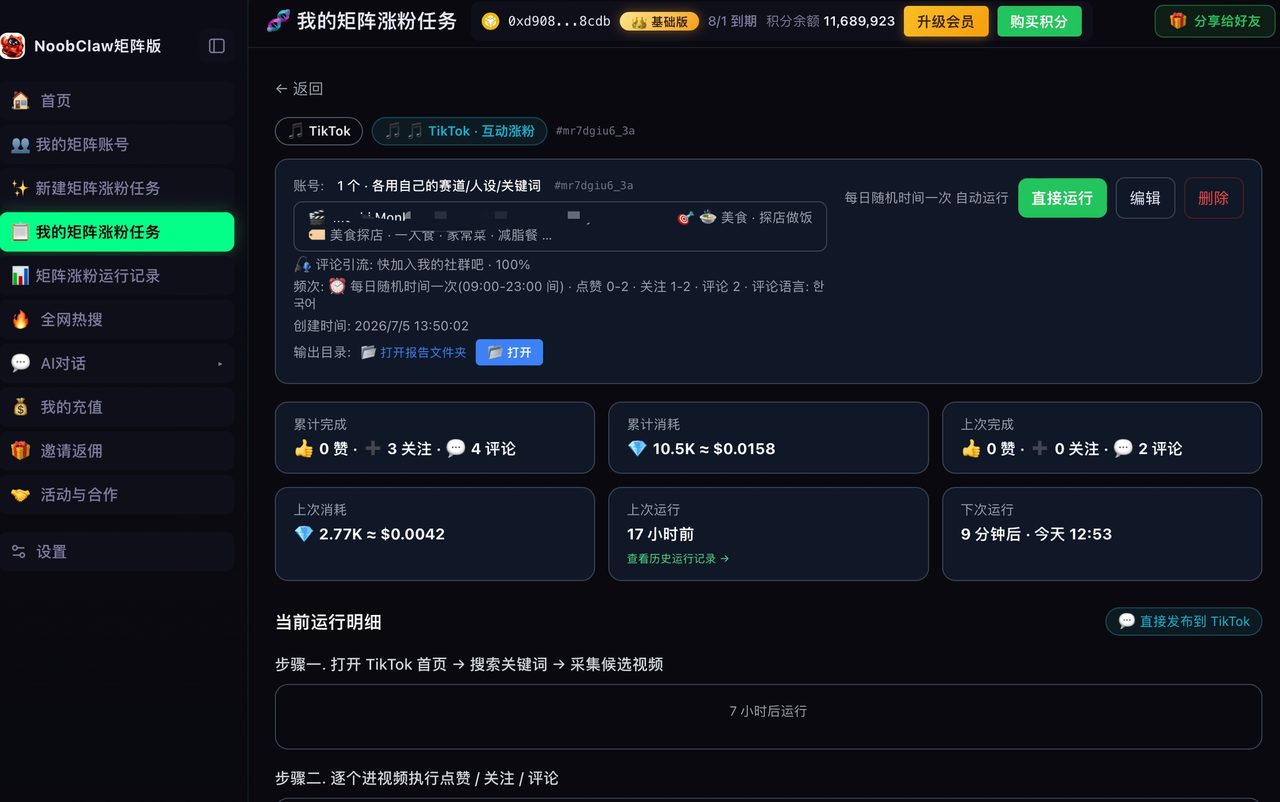
These do not touch the API. They drive a real browser — Playwright, Puppeteer, Selenium — logging in as you and clicking through the upload flow.
This family is not subject to any of the above, because there is no API client to audit. What it is subject to instead:
- Selector rot. The upload page changes and the script breaks. Not occasionally — continuously. Every mature project in this family has a commit history that is mostly selector fixes.
- Session handling. You need to stay logged in across runs without re-authenticating constantly, which means persisting cookies and storage correctly.
- Fingerprint consistency. If you run several accounts, each needs to look like a distinct, stable device. A headless browser with default settings running ten accounts from one IP is the single most reliable way to get them linked. Background in what an antidetect browser actually solves.
- Silent failure. A click that lands on the wrong element does not throw. Your script reports success and nothing uploaded.
This is the family that can genuinely scale past five accounts, and it is also the family that turns into a part-time maintenance job. That trade-off is the actual decision, and it is worth making with open eyes rather than discovering it in month two.
A filter for the search results
| Signal | What it tells you |
|---|---|
| Last commit before August 2026 | Predates the current developer guidelines. Assume the posting behaviour described is wrong |
| README shows an API key setup | Family one. Your ceiling is five users a day unless you pass audit |
| README shows a login step or cookie file | Family two. Your ceiling is maintenance, not quota |
| Promises followers or views | Neither family. This is an engagement bot and it wants your session |
| No issues open and no issues closed | Nobody is running it, including the author |
That last one deserves emphasis. In a category where the target changes monthly, a repository with no recent issue traffic is not stable — it is abandoned. Healthy projects here look busy and slightly broken, not quiet and clean.
The honest cost comparison
The reason to self-build is to avoid $29 a month. Price the alternative properly before you commit.
A browser-driving setup for ten accounts needs: ten isolated browser profiles with stable fingerprints, ten residential or mobile IPs, a machine that stays on, and someone to fix selectors when the upload flow changes. The IPs alone typically cost more than the subscription you were avoiding.
Which does not mean do not build it. It means build it for a reason that survives arithmetic — you need behaviour no vendor offers, you want the session to stay on your own hardware, you are learning. Not to save $29, because you will not.
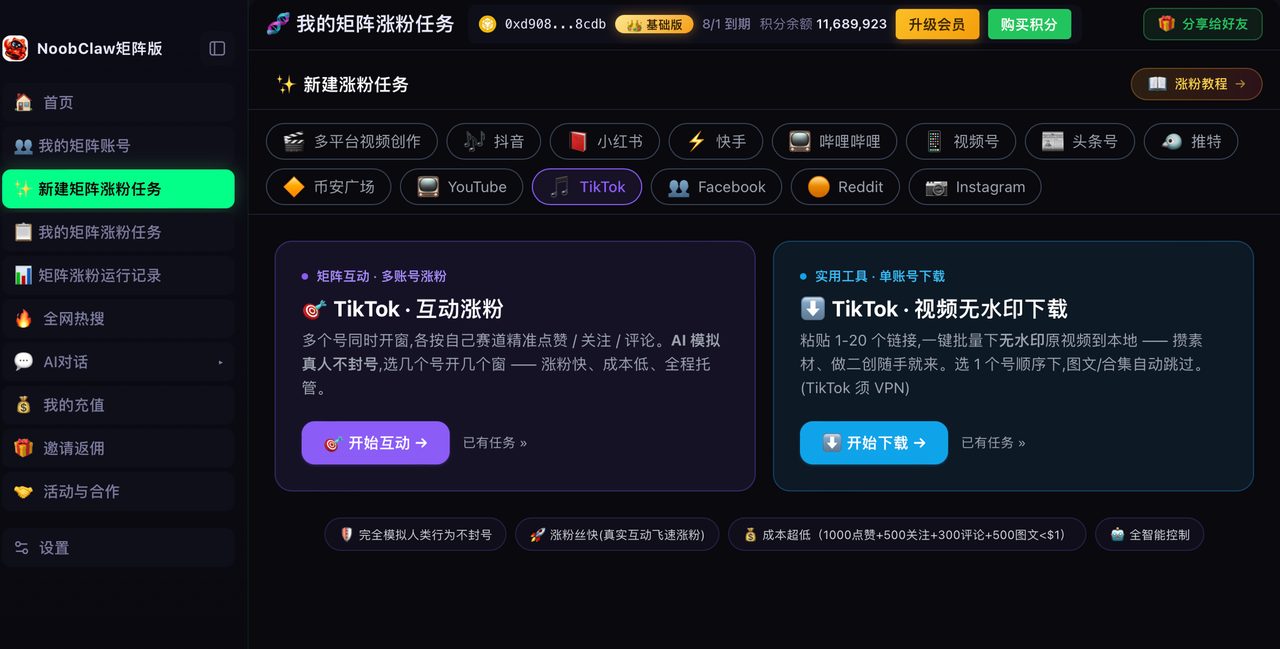
For the middle path — the browser-session model without writing it yourself — that architecture is what we build at NoobClaw: one fingerprint browser profile per account on your own machine, publishing from your existing logins so no API client audit is involved, with the platform-specific upload quirks maintained centrally. The constraint is symmetrical and worth stating: your machine has to be running and your logins current. If you want the map of what is worth automating at all before choosing any of this, see the TikTok automation guide.
The maintenance curve nobody plots
Self-built automation has a cost shape that is the exact inverse of a subscription, and it is worth drawing before you start rather than discovering it in month three.
A subscription is flat. It costs the same in week one and week fifty, and the vendor absorbs the platform changing its upload flow.
A self-built browser driver is front-loaded and then spiky. Week one is a weekend of work and it feels like a triumph. Weeks two through six are quiet. Then the upload page changes a class name, your script clicks nothing, and you lose an evening — usually the evening you had planned to do something else, because platform changes do not consult your calendar.
The spikes are not evenly spaced and they are not predictable, which is the part that makes them expensive. A cost you can schedule is manageable; a cost that interrupts is the one that eventually makes people abandon the project and go back to posting by hand.
The question is not whether you can build it. It is whether you will still be fixing it in March.
Two things measurably flatten that curve if you go ahead anyway. First, never select on generated class names — anchor on visible text, accessibility attributes or stable structural relationships, which survive redesigns far better. Second, verify the outcome, not the action: after clicking publish, check that the post exists rather than checking that the click happened. Almost every silent failure in this category comes from a script that confirmed its own input instead of the result.
Add a notification on failure while you are at it. A pipeline that breaks silently on a Tuesday and is discovered on Friday has cost you three days of publishing, which for a matrix account is worse than never having automated it.
FAQ
Can I get my own TikTok API client audited?
The audit process exists and is described in the developer documentation — it verifies compliance with the terms of service. It is designed for products with users, so a personal project for your own ten accounts is an awkward fit, though not explicitly excluded.
Is browser automation against TikTok rules?
The developer guidelines we quote here govern API clients specifically. Platform terms of service separately address automated access and scripted behaviour, and those are the ones to read if you go the browser route. Do not assume the absence of an API rule means permission.
Why do so many GitHub projects promise follower growth?
Because that is what gets stars. Those projects are engagement bots requiring your credentials, which is a different risk category from publishing tools — see what free growth tools actually hold.