TikTok Photo Mode Not Showing? Work Through These Six Causes in Order
- Photo mode disappearing is usually one of six things, and they are worth checking in a specific order because the cheap checks rule out the expensive explanations.
- The single most common cause is looking in the wrong place: photo mode appears when you select images, not as a permanently visible tab in every app version.
- The one nobody wants to hear: some creation features roll out regionally and by account, so "it is not there" can mean "you do not have it yet" rather than "it is broken".
- If it vanished right after an account issue, check your restriction status first — missing creation features are sometimes a symptom, not the disease.
Search results for this problem are a wall of people saying the same thing to each other. Clear the cache. Reinstall. Restart your phone. Try again tomorrow.
Some of that works. But it works by accident, because nobody separates the causes. So here they are in the order that saves you the most time — cheapest and most likely first.
Check these six, in this order
1. You are looking for a tab that no longer exists as a tab
This trips up more people than every technical cause combined. In many app versions, you do not switch to photo mode first — you select photos from your library, and the editor becomes a photo post automatically. If you are hunting for a labelled "Photo" option next to the record button and not finding one, try going straight to Upload and picking images.
2. Your app is out of date
Creation features ship with app updates. An app that has not been updated in a few months can be several feature generations behind. Update from the store rather than relying on auto-update, which can be silently disabled.
3. You are trying it from an unsupported entry point
Drafts, the web uploader, and some in-app flows do not offer identical creation options. The "photo mode is currently unavailable" message people hit in drafts is often this: the draft was created in a mode that cannot be converted. Starting a fresh post is faster than trying to rescue the draft.
4. Cache or a partially failed update
This is where the standard advice belongs — and it belongs at position four, not position one. Clear cache, force-quit, reopen. Reinstall only if that fails, and remember reinstalling loses local drafts.
5. Regional or staged rollout
Creation features do not land everywhere at once. Two accounts on the same phone model in different countries can genuinely see different options. There is no fix for this beyond waiting, and no tutorial can conjure the feature into your build.
6. An account restriction is limiting your creation options
The least discussed and most important one. If a feature vanished around the same time a video was removed or you got a warning, the missing option may be a symptom of enforcement rather than a bug. Check your violation and restriction status in the app before you spend an evening reinstalling.
Before you assume something is broken, rule out the possibility that it was never switched on for you. Those two feel identical from where you are standing.
Why "it is not there" is such a common experience now
This is not unique to photo mode. Instagram's "flag for review" setting, broadcast channels, trial reels, WeChat Channels' originality declaration — over the last year we have written about the same shape again and again: a feature that reads like a settings toggle is actually an eligibility the platform grants.
The emotional damage from this is specific and underrated. You read a confident tutorial, go to the app, and the thing is not where the article said. The natural conclusion is that the article lied. Usually the article just did not know that its author had the feature and you do not. The Instagram version of this exact problem is worth reading if you want the general pattern.
How to tell which of the six you are actually in
Three quick tests collapse the list fast, and none of them takes more than a minute.
- Try a second account on the same phone. If photo mode appears there, the app install and the device are both fine — the difference is account-level, which points at rollout or restriction. If it is missing on both, the problem is the app or the entry point.
- Start a brand-new post instead of opening a draft. If the option appears in a fresh post but not in the draft, you have hit the mode-conversion limitation, and no amount of reinstalling will change that draft.
- Check whether anything was removed or warned recently. If a video came down in the last week and a creation feature vanished around the same time, treat that as related until you have ruled it out. Enforcement and rollout look identical from the user's side, but they need opposite responses — one you wait out, the other you address.
The reason to run these before the standard clear-cache-and-reinstall advice is simple economics: reinstalling costs you your local drafts and twenty minutes, and it only fixes one of six possible causes. The three tests above cost a minute and eliminate four.
If photo posts matter to your workflow
Photo posts are not a lesser format — on several platforms they are the cheapest way to test a hook before committing to video. If your plan depends on posting images consistently, it is worth knowing that image-post support varies more between platforms than video support does: different aspect ratios, different maximum counts, different caption behaviour, and different rules about what counts as original.
That last one is a real constraint, not a formality. Instagram's published guidelines say plainly that borders, watermarks, speed changes and crediting the original creator do not count as material edits — which means an image post assembled from someone else's material is unoriginal by the platform's own definition. We covered that in what counts as original content.
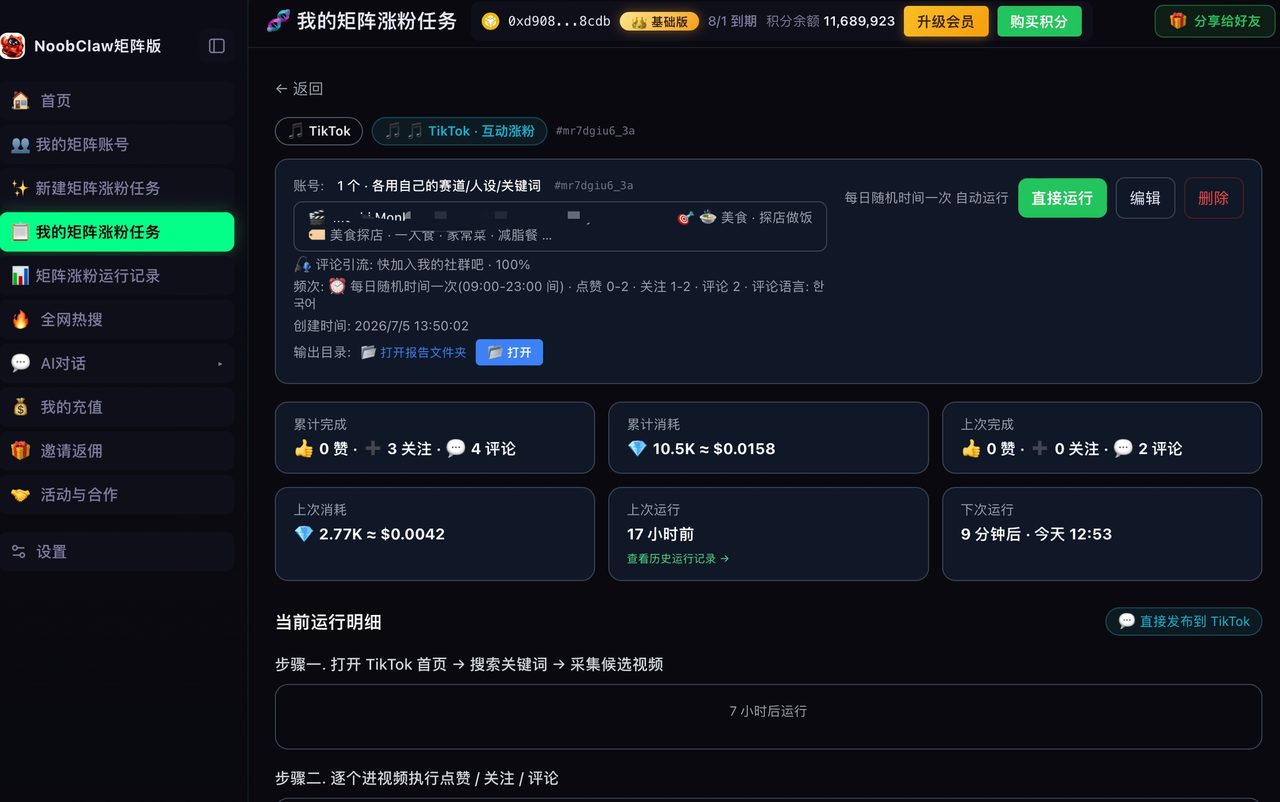
For anyone producing image posts across several accounts, the friction is rarely the upload — it is producing genuinely different sets rather than the same carousel with a new colour. That is the specific job tools like NoobClaw take on: each account generates its own image posts from its own niche and persona, with images sourced per account so they do not collide. Worth being clear about the limit, though — no tool restores a creation feature the platform has not given your account.
FAQ
Why does photo mode work on my other account but not this one?
Two likely reasons: staged rollout (features are assigned per account, not per device) or a restriction on the account that is missing it. Same phone, same app version, different answer — that combination points at the account, not the install.
Does using photo mode get less reach than video?
Reach differences come from how people consume each format, not from a penalty on photo posts. Image posts tend to reward a strong first frame and a readable hook more heavily than video does, because the viewer decides faster.
Can I post photos from a computer instead?
Web uploaders generally support fewer creation features than the mobile app, and the set changes over time. If the mobile app has the option and the web one does not, that is expected rather than a fault. The same asymmetry shows up on other platforms — some features land on desktop creator consoles first and mobile later, and some go the other way, which is why cross-checking both is worth the thirty seconds.
Will reinstalling lose my drafts?
Usually yes for local drafts, which is precisely why reinstalling belongs late in the checklist rather than early. Export or re-save anything you care about first. If a draft is the only reason you want photo mode back, copy the assets out before you touch the install.
Is there any way to get a staged-rollout feature early?
No, and anything promising otherwise should be treated with suspicion — the usual offers involve modified clients or region spoofing, both of which put the account at risk for a creation feature you would have received anyway. If you want a sense of how much of platform behaviour turns out to be per-account eligibility rather than settings, the comparison of trial reels and hidden posts covers two features built entirely on that model.