Bulk Upload Videos to TikTok: Methods and Access Limits
- YouTube batches natively, Facebook batches inside Business Suite, TikTok essentially does not. Platforms built around an in-app creation flow treat each post as a separate authored act.
- Three options: schedule ahead in the web uploader (batches your time, not the upload), a third-party scheduler via API (check which fields the API exposes), or a tool that drives the real interface.
- The decisive question is whether you are posting many videos to one account or one video to many accounts. Those need different products, and solving the second with a bulk tool makes it worse.
- No public per-day upload limit is published, and that absence is informative. The operative constraint is whether posts arrive like a person made them, not how many there are.
You have thirty clips ready to go and TikTok wants you to upload them one at a time, fill in a caption one at a time, pick a cover one at a time. Somewhere around the eleventh one you go looking for a bulk upload button.
Short version: TikTok is the platform with the least native bulk uploading of the major video destinations, and the workarounds split into three categories that behave very differently. Knowing which category you are in saves you from buying the wrong thing.
Why "can you bulk upload" has three different answers
People search this across platforms and assume the answer is the same everywhere. It is not, and the difference is structural:
| Platform | Native bulk upload | Where it lives |
|---|---|---|
| YouTube | Yes — multi-select files in one go | Built into the upload dialog |
| Partially — bulk entry points exist for Pages | Meta Business Suite, not the main app | |
| TikTok | Essentially no for ordinary accounts | Web upload is one at a time |
The pattern behind this is worth naming, because it predicts how the answer will change: platforms that grew up around long-form video treat batching as normal, and platforms that grew up around a per-post creation flow treat each post as a separate authored act. TikTok is squarely in the second group, which is also why every one of its posting steps assumes you are making the video in the app.
You are not failing to find the button. On TikTok, for most accounts, there is no button — and that is a product philosophy, not an oversight.
The three real options, with their actual costs
Option 1: Schedule ahead in the web uploader. TikTok's web upload supports scheduling posts into the future. You still enter each one individually, so this does not reduce the work — it relocates it. That is genuinely useful (one focused session instead of thirty interruptions) but be clear that you are batching your time, not the upload.
Option 2: A third-party scheduler with TikTok support. Most connect through official APIs. Two things to check before you pay, and both are commonly missed:
- Does the tool let you queue many at once, or just schedule one at a time in a nicer interface? A calendar view is not bulk upload.
- Which fields does the API expose? API posting frequently cannot set everything the app can — covers, certain sounds, some interactive elements. If your videos need those, the batch you save on upload gets spent on fixing posts afterwards.
Option 3: Drive the interface itself. Rather than going through the API, some tools log into the real web interface in a browser and complete the normal posting flow, which sidesteps API field gaps but is slower per post and depends on the page layout not changing.
The question that decides which one you need
Ask: am I posting many videos to one account, or one video to many accounts? Everyone searching this phrase is in one of those two situations, and they need different products.
Many videos, one account. Your problem is throughput. Any competent scheduler solves it; pick on API field coverage and price, and check whether the platforms you care about are supported before anything else. Our per-account cost comparison across twelve tools is in Social Media Scheduler for Multiple Accounts.
One video, many accounts. Your problem is not throughput at all — and if you solve it with a bulk tool you will make things worse. Pushing the same file with the same caption to ten accounts produces ten posts that are trivially identifiable as one operation, and platforms measure similarity rather than volume. The tool you need has to vary the output, not just multiply it.
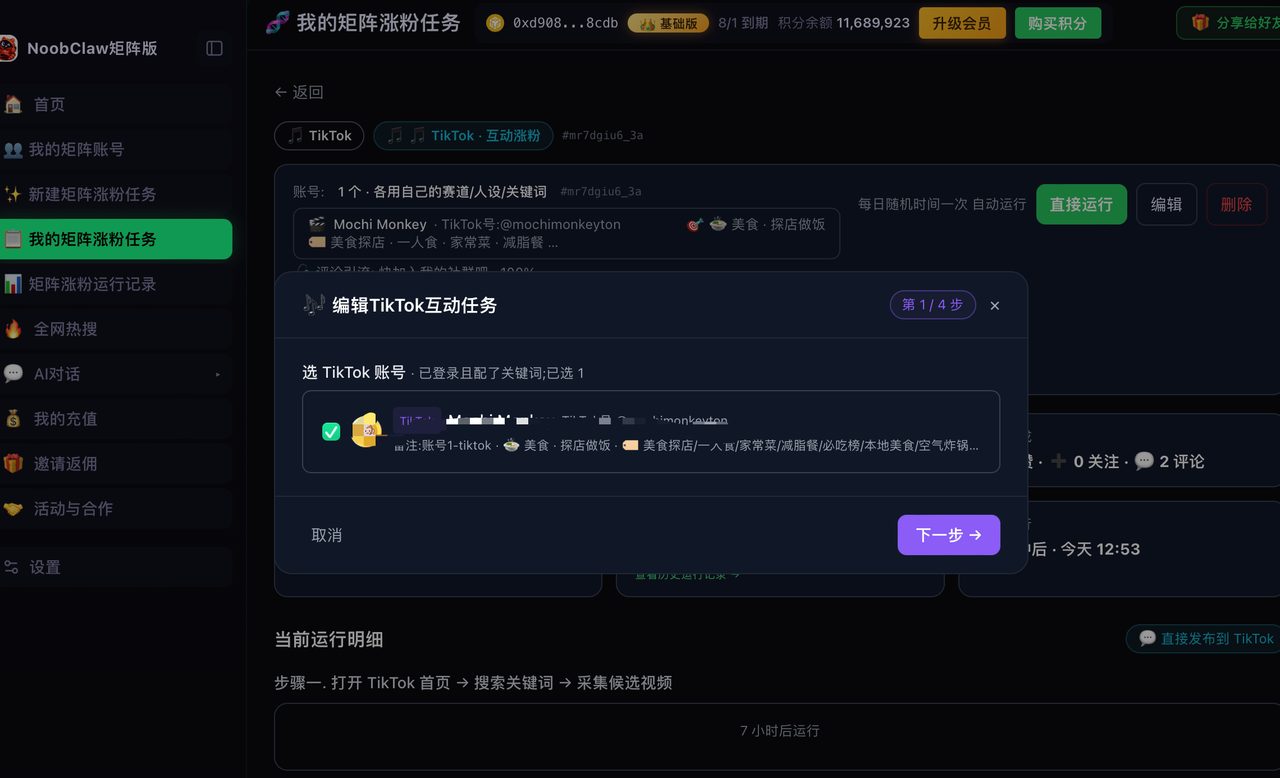
That second case is a different product category. Tools built for it generate each account's caption, tags and framing from that account's own niche and persona rather than copying one post across the set, and run each account in its own local browser environment at randomised intervals — NoobClaw's multi-platform publishing works this way, including an upload-only mode that takes your existing files and has the AI write per-account titles, descriptions and tags rather than reusing one. The distinction that matters when you shop: does this tool duplicate, or does it differentiate?
A short checklist before you buy anything
- Count your real bottleneck. If thirty uploads take you two hours a month, a $30/month tool is buying back time at a rate worth checking.
- Test one post through the tool before you batch thirty. Check the cover, the sound, and whether the caption came out intact. API gaps show up on post one.
- Do not batch identical content across accounts. This is the single most expensive mistake in this whole topic — see Can You Post the Same Video on Two TikTok Accounts.
- Keep the originals. If you ever repurpose across platforms, you want your source files, not re-downloaded copies with watermarks burned in.
FAQ
Can I schedule TikTok posts without a third-party tool?
Yes — the web uploader supports scheduling, so you can sit down once and place a week's worth into the future. Just be clear about what that buys you: it batches your attention, not your uploads. You still fill in every field by hand. For a lot of people that is genuinely enough, and it is free.
Will bulk uploading get my account flagged?
Uploading several videos is not itself a problem — plenty of accounts post multiple times a day. What draws attention is a pattern that does not look human: posts landing at exactly regular intervals, captions built from one template, or the same file appearing across several accounts. Vary the spacing and vary the text, and volume stops being the variable that matters.
Is there a limit on how many videos I can upload in a day?
No public per-day upload number is published for ordinary accounts, and that absence is itself informative — platforms document the specifications they want you to plan around. The operative constraint is behavioural rather than numeric: the platform is not counting your uploads, it is looking at whether they arrive like a person made them. Related: Best Tools to Post Shorts to Multiple Platforms.