LinkedIn Creator Mode Removed: Where Its Features Went
- LinkedIn removed profile hashtags in February 2024 and the Creator Mode on/off toggle itself in March 2024. There is nothing left to switch on.
- The capabilities did not die with the toggle — Follow as the primary button, creator analytics, Featured, and being surfaced as a suggested creator were handed to every eligible profile by default.
- The one thing that became a choice rather than a mode: you now pick whether Follow or Connect is your primary profile button.
- If you are searching how to enable it, the problem is not your account. It is that setup guides from 2023 still outrank LinkedIn help in search results.
You opened your profile, clicked into Resources, and the toggle is not there. So you searched, found a guide with screenshots, followed it step by step — and the menu item in the screenshot does not exist on your screen either. At which point most people conclude their account is missing something.
It is not. LinkedIn deleted the toggle. The help page is still live, it is dated, and it is unusually specific about what happened.
Two removals, two months apart
LinkedIn's own update page lays out the sequence:
- February 2024 — "Profile hashtags/topics will be removed." The block where you listed the topics you post about is gone.
- March 2024 — "The toggle to turn creator mode on and off in the Resources section of your profile" was removed.
That is the whole answer to "where did it go." It did not move to a submenu, it was not renamed, and it is not gated behind a follower count. There is no Creator Mode to be in or out of.
Creator Mode did not get replaced by a newer mode. It got dissolved into the default profile, which is a very different thing — and it is why nothing about your profile looks like it changed.
What you kept, in LinkedIn's words
This is where the panic usually ends. LinkedIn states plainly that "You will still have access to the same sharing tools and analytics," and specifically that "You will still be able to access your creator analytics from the Analytics section of your profile or by selecting the Post impressions count on the left pane of your feed."
It also confirms you remain "eligible to be featured as a suggested creator to follow" — the discovery surface people were most afraid of losing — and that anyone who already had LinkedIn Live, Audio Events, or Newsletter access keeps it.
The one real behaviour change: your primary button
Creator Mode's most visible effect was swapping Connect for Follow on your profile, so strangers subscribed to your posts instead of filling your invitations queue. That effect survived — as a setting rather than a mode. LinkedIn says "The Connect button on your profile will change to Follow" and that members "have the option to choose the Follow or Connect button as the primary action."
So the decision that mattered is still yours to make; it just stopped being bundled with four other things. If you publish for reach, Follow. If you sell one-to-one and need a two-way relationship, Connect. That is now a one-click choice instead of a mode you have to research.
Why you could not find this out on your own
Here is the uncomfortable part, and it generalises well beyond LinkedIn. The information was never hidden. LinkedIn published a dated help page describing exactly what was removed and when. What went wrong is that a couple of hundred "How to turn on LinkedIn Creator Mode" tutorials from 2022 and 2023 are still indexed, still ranking, and still confidently describing a menu that no longer exists.
When a feature is deleted, nobody has a commercial reason to write the obituary. The setup guide keeps earning traffic; the correction earns none. So the stale version wins the search result and you end up debugging your own account against a screenshot of a product that was retired.
The defensive habit is cheap: when a guide tells you to click something you cannot see, go straight to the platform's own help centre and look for a date. LinkedIn is unusually good about this — the same discipline is what settles arguments about how many posts a day LinkedIn actually allows and about whether editing a post notifies anyone.
What to do instead of hunting for the switch
Three things, all of which used to be inside Creator Mode and are now just available:
- Set your primary button deliberately. Most people never revisit this and end up with the wrong one for how they actually use LinkedIn.
- Use Featured as a landing strip. It is the only part of a LinkedIn profile you fully control the ordering of, and it survived intact.
- Read your post analytics as a series, not as individual posts. LinkedIn kept creator analytics for everyone; reading a reach drop correctly depends entirely on comparing a run of posts rather than reacting to one.
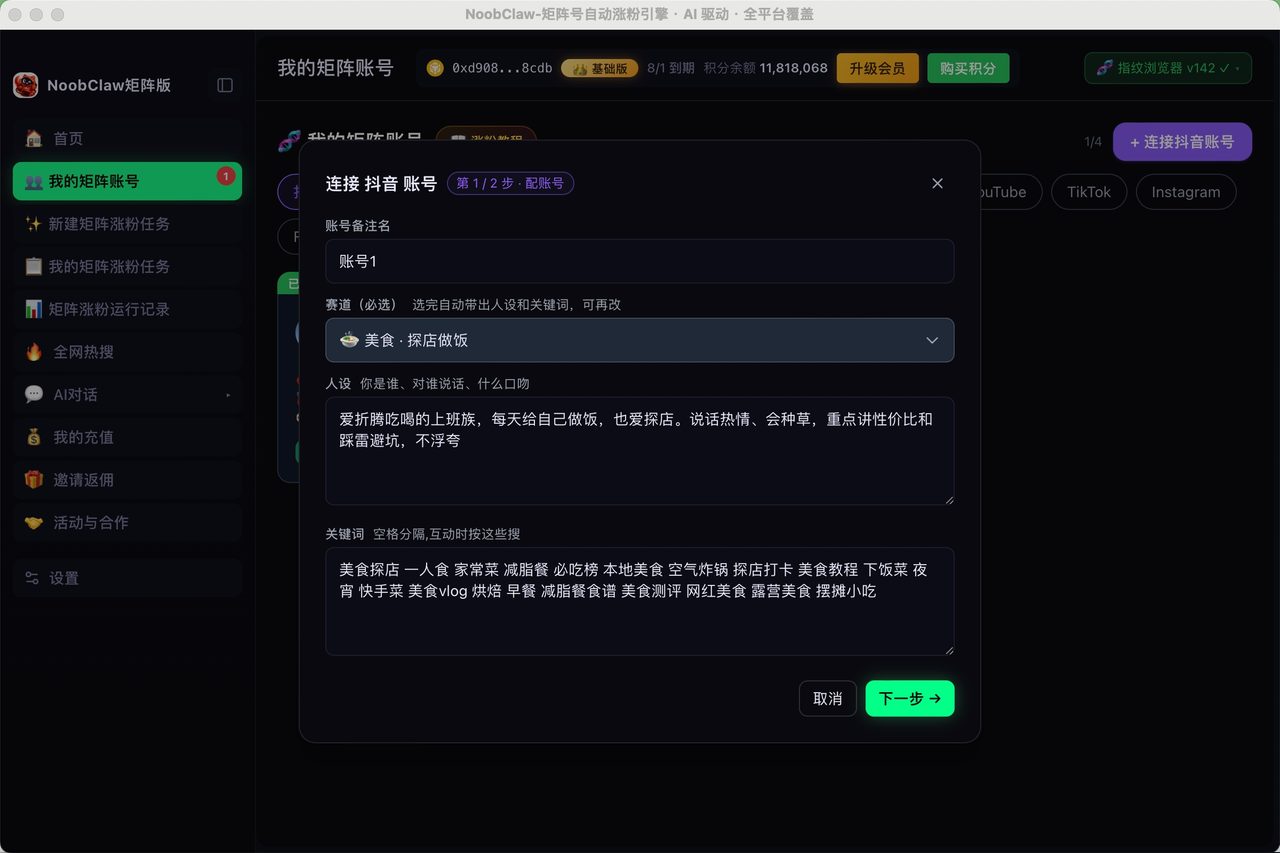
And if the reason you went looking for Creator Mode was that one profile is not enough surface area to be found, that is a distribution problem rather than a settings problem. NoobClaw is one way to handle it — you stay logged into your own accounts on your own machine, and each account writes and posts its own material on a human-looking schedule instead of one file being cloned everywhere. It is a solution to volume, not a substitute for having something to say.
How to tell a dead feature from a missing one, in ninety seconds
Creator Mode is worth a few extra minutes because the pattern repeats constantly and the diagnosis is always the same three steps. You will use this again on some other platform within the month.
- Search the platform's own help centre for the feature name, and look for a date. Help pages about removals are almost always dated, because the platform needs to tell support staff when behaviour changed. A dated page beats every blog post.
- If there is no help page at all, check whether the feature name still appears anywhere in the product's own copy. A live feature is referenced somewhere — a settings label, an onboarding tooltip, a marketing page. A dead one has been scrubbed from the product and survives only in third-party tutorials.
- Only then check whether it might be an eligibility gate rather than a removal. Gated features usually leave a visible stub — a greyed row, a "learn more" link, a message about requirements. Removed features leave nothing at all.
Creator Mode fails step three cleanly. There is no greyed-out row where the toggle used to be, no requirements message, nothing to apply for. It is absence, not denial, and absence plus a dated help page is a removal.
Gated features leave a stub. Removed features leave a hole. If there is nothing where the switch should be, stop looking for a way to qualify.
The reason this matters beyond one LinkedIn setting: a lot of wasted effort in social media operations comes from people trying to unlock something that was deleted. That effort has a cost, and it is usually paid by the accounts that were doing fine and got fiddled with.
FAQ
Can I still get the Follow button as my primary action?
Yes. LinkedIn kept it as a choice — you can select whether Follow or Connect is the primary action on your profile, without any mode attached to it.
Did I lose my creator analytics when Creator Mode went away?
No. LinkedIn states you still access creator analytics from the Analytics section of your profile, or by clicking the Post impressions count in the left pane of your feed.
What replaced profile hashtags?
Nothing directly. LinkedIn removed the topics/hashtags block from profiles in February 2024 and did not ship a like-for-like replacement. Topic association now comes from what you actually post, which is slower to establish and impossible to fake with a three-tag list.