Cannot Post on Instagram: Account, App and Service Checks
- Ninety-second scope test: try a different account on the same phone, try a different network, check whether others are reporting it, and look for an actual in-app notice.
- During a platform-wide outage the correct action is none. Reinstalling logs you out, and repeated failed logins from a fresh install is the worst pattern to generate at that moment.
- Do not retry in a loop. If you were rate-limited to begin with, a burst of failed attempts extends it.
- With several accounts the test is free: if one fails it is account-level; if all fail together and it is not an outage, they are being treated as one thing.
Look at the four ways people type this question: right now, today, rn, anymore. Three of those four are time words.
That tells you what is actually being asked. You are not looking for a technical explanation. You are trying to find out whether this is happening to everyone or only to you — and every troubleshooting article skips straight to clearing your cache, which answers a question you did not ask.
So: first establish the scope. It takes ninety seconds and it changes everything you do next.
Ninety seconds to find out whether it is just you
- Try to post from a different account on the same phone. Works? The problem is your account, not the app or the network.
- Try from a different network — switch off Wi-Fi and use mobile data. Works? Network-side, not account-side.
- Check whether other people are reporting it. A platform-wide outage produces a flood of complaints within minutes. Silence means it is not global.
- Look for an in-app notice. If there is a restriction on your account, there is usually something in your notifications or account status. Go and look for it; do not infer it.
| Result | What it is | What to do |
|---|---|---|
| Other account works, yours does not | Account-level | Check account status and notifications — stop retrying |
| No account works on this phone | App or device | Update, restart, reinstall in that order |
| Works on mobile data, not Wi-Fi | Network | Change network; nothing is wrong with your account |
| Everyone is reporting it | Outage | Do nothing. Wait it out. |
That last row is the important one, and it is the row every troubleshooting guide omits. During a platform-wide outage, aggressive reinstalling and re-logging-in is the single riskiest thing you can do — repeated failed logins from a fresh install is a pattern nobody wants to generate.
The causes, in the order they actually happen
A platform-wide problem. More common than people assume and completely outside your control. The tell is timing: it started for you and for a lot of other people within the same few minutes.
An upload that fails at processing. The post appears to go, then vanishes. Usually a file issue — length, format, size — and it typically affects one specific video rather than everything.
A rate or action limit. Temporary throttling after a burst of activity. It resolves on its own, and the correct response is to stop acting for a few hours, which is the opposite of what most people do.
An account restriction. Real, and it comes with something you can find — a notice, an account status entry. The distinguishing feature is that it does not resolve by waiting an hour, and there is documentation of it somewhere in the app.
App or OS version issues. Common right after an update, on either side.
The two things not to do
Do not retry in a loop. If a post failed twice, the third attempt in ninety seconds does not have better odds — and a burst of failed actions is itself the pattern that triggers temporary limits. If you were rate-limited to begin with, retrying extends it.
Do not reinstall or change your password during an outage. Reinstalling logs you out, and logging back in during a service problem can fail in ways that look much worse than the original issue. Reinstalling is a step for "no account works on this device," not for "my post will not go."
If you run several accounts, the scope test is even more valuable
With multiple accounts you get the diagnostic for free: try posting from two or three of them.
If one fails and the others are fine, it is account-level on that one. If all of them fail at the same moment, and it is not an outage, that is telling you something uncomfortable but useful — they are being treated as one thing. Accounts sharing an environment, a rhythm, or content templates tend to hit limits together, because whatever triggered it was shared.
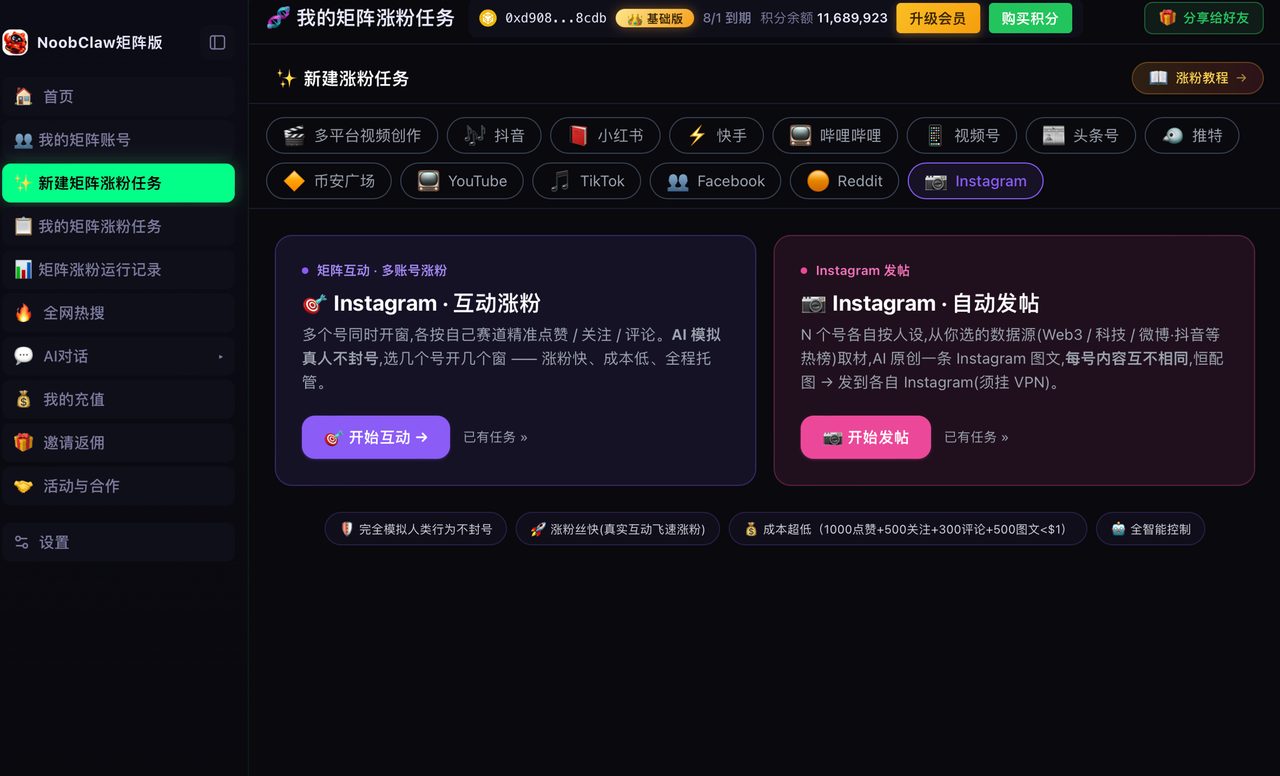
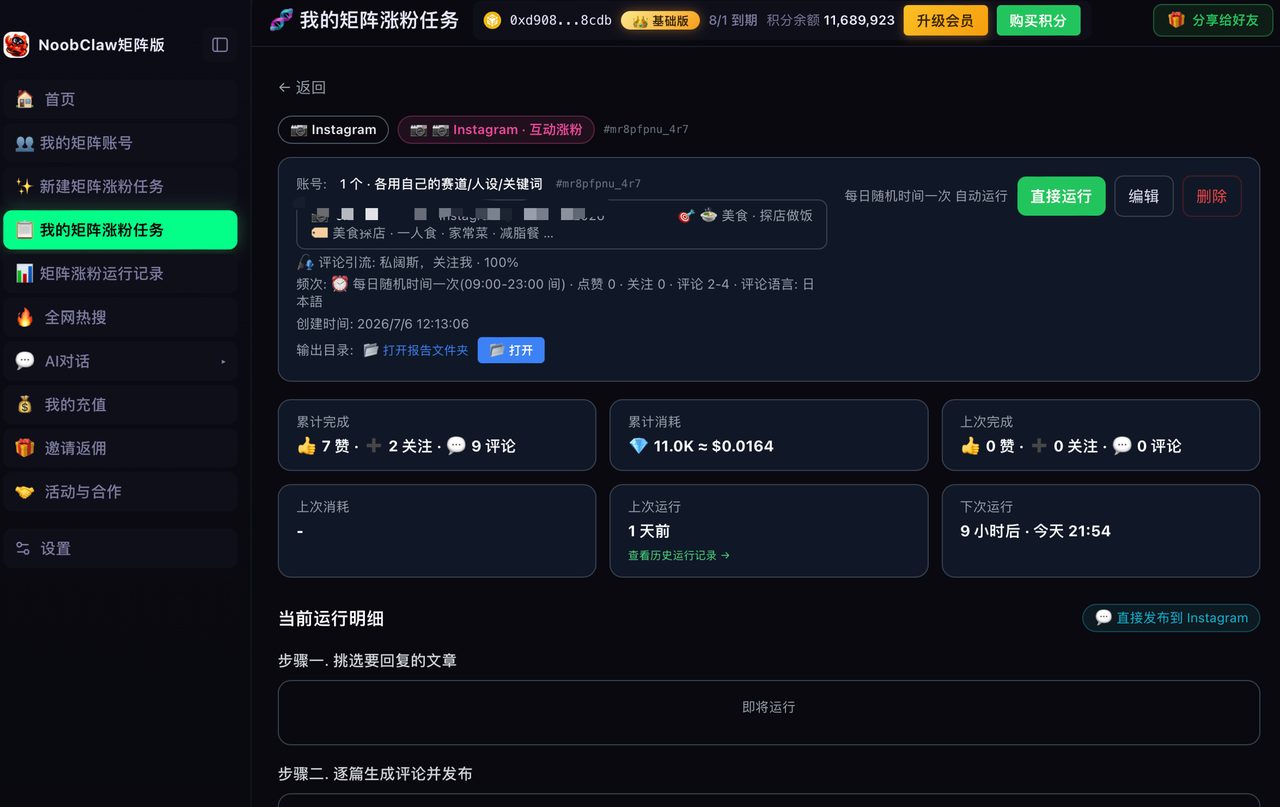
That pattern is the most honest audit of a multi-account setup available, and it is free. Tools built for this case try to prevent the shared-fate outcome from all three directions rather than one: NoobClaw gives each account its own fingerprint, IP and browser profile, randomises every action interval rather than firing on a fixed schedule, and generates each account's content from its own niche and persona. The environment layer stops accounts looking like one machine; the rhythm layer stops them looking like one script; only the content layer stops them looking like one author.
Related: Instagram Account Quality: The Page Is Real, the Score You Are Looking For Is Not covers where to look for an actual account status, and Why Did My Instagram Reach Drop handles the case where posting works but nothing happens afterwards.
FAQ
How do I tell an outage from an account restriction?
Two signals. Timing: an outage begins suddenly for many people at once and usually resolves within hours. Documentation: a restriction leaves a trace in your notifications or account status; an outage leaves nothing. If you can find no record anywhere and it started abruptly, wait rather than act.
I have waited a day and still cannot post. Now what?
A day rules out most outages and most temporary limits. At that point, look specifically for a record — account status, notifications, email. If there is a record, follow its process; if there is genuinely no record after a full day, go back to the scope test and check whether a second account on the same device works, because a persistent device- or app-level fault behaves exactly like an account problem from the inside.
Does posting too often cause this?
Bursts can trigger temporary action limits, but sustained normal posting does not. The variable is rate, not total volume — twenty actions in two minutes reads very differently from twenty actions across a day. If you hit a limit, spacing things out fixes it and stopping entirely is unnecessary.