Instagram Keeps Logging You Out: Login and Access Checks
- Being logged out is a session ending, not an account problem. Sessions end for security reasons, storage reasons, and capacity reasons — three different families with three different fixes.
- The single most common cause for people running several accounts is session pressure: too many accounts sharing one app or one browser container, so the oldest sessions get evicted.
- A password change or a "log out of all devices" action anywhere kills every session everywhere. If it happened to all your accounts at once, look for a shared credential, not a bug.
- If it is happening on one account only, repeatedly, at odd times, treat it as a security signal and check login activity before you do anything else.
You open the app and it wants your password. Again. You type it, it works, everything is fine for a day, and then it happens again. Nothing is wrong with the account, nothing is banned, and there is no explanation anywhere in the interface.
Getting logged out means one specific thing: a session was invalidated. Sessions get invalidated for five distinct reasons, and they have distinct signatures. Match your symptom to a signature and the fix becomes obvious — including the cases where the fix is "stop doing the thing that causes it."
The five causes, by signature
| Signature | Cause | What to do |
|---|---|---|
| All accounts, everywhere, at once | Credential change or a "log out of all devices" action | Look for the shared credential. Nothing else produces this pattern |
| One account, repeatedly, at odd hours | Security response to unfamiliar access | Check login activity immediately. This is the one to take seriously |
| Oldest account drops when you add a new one | Session pressure — too many accounts in one container | Split accounts across separate contexts. This is the most common cause for operators |
| After an update, a cache clear, or a storage-full event | Local session data was destroyed | Nothing to fix. Log back in and check available storage |
| Random, on one device only, no pattern | Actual client bug or an aggressive battery/privacy setting killing the app | Check background-app and tracking-prevention settings before blaming the app |
Four of these five are the system working correctly. The question is never "why is Instagram broken" — it is "which of my own conditions am I meeting?"
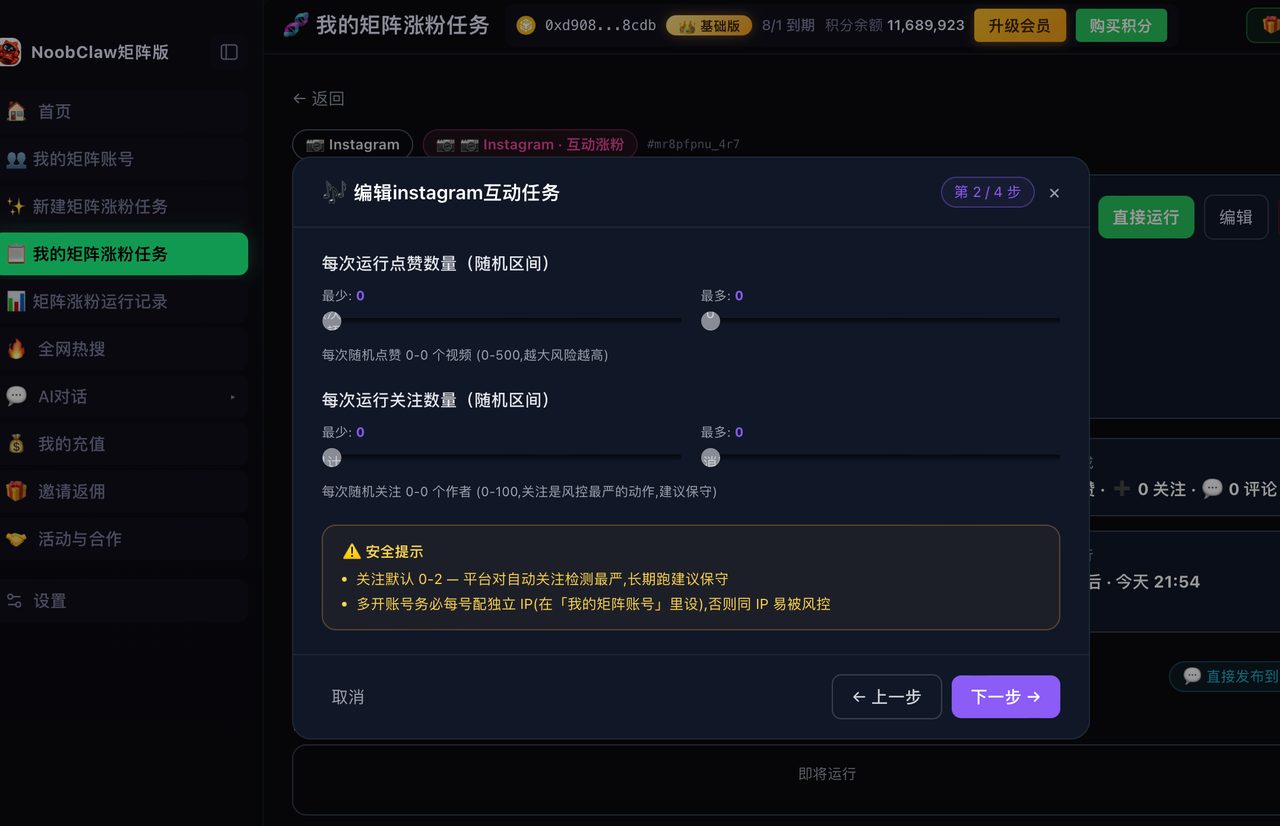
Cause 3 deserves the most space, because it is the one nobody names
If you run more than a couple of accounts, the pattern you will hit most often is session pressure: a single app instance or a single browser profile holding more logged-in sessions than it comfortably keeps alive. Add one more, and the least-recently-used one quietly falls off.
It presents as randomness. It is not random. It is a queue.
The tells:
- It is always roughly the account you used least recently.
- It happens right after you log into another one.
- Logging the dropped one back in bumps a different one off a day later.
The fix is structural, not a setting: give each account its own container. Separate browser profiles, separate devices, or a tool that maintains one isolated profile per account. Once sessions are not competing for the same storage, the eviction stops — because there is nothing to evict.
This is the single biggest quality-of-life difference between people who run three accounts and people who run fifteen, and it is almost never described as a login problem. It is described as "the app is buggy."
Cause 2 is the one where speed matters
If a single account keeps ending its session — especially at times you were not using it — do this before anything else:
- Open login activity and look at the list of sessions and locations.
- End every session you do not recognise.
- Change the password after ending them, not before.
- Confirm the recovery email and phone number are yours and current.
- Turn on two-factor authentication using an app rather than SMS.
Order matters. Changing the password first without ending sessions leaves anything already inside still inside on some surfaces; ending sessions first and then rotating the credential closes both doors.
And if login activity shows nothing unusual, you can stop worrying about this branch entirely and go back up the table.
The version of this problem that comes from tools
There is a sixth pattern that does not fit neatly in the table because it is self-inflicted: the same account logged in from many places that each behave differently. Your phone, your laptop browser, an extension, a scheduling service that logs in as you, a second browser you forgot about.
Each of those is a session. Some of them look, from the platform's side, like access from an unfamiliar place. The account is not doing anything wrong, but it is generating exactly the pattern that security systems are built to react to — and the reaction is to end sessions.
Two practical consequences:
- Audit what has login access and remove what you no longer use. Old tools you tried once are still sessions.
- Prefer architectures where nothing logs in as you. A tool that operates inside a browser session you opened yourself does not create a new access pattern; a service that takes your password and logs in from its own servers does.
That second point is why NoobClaw is built the way it is: each account gets its own persistent local browser profile, you log in yourself, and no credential ever leaves your machine. It also keeps sessions warm rather than letting idle accounts silently expire — which turns out to be most of what "keeps logging me out" means for anyone running a set of accounts.
The cost nobody counts: what a logout actually costs you
It is tempting to treat this as a minor annoyance — thirty seconds and a password. At one account it is. The reason it deserves an article is that the cost is not the thirty seconds; it is what happens around them.
- Every re-login is a fresh authentication event from that device. Do it often enough, from enough places, and you are generating exactly the signal that produces more of the security responses that log you out. It is a feedback loop, and people rarely see it as one.
- Two-factor prompts land somewhere. If the recovery phone or email attached to an account is one you no longer check daily, a routine logout becomes a lockout.
- Anything mid-flight dies. A draft, an upload, a half-written reply. The session ending takes the working state with it.
- You start choosing the shortcut. The real damage is behavioural: people who get logged out constantly end up simplifying their passwords, reusing them across accounts, or handing credentials to a service so they never have to type them again. Each of those is a much larger problem than the one it solves.
Nobody hands over a password because they think it is safe. They hand it over because they have typed it forty times this month and they are tired. Fix the forty, and the temptation goes away on its own.
A short checklist you can run right now
- Did it hit every account at the same moment? → Shared credential or a global logout action. Stop looking elsewhere.
- Does login activity show anything unfamiliar? → Handle that first, in the order above.
- Does it happen right after you log into another account? → Session pressure. Separate the containers.
- Did it follow an update, cache clear, or full storage? → Expected. Free up space and move on.
- None of the above, one device only? → Check battery optimisation, background app refresh, and privacy settings that clear site data.
FAQ
Does getting logged out mean I was hacked?
Usually not. Four of the five common causes are ordinary session invalidation. The one that warrants concern is a single account ending sessions repeatedly at times you were not using it — and login activity will tell you in about a minute whether that is what is happening.
Why does Instagram log me out when I switch between accounts?
Because multiple sessions are sharing one storage container, and when it fills, the least recently used session is dropped. It looks random and is not. Giving each account its own browser profile or device removes the competition entirely.
Will logging in again too often get my account flagged?
Repeated logins from the same device and place are normal and are not the risk. Repeated logins from many different places in a short window is the pattern that draws attention — which is an argument for reducing the number of places your account is logged in from, not for logging in less often.
Related: TikTok keeps logging me out of all my accounts · Why "never asks for my password" is architecture · How many Instagram accounts can you have · Posting to multiple accounts at once