Instagram Follower Growth Tools: Choose by Task and Evidence
- Choose a tool for a concrete content, publishing or measurement task.
- Verify authorization and permissions; authorized login is not credential collection.
- No follower gain or immunity from platform restrictions is certified here.
The phrase Instagram follower growth tool mixes several decisions. You might need clearer content, a repeatable publishing workflow, audience analysis or a way to collaborate with a team. None of those needs is the same as buying a follower count. Start with the problem you can observe, then evaluate a tool against an output you can inspect. This guide replaces an unsupported five-tool ranking with a practical buying framework. There is no claimed three-account experiment, ninety-day follower gain or tool that we certify as invisible to Instagram.
A growth tool can improve a workflow only when its output helps with your actual problem. A larger counter alone is not evidence of customers or revenue.
Match the tool to the bottleneck
A content assistant is a candidate when you struggle to explain a product or plan a useful post. A scheduling tool is a candidate when approved assets miss their publication slot. An analytics tool is a candidate when you cannot compare posts using consistent definitions. These categories can overlap, but a product should still explain the specific output it supplies. Ask for that output before asking how many followers it can produce.
For a small shop, a sensible brief could be: prepare an accurate demonstration script and a caption explaining how to choose the right item. For a creator, it could be: compare saves and profile visits for a defined set of posts. These are editorial examples, not measured Instagram case studies. Their value is that you can inspect whether the tool completed the requested task without pretending to have established a growth outcome.
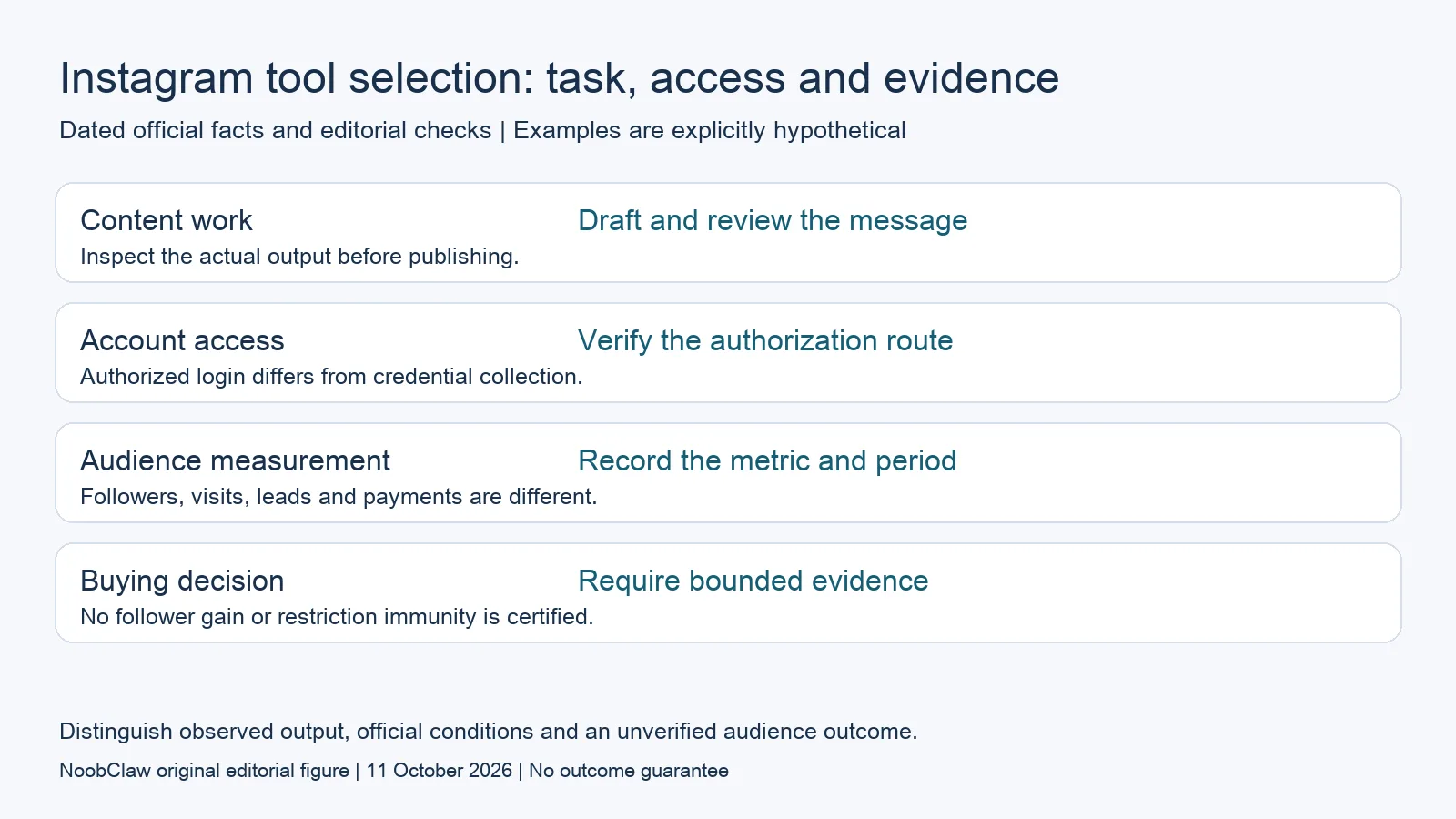
- Content work: Draft and review the message. Inspect the actual output before publishing.
- Account access: Verify the authorization route. Authorized login differs from credential collection.
- Audience measurement: Record the metric and period. Followers, visits, leads and payments are different.
- Buying decision: Require bounded evidence. No follower gain or restriction immunity is certified.
Separate authorized access from credential collection
Meta’s clone-site guidance warns about services that offer free likes or followers in exchange for account credentials. It also explicitly recognizes official Facebook/Instagram login and the Login with Facebook route provided by authorized developers. An official authorization flow is therefore not inherently the same as giving an unknown service your password. Inspect the actual destination, named app and permissions rather than treating every connection method alike.
Before connecting, write down which task needs which permission. Ask how the tool stops work and how access can be revoked. A product that runs in a browser or on your computer still needs to be evaluated against the platform’s applicable conditions; its location does not establish permission. Do not disable security software or give a vendor a reusable session credential as a supposed prerequisite for guaranteed follower growth.
Treat artificial engagement as a separate product category
Meta’s October 2020 enforcement announcement describes services that artificially inflated Instagram likes and followers as fake engagement, and states that those activities violated its terms and policies. This historical statement establishes the nature of that described activity. It does not establish a current probability or timetable of action against a particular user, and it is not evidence that every scheduling or content tool is equivalent to those services.
Ask a vendor how the proposed result is produced. If the answer is delivering a quantity of followers or likes rather than helping you create, publish or understand your own content, you are assessing artificial engagement rather than a content workflow. We have not benchmarked such services and cannot certify their audiences, retention or commercial value. A promise of no restrictions does not resolve those missing facts.
Evaluate a content workflow using a concrete brief
Try a hypothetical product explanation: a refillable notebook for students who lose loose sheets. Supply the real product details, the audience and the intended demonstration. Review the draft for invented features, comparative superlatives and claims the footage cannot show. The output should help you express a specific use case. A tool that produces polished but inaccurate wording still needs substantial editorial correction before it is useful.
Keep an approved version and note what you changed. If you also need a video, inspect the footage, spoken words, subtitles and asset rights separately. A local export proves that a file exists; it does not prove that Instagram accepted the file or recommended it. This task-sized evaluation lets you compare relevance and remaining manual work without inventing a follower growth score or a best-tool verdict.
Use metrics that match the purpose of the account
Choose one primary question for the review period. For awareness, you might inspect the platform’s defined reach metric. For consideration, you might inspect profile visits or saves. For a business, distinguish site visits, submitted leads and recorded purchases. Preserve the date range and definition for each measure. Do not describe profile visits or link clicks as paid conversions, and do not let a follower increase substitute for evidence of customers.
Keep the comparison modest. Record which posts, offers and tools were involved, along with changes in format or distribution. If several things changed together, an observed result cannot isolate the tool’s contribution. A useful report can say what happened and what remains uncertain. This article reports no observed Instagram growth experiment, so it offers no projected follower total, payback period or claim that software alone caused an improvement.
Ask for evidence before buying a growth promise
A persuasive case study should specify the account context, time period, exact metric and work performed. Ask whether ads, collaborations or other campaigns ran during the same period. Check whether the example is a real observed result or a hypothetical illustration. One case can inform a shortlist, but it does not certify the same outcome for a different account. Screenshots without definitions or dates provide less information than a transparent record.
Finish the shortlist with three practical checks: can the tool complete your task, is the requested access appropriate, and is the remaining manual work acceptable? Inspect the current offer before paying because limits and billing conditions can change. If the account has a platform notice, use the relevant official information; there is no follower tool in this guide that can promise to remove it.
What our own production record actually establishes
NoobClaw is the publisher of this guide and a content-workflow product. Our public creative execution record documents one 441-character English script producing a local 32.6-second vertical video, at 1080 × 1920 and 30 frames per second. Audio and subtitles were observed. Generic footage did not fully match the subject, and voice quality and asset rights were not approved for publication.
The bounded lesson is to inspect the actual file and remaining editorial work. This was a local export, not an Instagram, TikTok or YouTube publication, a monetization acceptance or an audience experiment. It does not establish qualified views, followers or revenue. The script-to-video guide describes that production route; compare the current product offer with the task you need, while verifying platform permissions and earning conditions separately.
Continue with AI Content Generation for Social Media: Drafts to Video and Instagram Growth Tools: Content, Publishing and Evidence. Check each guide’s stated date and evidence for the particular decision you are making.

Frequently asked questions
Which Instagram growth tool is best?
Choose by the task you need completed and the evidence available. This guide certifies no universal winner or follower-growth benchmark; inspect a draft, workflow or report that matches your own account purpose.
Is official account authorization unsafe by definition?
No. Meta’s guidance distinguishes official login and authorized Login with Facebook from handing credentials to unauthorized services. Review the actual flow and requested permissions.
Can a tool guarantee followers without restrictions?
No such guarantee is supported here. A tool’s price, location or timing does not establish a future audience result or immunity from platform action.
Sources
Official material checked on October 11, 2026. Historical announcements retain their stated dates; reading them today does not certify current account availability. Examples and tool-selection methods are editorial analysis.