Edit an Instagram Reel After Posting: Caption, Not Footage
- Instagram documents caption and location edits; check the actual Reel menu and saved result.
- A muted Reel can use the documented one-time audio replacement route; this is not unrestricted audio editing.
- Edits project changes require another export; the local NoobClaw example tested no Instagram edit or publication.
You can edit details of an Instagram Reel after posting, including the caption and location through the documented Manage → Edit route. Audio needs a separate answer: Instagram documents replacing a track when the Reel has been muted, with one replacement allowed. That does not establish an unrestricted song-swap or video-file replacement feature.
Start with the specific correction, rather than deleting a post because one option is missing. A caption typo, a muted licensed track and a factual error baked into the footage require different decisions. Our recommendation is to preserve the existing post when a documented correction addresses the problem, and assess a new upload when the content itself needs changing.
A live post, an exported video and an editable project are separate versions. Identify which version contains the error before choosing a repair.
Which Reel details can you edit after sharing?
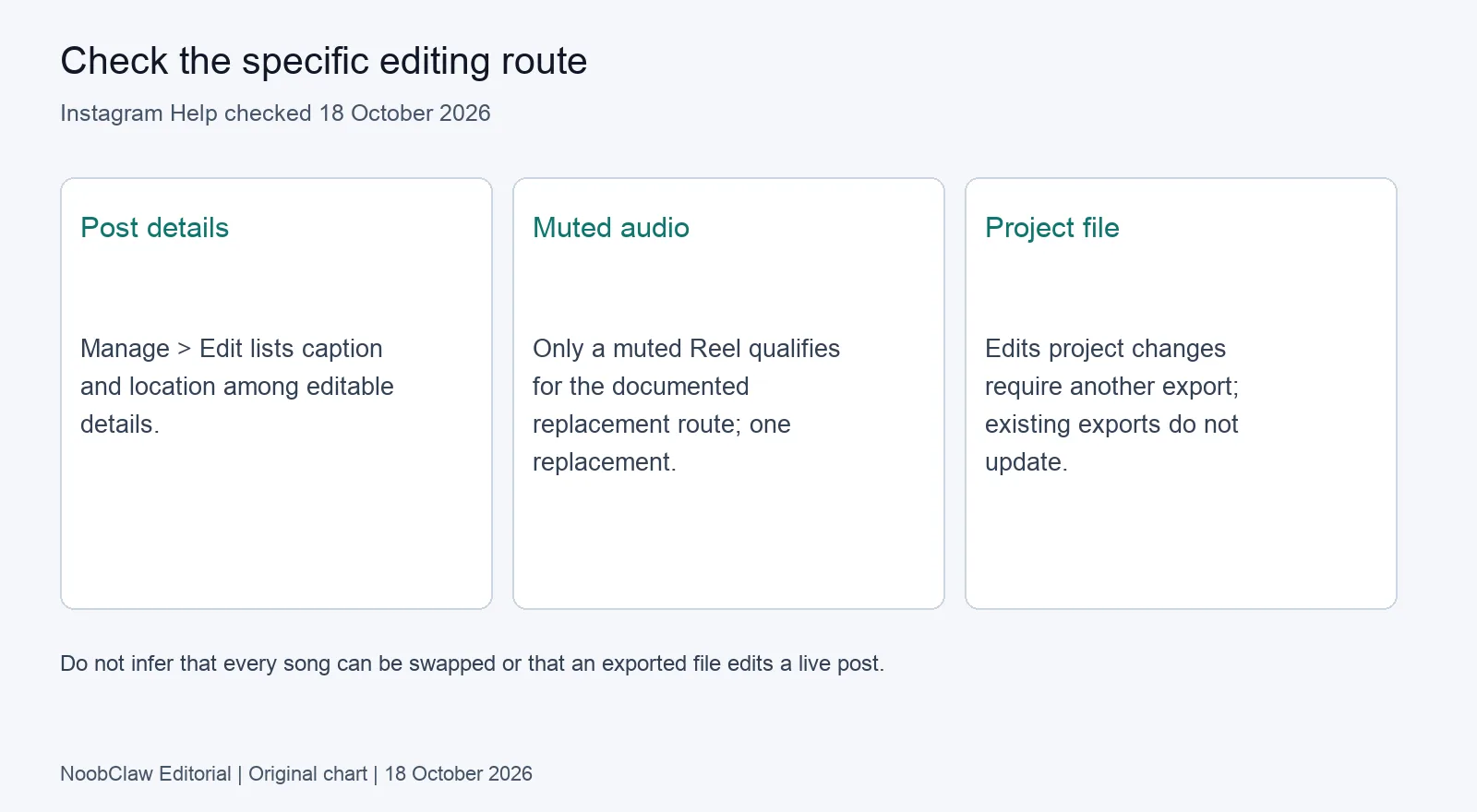
The current Manage reels help page explicitly lists Edit for things such as the caption and location. It also lists controls for commenting, likes, grid placement, pinning and archiving. These are distinct actions; moving a Reel on a profile is not the same task as changing its footage.
Instagram's caption help page separately confirms that you can add, edit or delete the caption of a shared photo or video. Use the actual Reel's menu and check the saved text afterwards. Menu labels can depend on the device and available interface. This review read the public help pages; it did not execute edits on a signed-in Instagram account.
Those pages do not establish a general method to upload a replacement video into the same live Reel. Do not treat the Edit label as proof that every part of the post can change. Equally, do not turn the absence of a control in one screenshot into a claim that a feature can never exist. Use the current account's controls and relevant help page for the change you need.
Can you replace the audio on a posted Reel?
For a muted Reel, Instagram documents a replacement route. Its muted-audio help page says the Reel must have been muted, and the muted track can be replaced one time. It describes opening Audio unavailable and choosing Replace audio in the Android or iPhone app, then selecting available licensed audio.
This is a conditional repair. It is not evidence that every published song, original recording or mixed soundtrack can be freely swapped. The page explains that changes in music-rights agreements may cause muting and that the Reel can remain viewable. If your issue is different, first check the actual notice and the options it provides instead of assuming this route applies.
Because the documented replacement is limited, listen carefully to the available preview and check the result after saving. That is review advice, not a promise that speech or an existing mix will be preserved. The public instructions reviewed here do not establish how every layered soundtrack will behave. Keep your source recording so an uncertain repair does not become your only production copy.
What about the cover or an error inside the footage?
Check whether the desired cover control appears in the current Reel editor; this review did not verify cover-edit availability across accounts. A cover image and the opening video frame serve different purposes, so a changed profile-grid image does not by itself prove the opening footage has changed. Preview the actual playback separately from the grid.
If the mistake is in a video you made with Edits, Instagram's Edits export documentation provides a useful distinction. You can continue editing the project, but changes do not apply to a video already exported. You need another export. For a linked Instagram draft, the documentation likewise says to export again to update the draft after changing the project.
That explains a common version problem without inventing a platform motive: fixing a source project does not silently rewrite a previous output. Keep the corrected filename distinct and compare it to the file you intend to upload. Do not confuse a draft update with an edit to a Reel that is already public.
When should you correct, remove or publish a new version?
We recommend deciding by the consequence of leaving the error in place. A wrong factual claim, unintended personal information or missing permission may call for prompt action even if a post has engagement. A cosmetic preference can be assessed more patiently. This is an editorial decision framework, not an Instagram enforcement rule or legal determination.
For a caption-only error, try the documented caption edit first. For a muted track, check whether the conditional replacement route addresses it. For a required footage change with no verified in-place route, prepare a corrected export and decide how to handle the old post. Do not assume the new upload will preserve the old post's engagement or reproduce its distribution.
There is no tested “first hour” rule or guaranteed performance reset in this review. Views alone cannot tell you whether a correction is necessary. Our analysis of removing Instagram posts discusses the adjacent removal decision. If several accounts published related material, inspect each result; our multi-account posting analysis describes a destination record.
Keep an editable source and review the actual export
NoobClaw's public local-output case from 10 October 2026 illustrates why export and approval should be separate. One 441-character English script produced a 32.6-second, 1080 × 1920 MP4, with an audio stream and visible subtitle samples. Some automatically selected stock scenes were generic or off-topic. The file existing was not evidence that it was ready to publish.
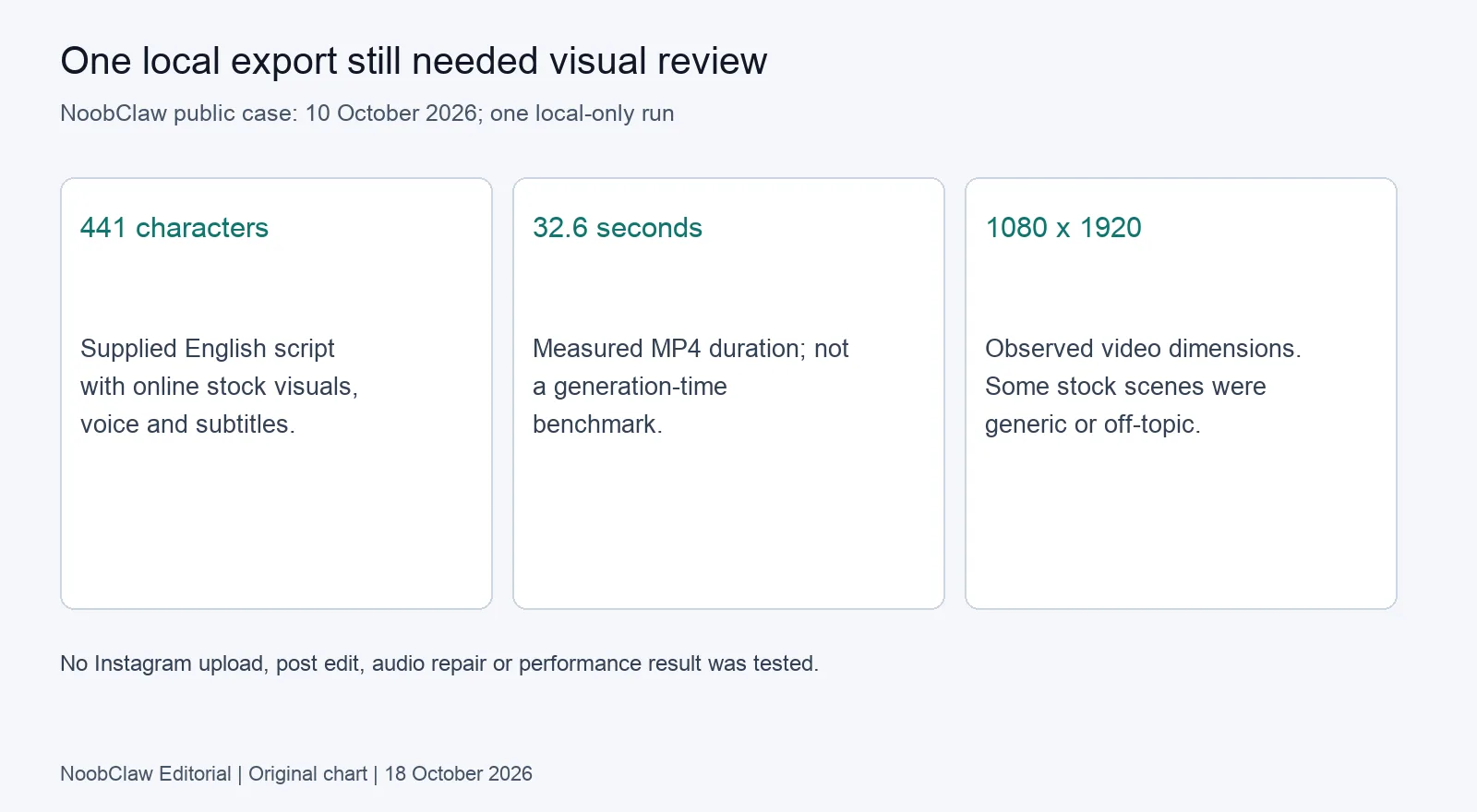
This was a single local-only desktop run, not an Instagram editing test. Source licences were not individually audited, and the evidence did not independently approve pronunciation. Internet and current plan or credits were required. Use the existing script-to-video Guide only if you need that production workflow; it does not repair a published Instagram post.
Before publishing, check the account, source rights, statements, subtitle wording, audio and selected media version. Save the editable source alongside the approved export and caption. This proposed checklist has no promised completion time or measured prevention rate. Its purpose is to give you a version you can revise, rather than relying on every detail being editable later.
FAQ: editing an Instagram Reel after posting
Is audio always impossible to change after posting?
No. The official help page provides a one-time replacement for a muted track on a muted Reel. Do not extend that exception to every audio change.
Does editing the caption guarantee the same reach?
No reach outcome was tested here. A caption edit is documented, but that does not establish what would have happened with or without the edit.
Will changing an Edits project update a Reel already online?
The documented project changes do not update an already exported video. Export again and distinguish a linked draft update from a live-post correction.
Review note, 18 October 2026: Current public help and one local export record were reviewed. No logged-in Reel edit, audio replacement, cover-availability or performance experiment was performed.
Sources
- Instagram Help: manage reels and edit an existing caption — checked 18 October 2026.
- Instagram Help: replace muted Reel audio — conditional one-time route, checked 18 October 2026.
- Instagram Help: export and share from Edits — project/export distinction, checked 18 October 2026.
- NoobClaw public export record — one local-only run, 10 October 2026. Help pages state no publication date.