Free Social Media Posting API: Access, Limits and Costs
- Buffer documents API access on Free with a finite request allowance.
- Request limits, queue capacity and channel posting limits are separate.
- TikTok app approval and user authorization still apply; browser scripting is not an API workaround.
Free social media posting API access means a documented allowance for an integration, not unlimited publishing to every platform. Buffer currently includes API access on its Free plan. A platform API such as TikTok Direct Post has its own app and user-authorization requirements. Before building a pipeline, separate the access offer, request accounting, publishing permission and evidence that the intended post actually completed.
A successful API call and a visible published post are different checkpoints.
Buffer provides a documented free API route
Buffer’s API page says access is available on all current plans, including Free. Its official pricing and developer documentation list one personal API key and one app client on Free, with 3,000 requests over a rolling thirty-day window. A Buffer account and credential are still required. This is a finite vendor offer for operating against the associated Buffer organization; it does not create unlimited credentials or independent platform accounts.
The current API page describes creating, fetching and deleting posts in queues, working with ideas, and retrieving connected-channel and organization information. That is enough to evaluate a content-to-queue integration from the documentation. The page also contains broad analytics marketing language alongside a FAQ describing future analytics and community expansion. Do not promise a particular analytics endpoint or response shape without checking its current reference and actual result.
As of October 11, 2026, the Free scheduling offer separately allows three channels and ten queued scheduled posts per channel. A request may inspect a channel, create a draft or check a result; a request is not necessarily one completed post. Build your workload estimate from the required operations and the supported target formats. This article reads the public documentation rather than claiming that we authenticated and published a test through Buffer.
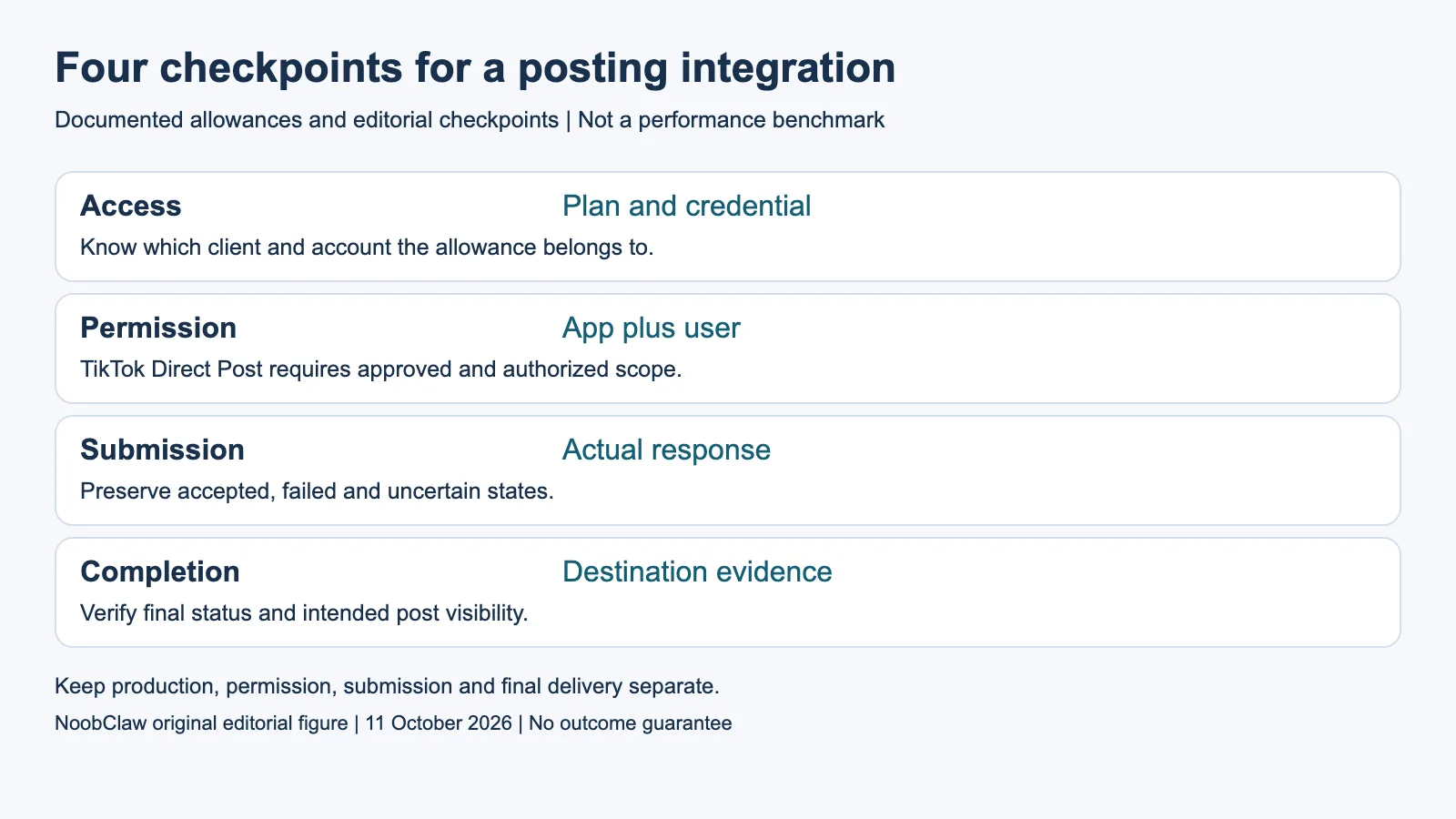
- Access: Plan and credential. Know which client and account the allowance belongs to.
- Permission: App plus user. TikTok Direct Post requires approved and authorized scope.
- Submission: Actual response. Preserve accepted, failed and uncertain states.
- Completion: Destination evidence. Verify final status and intended post visibility.
Handle the conflicting Free daily figure honestly
Buffer’s developer rate-limit table and pricing table currently show 250 requests for Free over twenty-four hours. The API landing-page FAQ instead says 100 for the Free twenty-four-hour allowance. The pages agree on the 100-request fifteen-minute window and 3,000-request thirty-day allowance. We found that discrepancy while reading the current official sources; we did not resolve it by choosing the larger figure and calling it guaranteed.
The developer guide says limits apply per client and explains the response headers for each rolling window. It distinguishes these request limits from a channel’s daily posting limits. For the account you actually use, inspect its live limit headers and dashboard and seek clarification when necessary. A published example header is an example, not proof of your client’s remaining allowance. Keep the separate windows visible in your job record.
The guide describes an HTTP 429 response with a Retry-After value and the exhausted window. An implementation should respect the current response and stop when it cannot complete within its allowed attempts or wait budget. This is ordinary request handling, not advice to evade a rate limit. Before resending a publication-changing operation after a lost response, reconcile the existing job so a transport uncertainty does not become a duplicate.
TikTok Direct Post adds app and user requirements
TikTok’s current getting-started guide requires a registered app with the Content Posting API product and Direct Post enabled. The app must have approval for video.publish, and the target user must authorize that scope. It also requires the relevant token and user identifier. Merely reading the endpoint, owning the video or running the code locally does not satisfy those requirements.
The guide explicitly restricts content from unaudited clients to private viewing and requires an audit to lift that visibility restriction. It describes querying the creator’s current information, initializing delivery, uploading when using the file route, and checking status with the publication identifier. Those stages should be represented as separate results. An accepted initialization response is not an audience measurement or evidence of public publication.
A vendor may supply a supported integration, but verify its stated action and destination conditions before using it. Do not assume paying for a vendor plan buys your own app approval, or that all products have the same review requirement. This guide does not quote a universal time to approval or a creator-account capacity that was not verified in the sources. Record unresolved account conditions rather than planning against an invented quota.
Self-hosting and browser operation do not supply missing permission
Self-hosting changes who operates the server and maintains the integration. A particular open-source license may remove a software subscription, but hosting, upgrades, credentials and destination conditions remain separate questions. Inspect that product’s actual license and setup documentation before estimating total cost. This article does not rank all open-source publishers or claim that every repository is free for every commercial use.
Browser operation is an implementation method, not a social-media posting API. On X, the official automation rules expressly prohibit non-API website scripting. They also distinguish user authorization from consent for the actual automated actions. A logged-in session, separate browser profile or randomized timing does not make that website scripting an approved substitute. Choose the documented, permitted route for the specific action.
Plan the result you need before selecting a method: a candidate script, a local media export, a queued post, a final published item or a reply. These can belong to different products and permission sets. A production tool may be useful earlier in the process without supplying publishing access. Naming that boundary lets you compare costs for equivalent deliverables instead of treating every product with an automation feature as the same API service.
Our local video case is not a posting-API test
NoobClaw is this article’s publisher. Its public October 10 execution record reports one 441-character English script producing a local 32.6-second video at 1080 × 1920 and 30 fps, with observed audio and subtitles. The record notes partly irrelevant stock footage and unresolved voice-quality and rights review. It does not contain an external-platform publishing receipt, API permission test or audience result.
This gives a verifiable distinction for an integration spec: the export is a production artifact, while the publication record is still missing. The local file’s duration and dimensions can inform an asset review, but they cannot establish what a platform accepted. If a project needs both stages, keep the production output and the destination’s actual publication evidence linked. Do not invent the missing second stage to make a case study look complete.
The NoobClaw script-to-video guide documents the production route; current pricing belongs to that product offer. Its caption, hook and script generators return text with a limited anonymous allowance. Neither that allowance nor a local export is a free posting API. Start with a supported test destination, identify access and required permissions, then verify completion before describing the pipeline as working. This article makes no publication-success or growth guarantee.
For the related content and workflow decisions, read Buffer API Pricing and Rate Limits: Plans, Windows and Costs and Buffer API Alternatives: Eligible Workflows and Growth Costs. Each review has its own evidence and scope.
NoobClaw publishes this article. Its script-to-video guide and public creative execution record document a local video result, not external-platform publication. Check the current product offer against the supported action you need.

Frequently asked questions
Is Buffer’s API available on Free?
Its current official pages say yes, with finite keys, clients and request allowances. Queue and platform posting conditions are separate.
Which Free daily request figure should I assume?
Current Buffer official pages disagree: 250 in the developer/pricing tables and 100 in the API FAQ. Check actual headers and the account dashboard and resolve the discrepancy before relying on capacity.
Does self-hosting or a local browser eliminate review?
No such general permission follows from where software runs. Check the specific platform, product, method and action; X expressly prohibits non-API website scripting.
Sources
Official material read on October 11, 2026. The 2020 recommendation explanation, 2023 enforcement announcement and 2025 guidelines update retain their historical scope; they do not certify current account menus, ranking weights or recovery times. The developer document describes its specified integration. Examples are hypothetical except the separately documented local production record.