Free TikTok Tools: Search, Analytics and Creation Tasks
- Everything returned by this search falls into three classes: tools TikTok gives you inside the app, third-party tools that are free until a specific wall, and engagement panels that call themselves to
- Three tells identify class three on sight, before you sign up: it asks for your TikTok login, it prices by follower count rather than by feature, and it will not say where its numbers come from.
- TikTok wrote the rule for class three in plain language. Its Community Guidelines prohibit trading or marketing services that artificially increase engagement, and state that when inauthentic metrics
- The growth tools worth your time do the work you would have done anyway: writing, editing, scheduling, replying. The ones worth avoiding do work you could not have done at all, which is exactly why th
A creator on Hacker News described the experience better than any help page has: "TikTok just woke up one day and hated me." (Hacker News, qingcharles, 2023-09-23.) You have probably felt some version of it. Reach falls off a cliff, nothing was deleted, no notice arrived, and the first thing you do is open a search box and type something like free tiktok tools.
What comes back is a mess, and the mess has a structure. Three genuinely different products share that one phrase, and one of them is the reason people end up in the situation above. This page sorts them, quotes the platform rule that governs each, and gives you three tells that separate them before you hand over anything.
The autocomplete tells you what people are actually asking
Google's suggestion list for this phrase splits five ways: tools to skyrocket, tools for followers, tools for views, growth tools, and ai tools. Three of those five are asking for numbers to go up, and two are asking for work to get easier. They are not the same request, and a single list ranked by "best" answers neither of them.
So here is the sorting rule that does answer both. Ask what the tool does when you are not looking:
- Class one — it shows you something about your own account that TikTok already knows. Free because it is TikTok's.
- Class two — it does a job you would otherwise do by hand: transcribe, caption, cut, schedule, draft. Free up to a stated wall.
- Class three — it makes a number move without a human doing anything a human could do. Free because you are not the customer.
The useful test is not "is it free." It is: could I have produced this result myself, slowly, with no tool at all? If the answer is no, the platform can tell too.
Class one: the things TikTok hands you and nobody counts as tools
The highest-value free tools for most accounts are inside the app, and they lose search traffic to third-party lists because nobody writes about them. The native analytics tab, the web-based Creator Center, the built-in transcript, and the platform's own scheduling surface all cost nothing and none of them require a login you do not already have.
We have checked these individually rather than repeating vendor copy: see what TikTok's own scheduler does and where free stops everywhere else and the transcript TikTok already generates for you. The pattern that emerges from both: the platform's own version is more limited in features and more reliable in outcome, because it is the only one that never needs your credentials.
Class two: free until a wall, and the wall is the product
Editors, caption generators, hook writers, schedulers, transcript cleaners. These are real software with real free tiers, and the honest way to compare them is not by feature list but by where each one stops. In practice the wall sits in one of four places: number of connected accounts, number of queued posts, exports per month, or a watermark on the output.
Two things worth knowing before you commit a workflow to one of these:
- A queue cap is not a monthly production cap. Several vendors cap "scheduled posts" — meaning how many can sit in the queue at once, refilling as each one goes out. Reading that as a monthly ceiling makes a free tier look far smaller than it is.
- Free tiers move. The floor under free scheduling for Meta-owned surfaces shifted in September 2026; we tracked that separately in the piece on what changed on 15 September. Anything dated more than a few months back in this category should be treated as a hypothesis, not a fact.
Within class two there is also an AI sub-shelf — caption writers, script drafters, video generators. They are legitimate, and the thing to check is not quality but the unit you are billed in once free runs out: per generation, per credit, per second of output, or per seat. Those four units are not convertible by eye.
Class three: the panel wearing a tool costume, and the three tells
This is the class that produces the "TikTok woke up and hated me" story, and it is also the easiest to identify. Three tells, all visible before you create an account:
- It asks you to log in with your TikTok credentials — not an official authorisation screen, but a form on its own domain asking for username and password. No genuine analytics or editing tool needs that.
- It prices by follower count, not by feature. A tool charges for what it does. A panel charges for how much of a number it moves, which is a different business entirely.
- It will not say where the numbers come from. Real tools name their source — the platform API, your own uploads, public pages. Panels describe outcomes and never mechanisms.
On the economics: one Hacker News commenter, citing Cambridge research, wrote that "$100 gets you around 2k fake but verified tiktok accounts" — and, in the same comment, why that shelf life is short: "Twitch changed their technical measures recently and a bunch of big streamers concurrent viewers dropped by a large amount." (Hacker News, jasonwatkinspdx, 2025-12-18.) That pairing is the whole story of this class. The supply is cheap and the detection changes without notice.
TikTok's own Community Guidelines are not vague here. Read first-party on 2026-09-21, the Integrity and Authenticity chapter prohibits:
"Trading, marketing, or providing access to services that artificially increase engagement, such as: Followers or likes / Fake reviews / Using AI or bot accounts to drive traffic / Sharing how-to guides or tips for boosting engagement in fake or deceptive ways."
And the consequence clause, from the same chapter: "If we detect accounts or content with inauthentic metrics, we'll remove fake likes, followers, or other inflated signals." Note what that sentence actually says — the purchase gets reversed. You are not buying followers; you are renting them, from a landlord who does not tell you the lease length. Our longer breakdowns sit at free TikTok tools, triaged by what wants a login and the exact rule each free like tool breaks.
The live-stream corner of this class works differently enough that it needs its own page — see why LIVE-room bots and posting automation are two separate risk surfaces.
What the two allowed sentences actually permit
Two sentences from the same TikTok chapter have to be read together, because quoting either one alone is misleading. The first: "You can have multiple accounts—for example, for fan content or creative expression—but not to deceive others or break the rules." The second, a paragraph later: "We strictly prohibit automation tools, scripts, or other tricks designed to bypass our systems."
Put together: the line is not drawn at how many accounts you have, and not at whether your content repeats. It is drawn at what the automation is for. Software that helps you write, edit and publish content you would stand behind sits on one side. Software whose entire function is to make a metric move without a viewer existing sits on the other, and no amount of content variation moves it back.
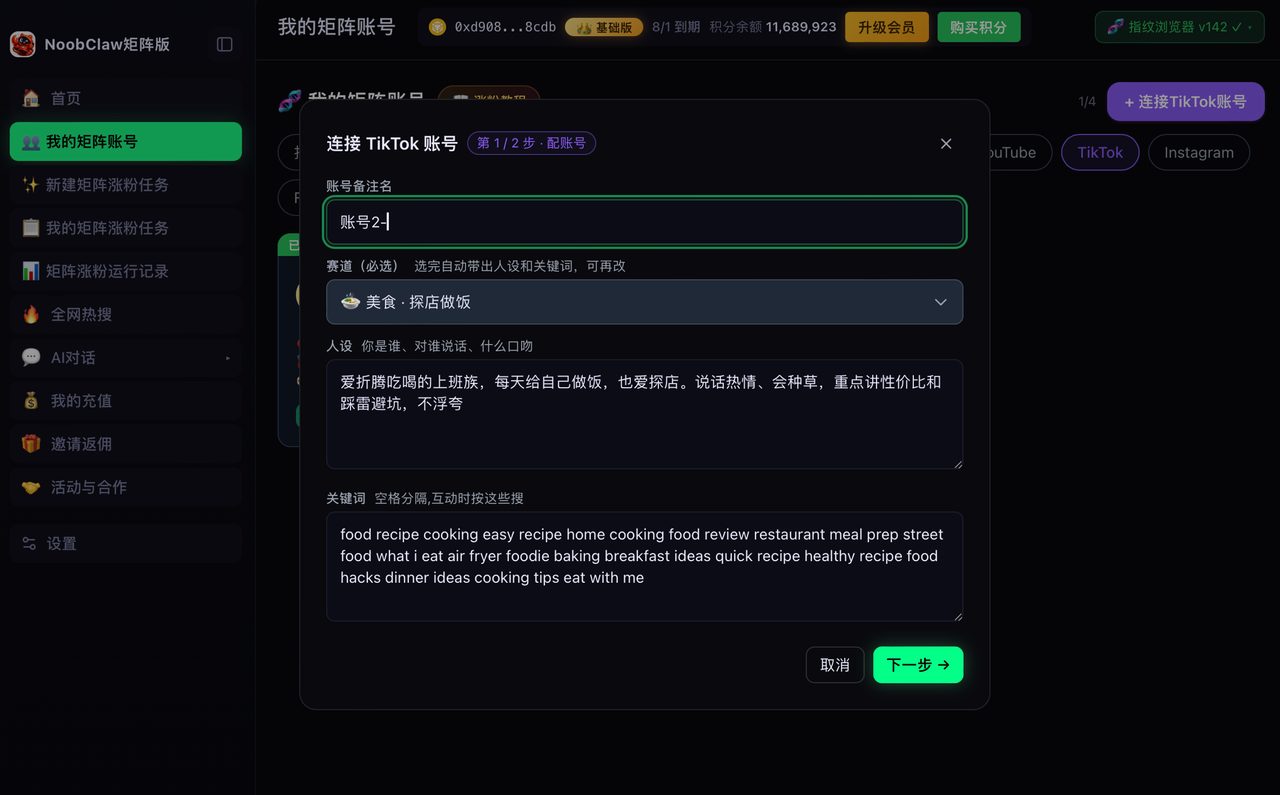
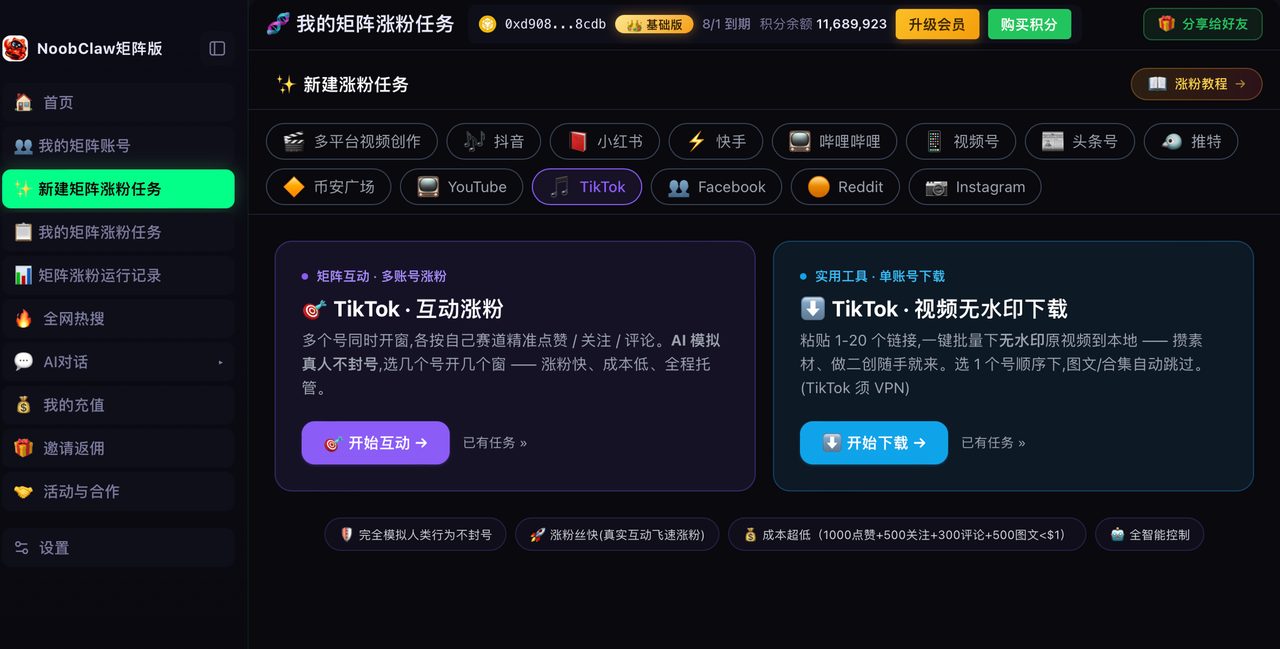
That distinction is also the only honest way to describe what we build. NoobClaw is one option among many for the class-two work — it runs in a local browser where you log into your own accounts, it does not take your passwords, each account produces its own content rather than copies, and it keeps a human review step. It does not move metrics for you, because nothing that does is on the right side of the sentence above. If your bottleneck is the volume of real work, that is the shelf to shop on; the TikTok workflow guide walks through what that looks like.
FAQ
Are free TikTok growth tools safe to use?
The question has to be split. Tools that help you make and publish content are ordinary software; the risk is the same as any app you log into. Tools that deliver followers, views or likes are covered by the guidelines quoted above, which prohibit trading or providing access to services that artificially increase engagement. The practical difference is that the first kind cannot be undone by the platform and the second kind explicitly can — TikTok says it removes inflated signals when it finds them.
What is the single best free TikTok tool?
There is no single answer because the five things people mean by this query are different jobs. If you want to understand performance, start with the native analytics rather than a third-party dashboard. If you want to publish more, start with the platform's own scheduler and add a third party only when you hit its wall. If you want more followers, no tool supplies them; the tools only remove friction from the work that earns them.
Why does a free tool want me to log in with my TikTok password?
Because it needs to act as you, and no official authorisation flow will let it do what it intends. This is the clearest of the three tells. A password form on a third-party domain is not an integration; it is a credential handover, and it stays valid long after you have stopped using the site. If a tool needs that, the honest answer to "is this free" is that the price is not in dollars.
The takeaway you can act on today: open every free TikTok tool currently in your workflow and answer one question for each — could I have produced this result by hand, given enough hours? Keep everything that answers yes. The rest are not tools that happen to be free; they are a different product that borrowed the word.