Schedule Instagram Posts on Desktop: Options and Limits
- Meta Business Suite schedules Instagram posts from desktop at no cost, provided you have a professional (business or creator) account — this is the route most people are looking for.
- The catch is account type, not price. A personal account cannot use it, and switching has consequences beyond scheduling.
- Third-party schedulers add multi-account queues and analytics but publish through the same API, so they inherit the same limits on what can be scheduled.
- Takeaway: a three-route decision — free native, paid scheduler, or browser-based — mapped to how many accounts you run and what you post.
Writing captions on a phone keyboard is miserable, and the obvious question follows: why can I not just do this from my computer?
You can. There are three routes, they are genuinely different, and the free one covers most people — with one condition that catches a lot of them out.
Route one: Meta Business Suite (free, and probably what you want)
Meta's own desktop tool schedules Instagram posts at no cost. You compose in a browser, pick a date and time, and it publishes. For a single brand or creator posting a normal amount, this is the whole answer and you can stop reading.
The condition: your Instagram account has to be a professional one — business or creator. A personal account cannot use it. This is the actual gate, and it is the reason so many "why can't I schedule" searches go unresolved: people assume it is a paid feature when it is an account-type feature.
Before you switch just to unlock scheduling, know that the switch carries other consequences — different expectations around commercial content, a different public presentation. We laid out the trade in Instagram professional account downsides. If you were going to switch anyway, do it; if scheduling is the only reason, weigh it.
What it will not do: it is built around one business's accounts, so it does not scale gracefully to a dozen unrelated accounts, and its scheduling is limited to what the API supports for each post type.
Route two: a third-party scheduler
Paid schedulers publish through the same official API, so they cannot exceed what route one can technically do. What you are buying is workflow:
- Multi-account queues that do not assume the accounts belong to one business.
- Approval flows for teams and clients.
- Better analytics and cross-platform views in one place.
- Bulk upload — a spreadsheet or a folder rather than one post at a time.
Because they share the same plumbing, comparing them on features mostly compares marketing. Compare them on the ceilings instead — accounts versus volume, and which one you hit first. We worked through that in bulk Instagram post schedulers, and the free end of the market is covered in free social media schedulers.
A paid scheduler is not buying you capability Instagram withholds from the free tool. It is buying you a workflow the free tool was not designed for.
Route three: browser-based tools
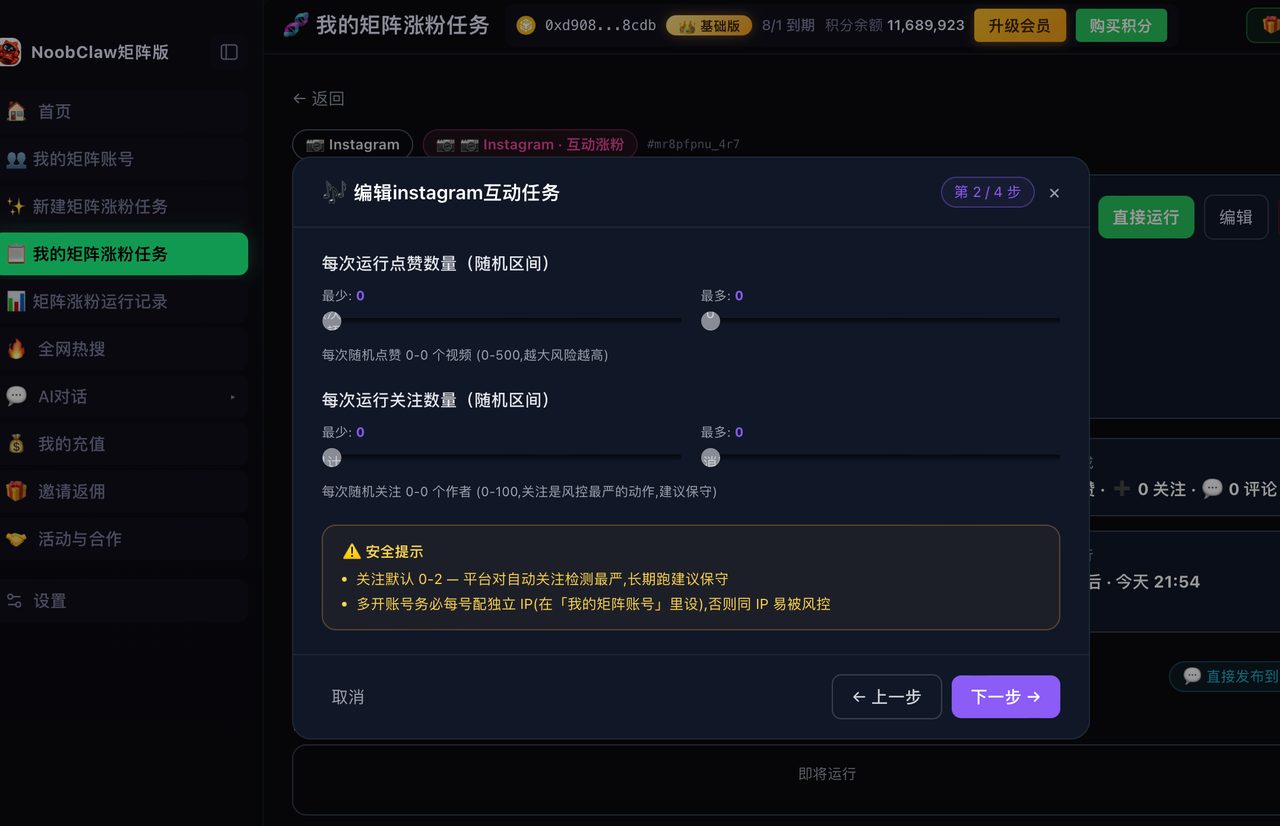
A different category. Rather than calling the API, these drive a real browser session on your own machine — the same actions you would take by hand, performed for you.
What that buys: reach beyond the API's boundaries, including account types the API does not serve and platforms with no public API at all. What it costs: you carry the responsibility for behaving like a person. Fire twenty identical actions on the hour and you have created a pattern no API tool would have created for you.
This is the category NoobClaw is in, and the honest positioning is narrow: it makes sense when you are running several accounts across several platforms and need each to publish different content. It runs locally, signs into your own accounts through per-account fingerprint browser profiles rather than taking passwords, generates per-account content from each account's own niche and persona, and spreads publishing over randomised intervals. If you have one Instagram business account and want to schedule from your laptop, use Meta Business Suite — it is free and it is the right tool.
Picking between them
- One account, professional, normal volume → Route one. Free. Done.
- One account but personal, and you do not want to switch → Route three, or accept posting from the phone. Route two mostly requires a professional account too.
- A handful of accounts for one business, or a client roster → Route two. The workflow is what you are paying for.
- Many accounts, several platforms, content that must differ per account → Route three, with the responsibility that comes with it.
The four things desktop scheduling cannot do for you
Set expectations before you build a workflow on it, because these limits catch people out consistently and none of them are a fault of the tool you picked:
- Post types are not all equal. What can be scheduled varies by format, and support shifts over time. Confirm the specific format you rely on rather than assuming that if photos schedule, everything does.
- Editing after publishing is constrained. What you can change on a published post through desktop tooling is narrower than what you can change in the app. Proofread before you queue, not after.
- Some interactive elements are app-only. Features that are genuinely native to the mobile composer generally cannot be attached by a desktop scheduler. If a format depends on one, schedule a reminder instead and post it by hand.
- A queued post is a decision you made in the past. This is the human limit rather than a technical one, and it is the one that costs most: a post scheduled three weeks ago will publish into a context you did not anticipate.
The fourth is worth building a habit around. Before anything goes out, glance at the queue — a scheduled post landing on the wrong day is one of the few social media mistakes that is genuinely hard to explain afterwards.
One scheduling habit worth keeping
Whichever route you take: do not queue further ahead than you can still steer.
A four-week queue feels like being organised and is usually the opposite — it means four weeks of not reacting to what performed, what flopped, or what happened in your niche. Two weeks is a good ceiling for most people: enough buffer to survive a busy period, short enough that you are still making decisions rather than executing an old plan.
And vary the times. Everything landing at 9:00 sharp every day is the one scheduling artefact that is visible from outside. Whether time-of-day itself matters is a separate and less settled question — see does posting time matter on Instagram.
FAQ
Can I schedule Instagram posts on desktop without a business account?
Not through Meta's own tool, which requires a professional account. Your options are switching account type, using a browser-based tool that acts through a normal session, or posting from the app. Weigh the switch on its full consequences, not just on scheduling.
Can I schedule Reels and carousels the same way?
Support varies by post type and changes over time, since scheduling tools are bound by what the API exposes for each format. Check what your chosen tool currently supports for the specific format rather than assuming parity with single-image posts.
Does scheduling hurt reach compared to posting manually?
There is no credible evidence that publishing via the official API is treated differently from posting in-app. What can hurt is the behaviour scheduling encourages — identical content across accounts, and everything landing on the same clock minute every day.