Upload to Multiple Platforms at Once: Free Options
- Buffer Free includes three channels and ten queued posts per channel.
- Queue capacity is different from monthly output and API-request limits.
- Native scheduling is destination-specific; a local export is not a published post.
A free shared scheduler can cover a small account list, while native publishing can cover an individual destination. Neither option establishes unlimited accounts, supported formats or guaranteed publication everywhere. Start by defining what you mean by uploading to multiple platforms at once: one coordinated workflow, or identical public delivery at the same moment. The latter still needs a result from each destination.
A free plan is useful when the published allowance fits the job you actually have.
Buffer Free is a bounded shared-publishing option
Buffer’s official pricing page, checked October 11, 2026, lists up to three connected channels on Free and ten scheduled posts per channel at one time. A published scheduled post frees a slot for another post on that channel. With three connected channels, the documented queue capacity is thirty waiting posts in total, split into ten for each channel. It is not a shared pool that you can place entirely on one channel.
An illustrative account list with an Instagram creator profile, a Facebook Page and a YouTube channel fits the numerical three-channel allowance. That does not certify all formats on those accounts: Buffer’s table identifies YouTube Shorts, for example, rather than universal support for every YouTube upload. A fourth connected account exceeds this Free channel allowance even if your existing queues are empty. The account list matters as much as the content count.
Do not confuse the permanent Free offer with the paid-plan trial. The pricing page separately describes a fourteen-day trial and conditions for returning to Free. If the account has more than three channels when it returns to Free, excess channels can be locked. Read the current account state before relying on an existing scheduled job. This article did not connect or publish through a Buffer account; the allowance is sourced from its current official documentation.
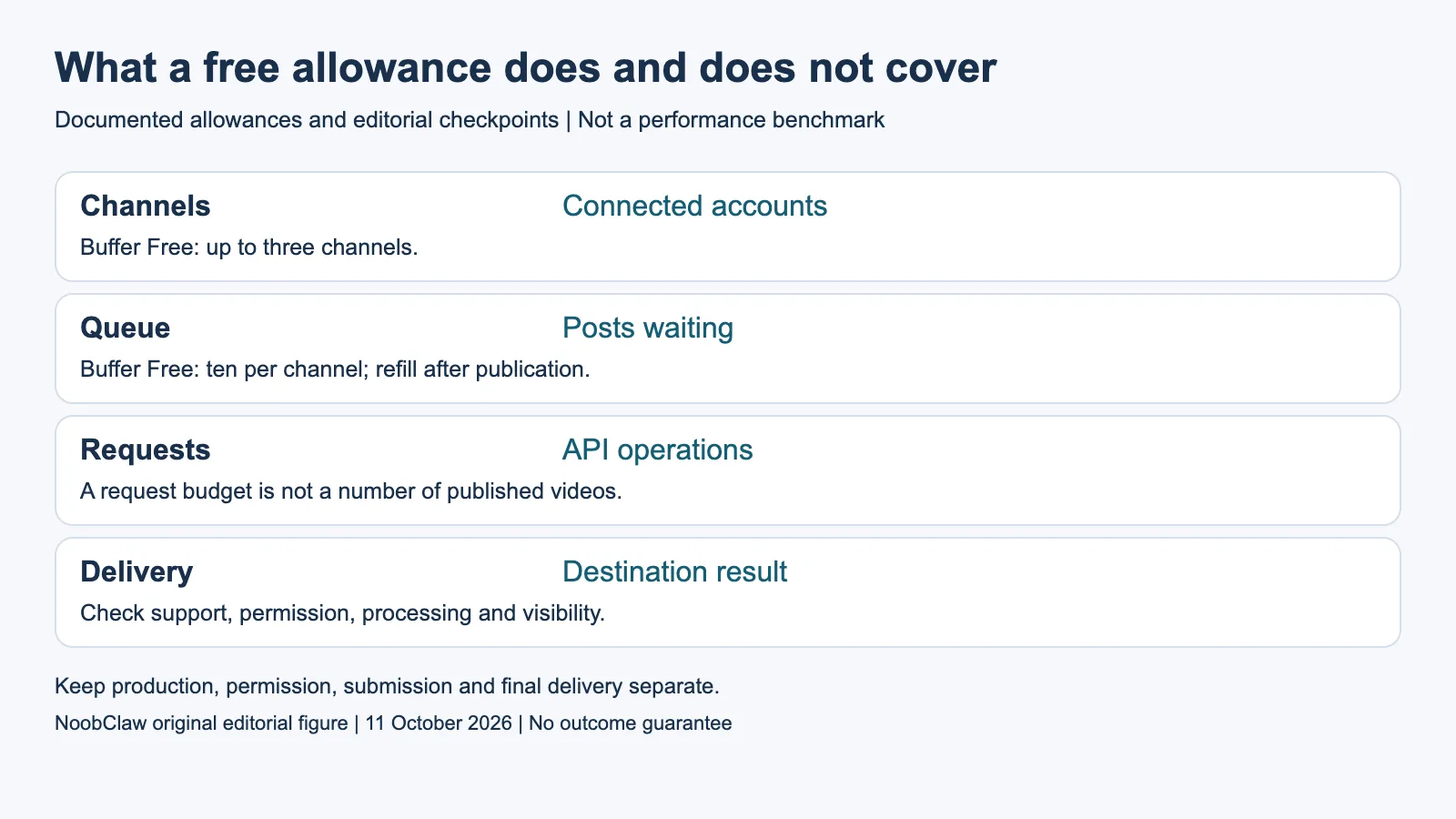
- Channels: Connected accounts. Buffer Free: up to three channels.
- Queue: Posts waiting. Buffer Free: ten per channel; refill after publication.
- Requests: API operations. A request budget is not a number of published videos.
- Delivery: Destination result. Check support, permission, processing and visibility.
Count queue slots, requests and completed posts separately
Queue capacity answers how many items can wait. Monthly publication volume answers how many items actually went out during a month. API requests count calls used by an integration, which may include reading channels or checking states. These units should not share one “post limit” column. A thirty-slot example from the Free queue tells you neither how many uploads will complete nor how many API operations your integration will require.
Buffer includes API access on Free. Its pricing and developer materials list one personal key and a 3,000-request thirty-day allowance. Read the actual API limits and current response headers when building an integration; that request allowance is separate from scheduling capacity and per-channel daily posting limits. There is also an inconsistency in Buffer’s current Free daily API figures across official pages, discussed in our separate API guide rather than silently resolved into one number here.
For planning, list the accounts, the maximum waiting items per account and any programmatic reads or writes you expect. Mark those request counts as an estimate until measured. Include the work needed to finish a notification-based post. A free dashboard can be an appropriate choice without making the whole production and delivery workflow costless or implying that buying a paid plan will improve audience response.
Native YouTube scheduling provides a separate destination route
YouTube’s official scheduling instructions explain how to schedule a private video to become public at a chosen date, time and time zone. The same page says a Community Guidelines strike prevents scheduled publication during the penalty period; the video stays private and requires rescheduling when that period ends. This is an available native scheduling workflow with explicit conditions, not an unlimited multi-platform publisher.
If this route covers your YouTube need, it may remove the need for a third-party publishing subscription for that destination. You still prepare the file, set its details and inspect the result. Other destinations require their own current instructions and account conditions. This guide does not certify every native dashboard as free forever, uncapped or available to every account merely because one native workflow is documented.
Keep a simple destination record even when you publish manually: approved asset, account, format, chosen visibility, planned time and observed result. A record shared with a collaborator can coordinate the work without claiming that it executes the upload. Decide whether a shared scheduler’s supported account list removes enough repeated work to justify it; do not buy a paid plan solely because the word “native” sounds less sophisticated.
Check how the tool is allowed to deliver the chosen format
TikTok Direct Post illustrates why a documented endpoint alone is insufficient. The app needs approval for video.publish and the target user must authorize that scope. TikTok restricts content from unaudited clients to private viewing until the required client audit is completed. Its examples include an upload identifier and a subsequent status check, so receiving an upload URL is not proof that the video was published publicly.
A vendor’s shared dashboard may handle some integration work, but you should check its specific supported account and media conditions. Self-hosting does not create authorization for a network, and local browser operation is not evidence of a permitted automation method. X explicitly disallows scripting its website outside the API. No free or paid product in this guide is presented as a way around platform review or action rules.
Owning the source video does not settle every destination’s music, imagery or disclosure requirements. Inspect the master and its intended use, then the target’s supported file and metadata. Rewriting a caption can improve editorial relevance, but it is not a measured guarantee of discovery and does not turn an unauthorized delivery method into an authorized one. These checks apply before choosing whether the publisher is free.
Separate making the file from uploading it
The publisher of this article, NoobClaw, provides a public execution record for one local script-to-video task. On October 10, a 441-character English script produced a 32.6-second, 1080 × 1920, 30 fps export. Audio and subtitles were observed, but generic footage was partly off-topic and voice quality and asset rights were not approved for release. There was no TikTok, YouTube or Instagram publication measurement.
That single disclosed case identifies a production result and unfinished editorial checks. It does not demonstrate a free multi-platform upload route or an account-growth outcome. If you need an actual video, inspect the documented script-to-video workflow and its current cost. If you already have an approved video, evaluate supported publishing separately. A production membership should not be compared with a scheduler’s free channel allowance as if they bought the same deliverable.
The NoobClaw caption, hook and script generators are also separate text tools. Their anonymous allowance is limited; they do not transcribe an uploaded file or publish a post. Treat the returned text as a draft to review. For a free cross-posting plan, start with the allowed accounts and formats, retain the approved export, and record the destination result. Pay only after identifying which missing capability the paid offer would actually supply.
For the related content and workflow decisions, read Post to Multiple Social Media at Once: Methods and Checks and Free Social Media Posting API: Access, Limits and Costs. Each review has its own evidence and scope.
NoobClaw publishes this article. Its script-to-video guide and public creative execution record document a local video result, not external-platform publication. Check the current product offer against the supported action you need.

Frequently asked questions
Does Buffer Free allow only ten posts per month?
Its documented limit is ten scheduled posts waiting per channel. The slot becomes available after publication; do not relabel that queue limit as a monthly output allowance.
Can native scheduling cover every platform at once?
The YouTube route here applies to YouTube. Other destinations need their own current support and conditions; no universally uncapped native route is certified.
Is a self-hosted publisher completely free?
A software license, hosting, platform access, maintenance and production costs are separate. Check the specific product and destination before assuming a zero total cost.
Sources
Official material read on October 11, 2026. The 2020 recommendation explanation, 2023 enforcement announcement and 2025 guidelines update retain their historical scope; they do not certify current account menus, ranking weights or recovery times. The developer document describes its specified integration. Examples are hypothetical except the separately documented local production record.