
Social Media Automation vs Scheduling: You Are Probably Buying the Wrong One
- Three distinct layers get sold under one word: scheduling (distribute what exists), generation (produce what does not), engagement (maintain relationships per account).
- A scheduler cannot fix an empty content pipeline, which is the bottleneck for most people who buy one.
- Pricing axis matters more than headline price: per-channel, per-seat and credit-based models diverge sharply once you pass a handful of accounts.
- Diagnose first: is your problem "I cannot post it," "I cannot make it," or "nobody replies to it"? Each points at a different product.
Here is a pattern that repeats endlessly. Someone is drowning in social media work. They research tools, compare feature tables, buy a well-reviewed scheduler, connect their accounts — and three weeks later nothing has improved.
The tool worked exactly as advertised. It was just answering a question they were not asking. "Social media automation" describes three different products, and only one of them is a scheduler.
The three layers, and what each one leaves you holding
| Layer | Solves | Typical products | What you still do yourself |
|---|---|---|---|
| Scheduling | Getting content you already have to many places at chosen times | Buffer, Hootsuite, most "social media management" tools | Create every piece of content; do all engagement |
| Generation | Producing the content — scripts, video, images, copy | AI content tools, video generators, Blotato and similar | Distribution; engagement; deciding what is worth posting |
| Engagement | Maintaining real interaction on each account | Multi-account engagement tools | The judgment in every reply |
The trap is that the scheduling layer is the most mature, the best marketed, and the easiest to demo. It is what you find when you search. So people with a production problem buy a distribution product, and the calendar sits there, empty, reminding them daily that they have nothing to post.
A scheduler is a delivery truck. If the problem is that the warehouse is empty, a faster truck changes nothing.

Diagnose your bottleneck in one question
Ask yourself which of these sentences is true this week:
- "I have content ready but posting it everywhere eats my evenings." → Scheduling layer. Buy on price and platform coverage; this is a solved category.
- "I sit down to post and have no idea what to make." → Generation layer. And check carefully whether the tool produces different content per account or the same content distributed widely — in 2026 that distinction has real consequences.
- "I post consistently and the comments go unanswered." → Engagement layer. Verify it reads and responds to what was actually said rather than broadcasting one canned reply, because generic replies score as nothing on most platforms.
Most people who feel overwhelmed are in bucket 2 or 3 and shopping in bucket 1.
There is a simple diagnostic if you are unsure. Imagine your scheduler works perfectly and posts everything on time, forever, with zero effort from you. Is your problem solved? If yes, buy a scheduler. If your reaction is "but I still have to make forty pieces of content," you have just identified your real bottleneck, and no amount of calendar UI will touch it.
Why the layers stopped being interchangeable in 2026
There is a reason this distinction matters more now than it did two years ago. Platforms have shifted from checking whether you broke a rule to continuously scoring what you produce, and the criteria differ per platform: originality thresholds, completion rates, engagement quality, creator presence. One identical file distributed to four platforms scores mediocre on all four scorecards.
Which reverses the old logic. Distribution efficiency used to be the whole game — get it everywhere, fast. Now distribution efficiency has a ceiling, and the ceiling is set by content differentiation. That is a generation-layer problem, and no scheduler will solve it. See what counts as original content and why cross-posting is safe but copy-paste underperforms.
Pricing axis beats pricing number
Before you compare headline prices, identify what each tool actually charges for — because the curves diverge fast. From publicly listed 2026 pricing (always check the vendor's current page, these change):
- Per channel: Buffer lists Essentials at $5 and Team at $10 — per channel, per month. Ten accounts is ten times the number on the homepage.
- Per seat: Hootsuite Standard runs around $99 per user per month, Advanced around $249. One person still pays for a full seat.
- Per credit: Blotato starts at $29/month including 20 social accounts with 1,250 monthly credits, $97 for 40 accounts. Credits reset monthly and are consumed by generation, so you can have enough account slots and still run out of the thing you actually need.
Run your own account count through each model before you look at any feature list. A tool that is cheapest at 3 accounts is frequently the most expensive at 20 — the arithmetic is worked through in managing 20 accounts and the 2026 Hootsuite increase.
The order to buy in
If you eventually need more than one layer, sequence matters more than people expect:
- Fix production first. A distribution tool with nothing to distribute is a monthly reminder of the real problem. A content pipeline with manual posting is merely tedious — tedious beats stalled.
- Add engagement second. Once you publish consistently, comment sections start filling and going unanswered, which wastes the reach you just paid to create.
- Add scheduling last, if at all. By this point you may find your generation tool already publishes, and the scheduler becomes an unnecessary line item.
Most people run this order backwards because scheduling is the easiest thing to evaluate in a free trial. Evaluate the hardest layer first — it determines whether the other two matter.
Where we sit, plainly
One more distinction that gets blurred in marketing copy: "automation" is used for both producing and acting. A tool that generates fifty captions is automating production. A tool that likes, follows and replies on your behalf is automating behavior. These carry very different platform risk — production automation is broadly accepted when the output has human contribution, while behavioral automation is exactly what detection systems are built to find. Ask which kind you are buying, because the word on the pricing page will not tell you.
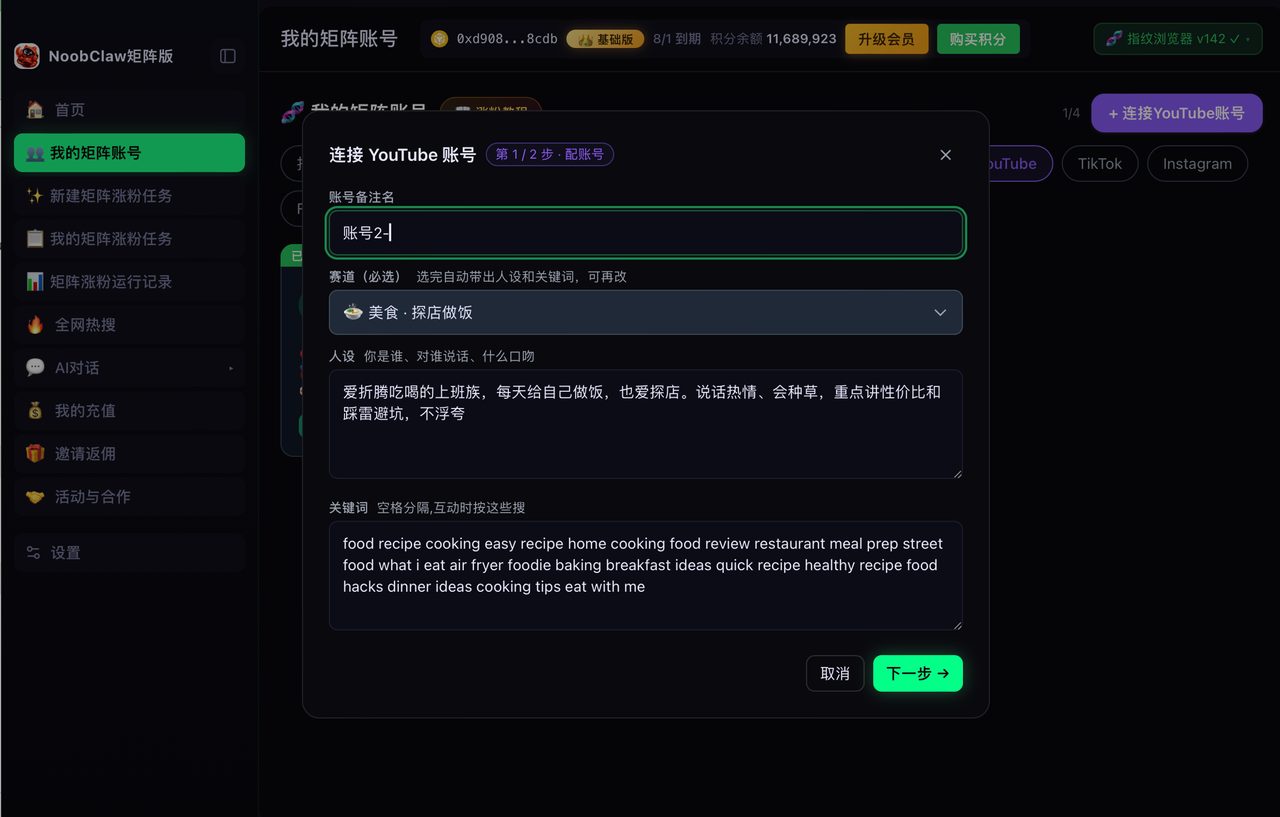
NoobClaw is a generation plus engagement product, not a scheduler. Each account produces its own content from its own niche and persona rather than sharing one queue, and engagement runs per account in a local browser session with randomized human-paced intervals. If your genuine bottleneck is "I have 40 finished posts and need them on 8 platforms at 9am," a dedicated scheduler is the better purchase, and that is a real answer rather than false modesty. Buying the wrong layer is the expensive mistake here, not buying the wrong brand.
FAQ
Can one tool cover all three layers?
Some claim to, and coverage is usually uneven — strong in one layer, thin in the others. The practical test is to ignore the feature list and ask what the product does when your content pipeline is empty and your comment sections are full. Whichever layer it genuinely rescues is the layer it really is.
Is stacking two or three tools reasonable?
Yes, and many people do. Just budget for the seams. The community consensus for production-grade DIY stacks is three safeguards — a human approval gate, error handling that never fails silently, and validation on generated output. Stacks break at the handoffs, and the failures tend to be silent.
Do I need any of this with fewer than five accounts?
Probably not a full stack. At small scale, the highest-leverage thing is usually a repeatable topic source so you never sit down with nothing to say. Tooling pays off once you are repeating the same motion across many accounts — that is when time savings compound rather than merely exist.