TikTok Stuck at 200 Views? What to Check Before Reposting
- A view counter near 200 cannot diagnose a restriction or an editing problem.
- Account-feature checks and individual post eligibility notices answer different questions.
- Use available analytics to form a review question, not a universal retention threshold.
- Text tools and a local video draft can assist production; they do not promise reach.
If your TikTok videos keep stopping near 200 views, check the individual post, its audience settings and the available performance data before deleting it. A counter alone cannot identify a restriction or tell you which edit will work. The official recommendation and account-check documents cited below do not establish a fixed 200-view pass mark.
The useful distinction is between a recorded platform decision and an editorial hypothesis. The first gives you a notice to review; the second gives you a question to investigate. Treating both as “the algorithm hates this account” makes it harder to choose a useful next action.
What can you check before blaming a 200-view limit?
Start with TikTok’s account-check guidance. It describes checks for login, posting, comments, profile editing and direct messages. It provides routes through TikTok Studio or the Safety Center and uses checkmarks or warning signs for the listed features or posts. Read the actual result rather than translating the whole screen into a verdict about reach.
Then examine the affected post. TikTok’s content-moderation guidance separately explains For You feed ineligibility notices in post analytics and an appeal route. A feature check and a post recommendation decision answer different questions. Check both when they are available; use the current in-app wording because labels and placement may change.
A clear account-check screen does not establish why a particular video received few views. It reports the checks shown there. Equally, a low counter is not evidence of a punishment. If a notice exists, save its text and follow the relevant review route. If no notice is visible, record that observation without converting it into either an all-clear guarantee or proof of a hidden penalty.
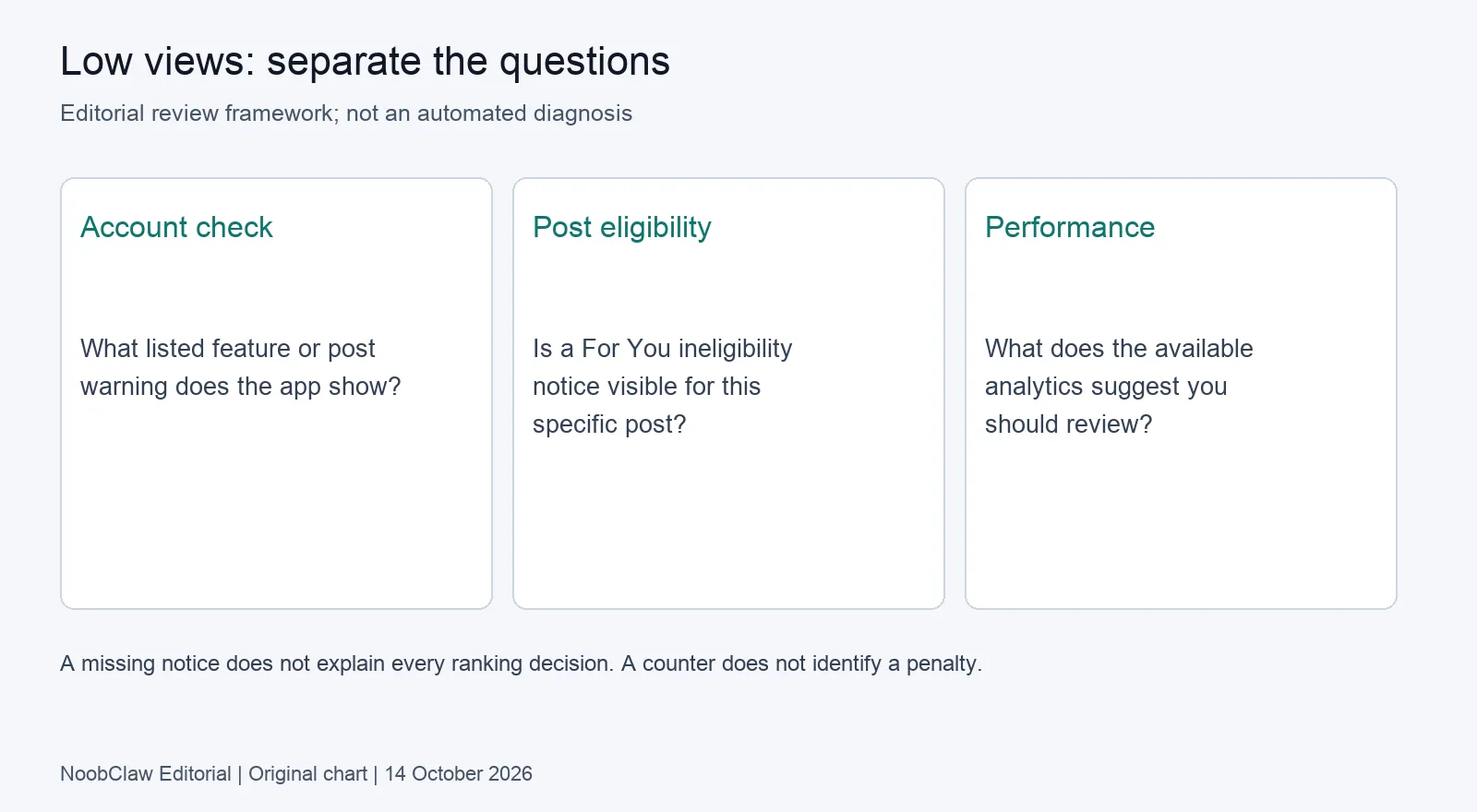
Also confirm that you are looking at the intended post from the intended account and that its audience setting matches your goal. Save the URL and observation time. These mundane checks matter when several people or accounts share a production queue: you need to know which artifact the view count actually belongs to before drawing conclusions.
What does the view count leave unanswered?
TikTok’s recommendation explanation describes user interactions, content information and user information. It includes watching or skipping among the signals and says their importance can vary. That account of recommendations supports examining viewer response; it does not give creators a universal watch-time cutoff or a fixed initial audience size.
Look at the analytics your account actually exposes. Keep video length, the opening promise, traffic source and the time of observation alongside the view total. If a retention chart is available, use it to form an editing question. An early decline may justify reviewing the opening, but it does not prove that the first sentence alone caused the result.
Suppose two tutorials have similar view totals. One opens with a tool already doing the promised job. The other spends its opening explaining why the topic matters. Those are different editorial choices worth inspecting. They are not a controlled comparison: subject, length, viewers and publication timing can all differ. This is an illustrative review example, not a result from a NoobClaw customer.
A view count describes an outcome. A useful review names the evidence and the next question.
Do not turn one poor result into an account-wide diagnosis. Likewise, one better result after an edit does not isolate the edit’s effect. Keep the explanation proportionate to the evidence. “This version states the task sooner” is visible in the video; “this version passed the 200-view test” assumes a mechanism the cited documents do not supply.
How do you make the next draft meaningfully different?
Choose one viewer question and show the promised answer. For a tutorial, that might mean moving a real demonstration earlier. For a product explanation, it might mean naming the relevant use case before listing features. These are editorial recommendations, not guarantees of retention or reach.
The TikTok hook generator can help you draft alternative openings from a topic. Treat the output as candidate text. Select an opening you can demonstrate and remove claims your footage cannot support. A stronger-sounding promise that the video fails to deliver is not a useful improvement.
Keep the opening, spoken script and post caption separate during review. The script tool helps organize the spoken explanation; the caption tool drafts post text. These are text tools, not account-status checks, subtitle transcription or a way to change TikTok’s recommendation system.
For an existing video, preserve the original file and performance record before replacing or removing anything. If there is a factual, privacy or rights problem, correcting that problem takes priority over preserving a comparison. If the only concern is a low counter, first write down what a new version would actually change. Uploading again without a reason does not create useful evidence about the original.
For the related production question, see how to choose a gap between TikTok posts. If you are deciding whether removal is necessary, the delete-and-repost analysis covers that separate decision. Neither action should be treated as a promised reset of distribution.
What does our own video-production case establish?
Our published 10 October 2026 workflow record follows a supplied English script of 441 characters through a single desktop stock-footage run. It produced a 32.6-second local MP4 with a 1080 × 1920 video stream. The record includes an audio stream and observed subtitles. It records no TikTok publication, view count or audience result.
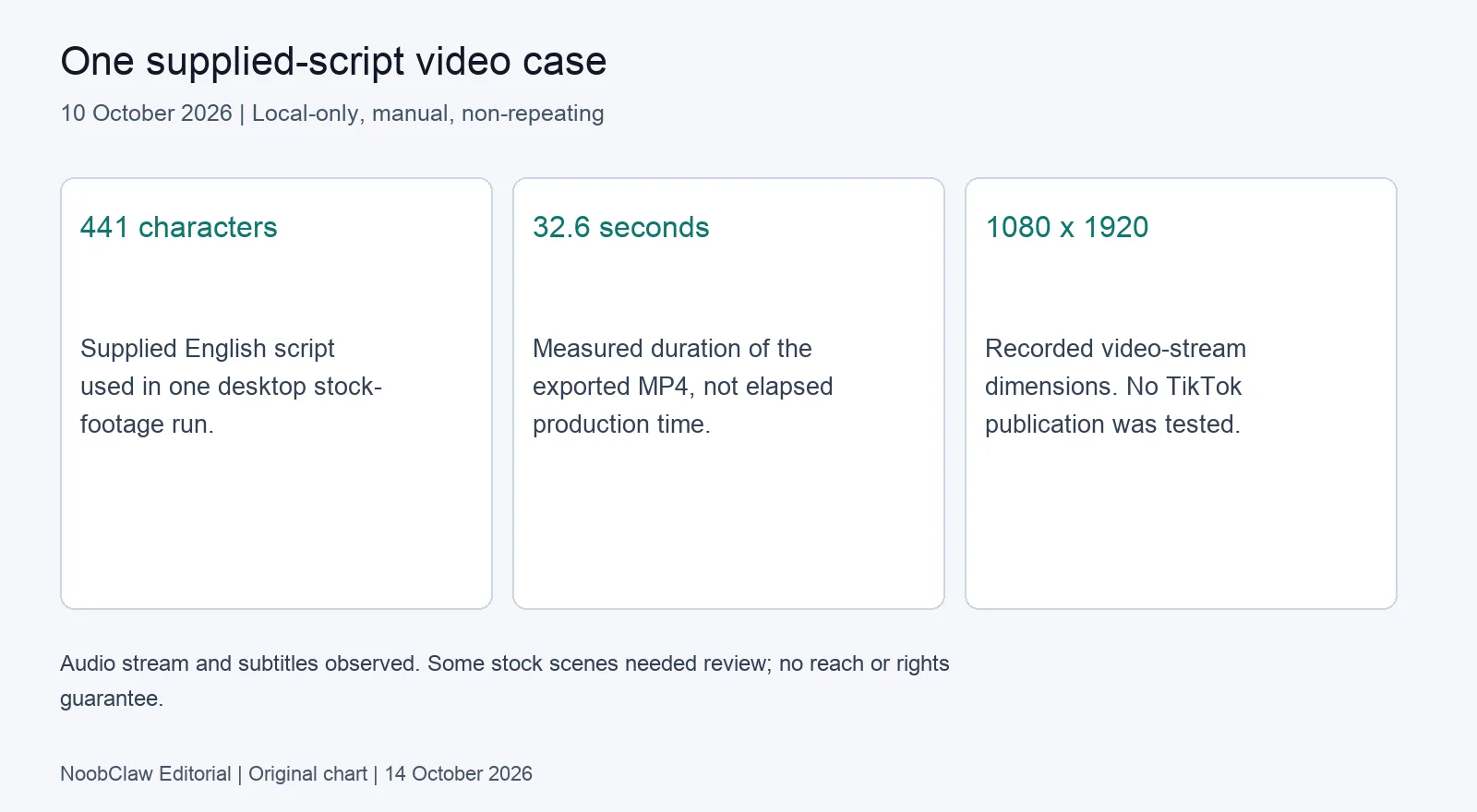
The useful observation is that production and distribution remain separate. Some selected stock scenes were generic or off-topic, so the local draft needed human review. A completed export did not settle whether the opening was compelling, whether each source clip was suitable to publish, or whether a platform would recommend the final post.
NoobClaw is one option when your next task is preparing a narrated draft from a script. The desktop script-to-video Guide explains the documented workflow and prerequisites. It needs the relevant account profile, network access and current plan or credits. Read current plans and credits before committing to that production route. This case does not establish unattended TikTok publishing or recovery from a restriction.
FAQ
Does stopping at 200 views prove that my account is restricted?
No. The count cannot distinguish a recorded restriction from ordinary performance or other conditions. Check the account features and the individual post notices available to you. A missing notice also does not explain every ranking decision.
Should I repost until a video passes 200?
We do not recommend using that counter as a pass mark. First identify a concrete reason to revise the video or follow a notice’s appeal route. Save the existing evidence. No reposting interval or number of attempts here promises a different outcome.
Can an AI hook fix low views?
It can supply wording to review, not a diagnosis or a reach guarantee. Keep only an opening that fits the actual demonstration. Compare subsequent observations cautiously, with length, topic and audience context recorded.
Review note, 14 October 2026: This article separates the documented account and post checks from editorial suggestions. Neither a view counter nor a clear check screen provides a complete diagnosis.
Sources
- Your account status — TikTok Help Center — undated public guidance reviewed 14 October 2026.
- Content violations and bans — TikTok Help Center — undated guidance reviewed 14 October 2026.
- How TikTok recommends content — TikTok Help Center — undated guidance reviewed 14 October 2026.
- One local script-to-video workflow — NoobClaw — 10 October 2026; single-case limitations included.