YouTube Community Post Limits: Quotas and Publishing
- YouTube's help page documents poll answers at 65 characters, quiz answers at 80, image captions at 36, up to 10 images and 16 MB per file.
- For the daily cap it says only: "We limit how many posts a channel can create in a 24-hour period" — with no number.
- A page that specifies a 36-character caption limit did not forget the post cap. The number is withheld deliberately, because it varies.
- The correct response is to log your own ceiling per channel rather than adopt a number from a blog that has no source either.
Here is the full list of things YouTube will tell you about a community post: poll answers max 65 characters, up to 4 answers, image poll captions 36 characters, quiz answers 80 characters — or 30 if there's an image — quiz explanations 500 characters, up to 10 images per post, 16 MB per file, JPG/PNG/GIF/WEBP, 1:1 aspect ratio suggested.
Here is what it says about how many you can post a day: "We limit how many posts a channel can create in a 24-hour period." That is the entire sentence. No number.
A page this precise did not forget
This is the tell, and it is worth learning to read because it recurs constantly. When official documentation specifies a 36-character image poll caption — a detail so granular that almost nobody will ever need it — and then declines to state the post cap, the omission is not an oversight. The number is being withheld on purpose.
A document that tells you the maximum length of a caption on a poll answer image did not run out of room before it got to the daily post limit.
There are only two reasons a platform withholds a number it obviously knows. Either the limit varies (by channel size, history, region, or standing) so no single number would be true, or publishing it would tell people exactly how much they can get away with. For community posts, the first is almost certainly the case, and it lines up with how YouTube handles daily upload limits — also documented as varying by country and channel history rather than as a fixed integer.
We have catalogued the same pattern elsewhere: TikTok's daily post cap has an error code but no published number, and Threads publishes its API caps while saying nothing about manual posting. Once you can spot the shape, you stop looking for numbers that were never going to be there.
The specs that are published, in one place
Since nobody else collects these, here they are as a reference table. All from YouTube's own help documentation for creating a post.
| Element | Documented limit |
|---|---|
| Text poll answers | 65 characters each, up to 4 answers |
| Image poll captions | 36 characters |
| Quiz answers | 80 characters, or 30 with an image; up to 4; exactly one correct |
| Quiz explanation | 500 characters |
| Images per post | Up to 10 |
| Image file size | Up to 16 MB |
| Image formats | JPG, PNG, GIF, WEBP |
| Suggested aspect ratio | 1:1 |
| Posts per 24 hours | Limited, number not published |
Two of these are more useful than they look. Ten images per post means a community post can carry a full carousel — most creators use one image and never discover this. And 16 MB is small enough that a straight phone screenshot will sometimes fail; if your image upload silently refuses, check the file size before you check anything else.
How to find your own limit in a week
Since the number is per-channel, the only reliable version of it is yours. This is a legitimate thing to measure and it takes almost no effort:
- Post normally for a week and record the date, time and count of community posts per channel in a spreadsheet.
- When a post is refused, record the exact wording. Refusals fall into different categories — a rate message, a policy message, and a plain upload failure are three different problems.
- Note the channel's context: subscriber count, channel age, whether it has recent strikes. If you run several channels, this is where the variation shows up.
- Stay one below whatever you find, and re-check quarterly. Limits that vary by channel history change as the history changes.
This is genuinely more useful than any number a blog can give you, because a blog's number is one person's channel on one day, rounded.
What community posts are actually for
Worth stating, because the posting limit question usually comes from people planning to use community posts as a broadcast channel — and that is the use they are worst at.
Community posts go to a subset of your subscribers and are weighted by engagement, like everything else on the platform. Posting more of them does not linearly increase reach; posting ones nobody interacts with reduces how often the rest get shown. The format rewards polls and questions far more than announcements, because a poll produces engagement from people who would never comment.
The practical pattern that works: use polls to ask the audience what to make next, then make it, then post the result. That is a loop, and each step gives the next one a reason to be shown. Compare that with three link-drops in a row, which is what most channels do and why most channels conclude community posts don't work. Related: automating the community tab without tripping anything and scheduling community posts across several channels.
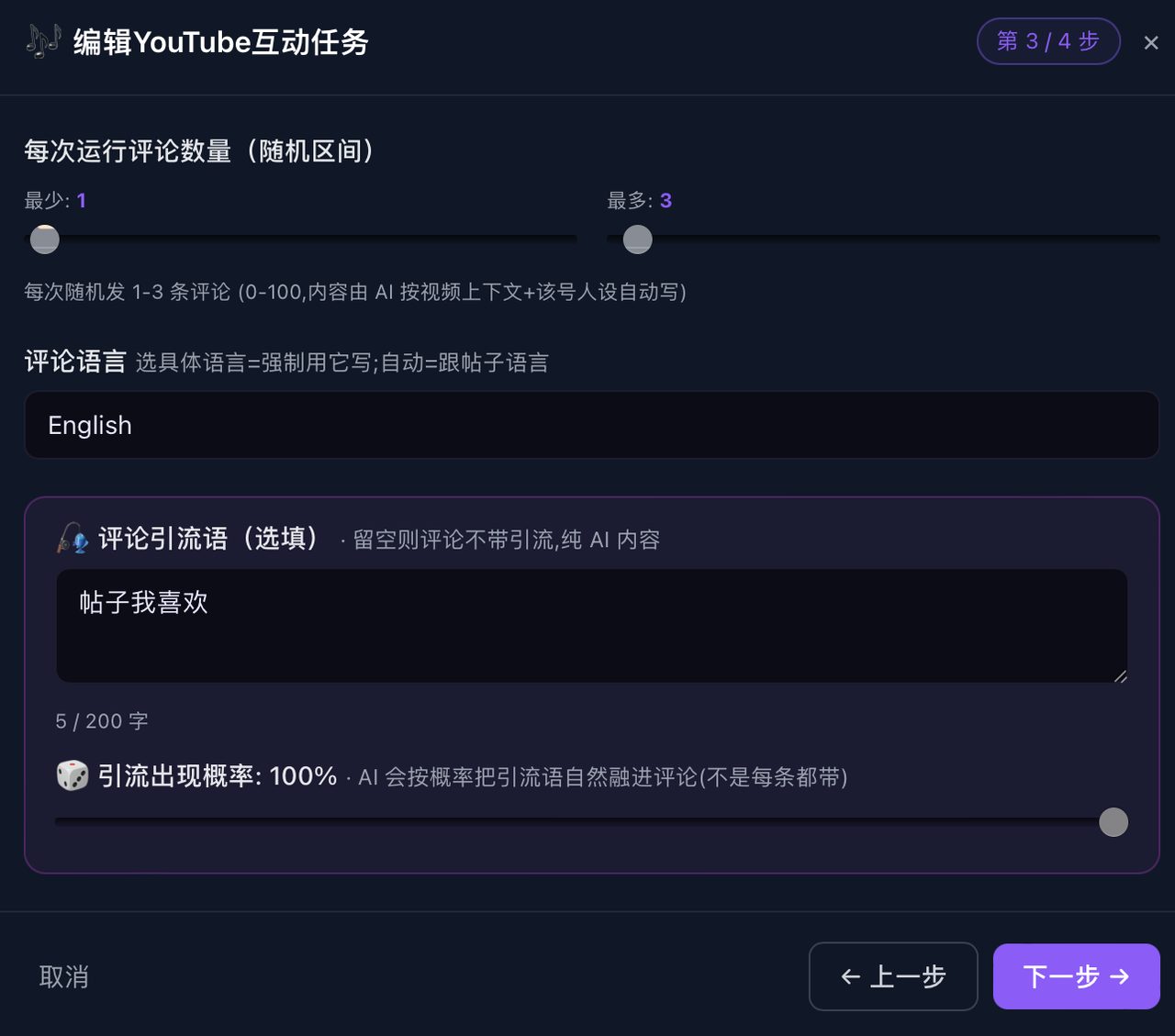
If you are running several channels, the multiplier problem is content rather than quota: ten channels posting the same poll is ten identical posts, which is both visible and pointless. Generating each channel's post from that channel's own niche and audience is the harder half of the job — it is the part NoobClaw is built around, with per-account persona and keyword sets driving separate generation rather than one file broadcast, each channel running in its own local browser profile.
Why "post more" is the wrong lever here anyway
The reason people hunt for the daily cap is almost always the same: they want to post more community posts and want to know how far they can push. It is worth saying plainly that on this surface, volume is one of the weaker levers available.
Community posts are shown to a slice of your subscribers, and how large that slice is depends on how the previous ones performed. Post three announcements nobody taps and the fourth reaches fewer people than the first did. That is a self-limiting loop, and it means the practical ceiling on community posts is usually set by engagement, not by any documented cap — you run out of audience attention long before you run out of quota.
The levers that actually move this surface, roughly in order:
- Format. Polls and quizzes generate interaction from people who would never type a comment. They are the cheapest engagement in the entire YouTube surface area and most channels use them once a quarter.
- Timing relative to uploads. A post in the day or two after a video lands reaches an audience that is already paying attention to the channel.
- Asking something answerable. "What should I cover next?" outperforms "New video is up" by a wide margin, because one has a reply and the other does not.
- Volume. Last, and only once the first three are working.
If you have been treating community posts as a notification channel and getting nothing back, the fix is not more posts. It is posts that have a second half.
FAQ
How many community posts can I make per day on YouTube?
YouTube does not publish a number. Its documentation states only that it limits how many posts a channel can create in a 24-hour period. The limit appears to vary by channel, which is the likeliest reason no figure is given. Measure your own rather than adopting a figure from an article that has no source either.
Is there a character limit on YouTube community posts?
No character limit is published for the main post text. Limits are published for the interactive elements: 65 characters per text poll answer, 36 per image poll caption, 80 per quiz answer (30 with an image) and 500 for a quiz explanation.
Why did my community post image fail to upload?
Check the file size first. YouTube documents a 16 MB maximum per image, which a modern phone screenshot or an exported design can exceed. Accepted formats are JPG, PNG, GIF and WEBP, with a 1:1 ratio suggested and up to 10 images per post.
Source: YouTube Help, "Create a post" (support.google.com/youtube/answer/7124474), desktop version, retrieved 2026-09-07. All specification figures above are quoted from that page; the absence of a daily post number is likewise from that page.