
Manage Multiple Social Media Accounts Free: Compare Routes
- Count connected destinations, people and required deliverables separately before choosing a free route.
- Buffer Free covers three channels; free Archie lists up to fifty profiles on four networks with creation-specific conditions.
- Manual planning and native scheduling can complement a limited free tool; neither establishes a universal account ceiling.
- NoobClaw offers sign-up credits, while later production can cost credits; public evidence here is one local video, not account protection.
Managing several social accounts without a subscription is possible for some workloads, but there is no universal free setup for every destination and job. A useful choice begins with the actual accounts, source material, content formats and review needs. This comparison considers a small portfolio and separates a free publishing queue, a creation-led offer, native scheduling and a local production test.
Free entry can help you test a task. It does not remove the limits on recurring work or authorize every action.
Start with a small portfolio inventory
Imagine two brands that each maintain three connected social destinations. That is six destinations, not three because the platform names repeat. Identify the owner, exact profile type, operator, approver and desired content format for each one. Record whether each account needs separate material or a legitimately adapted version of the same source. This hypothetical inventory is a planning example, not evidence of a six-account execution.
Keep accounts, users and deliverables in separate columns. One person can operate multiple authorized destinations, while a client team may need several reviewers on a smaller portfolio. A source video might produce several edited posts, but the number of drafts does not establish the number of connected accounts or successfully published items. Different capacity units answer different questions.
Name the job that fails first: too few connected channels, not enough space to queue far ahead, a missing approval path, or unusable content. There is no observed universal point at which manual work collapses after four or five accounts. Measure the work you actually perform instead of turning a plausible organizational problem into an unsupported industry threshold.
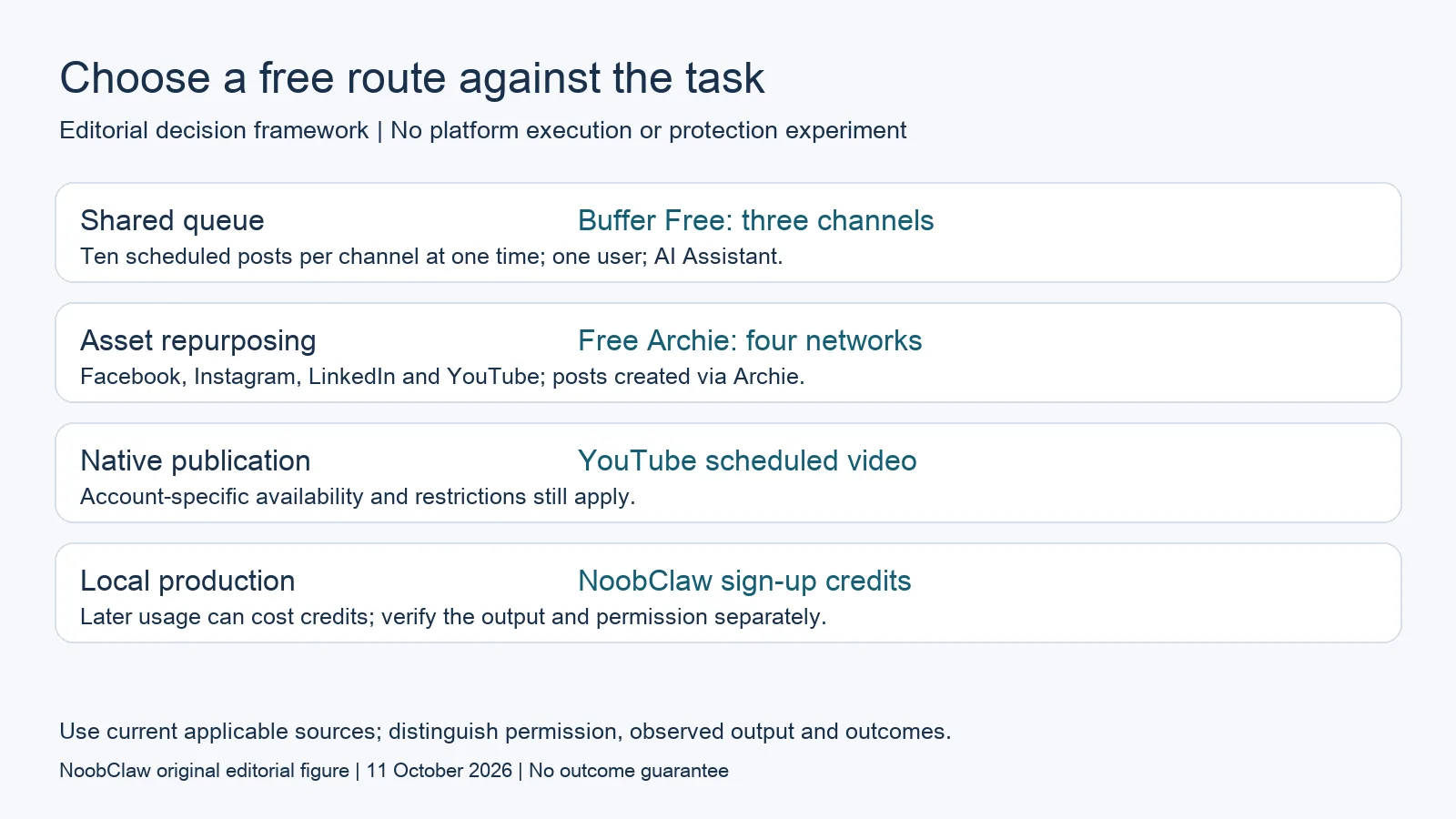
- Shared queue: Buffer Free: three channels. Ten scheduled posts per channel at one time; one user; AI Assistant.
- Asset repurposing: Free Archie: four networks. Facebook, Instagram, LinkedIn and YouTube; posts created via Archie.
- Native publication: YouTube scheduled video. Account-specific availability and restrictions still apply.
- Local production: NoobClaw sign-up credits. Later usage can cost credits; verify the output and permission separately.
Compare current free publishing and creation routes
Buffer Free lists up to three connected channels, ten scheduled posts per channel at one time, one user and an AI Assistant. That three-channel allowance does not cover all six destinations in the hypothetical portfolio. A smaller selection could still be useful if the remaining destinations have a workable native or manual path. Partial coverage has a value you can measure; it is not automatically zero.
Agorapulse’s free Archie plan lists up to fifty profiles on Facebook, Instagram, LinkedIn and YouTube only. New posts must be created through Archie, and Archie-only users have limited permissions. Its credit allowance and beta conditions differ from permanent unlimited production. The general Archie product begins with an existing source asset, so it is worth investigating when repurposing that material is the actual job. Do not treat its profile count as the full paid management suite.
YouTube provides a documented native scheduled-publishing route for private videos. The availability of that route does not prove native scheduling exists in the same form everywhere, nor that it always succeeds: YouTube explains that strikes can leave a scheduled video private during a penalty period. Use a destination-specific check and confirm the final public result.
A manual editorial calendar is another planning route. It can hold briefs, owners, review status and destination-specific decisions without connecting accounts. That does not perform publication for you or certify that the workload will remain manageable. If considering self-hosted software, verify its current license, required infrastructure, integration access and maintenance yourself; removing a subscription does not establish unlimited accounts, free hosting or approved platform access.
Content creation and platform permission are separate checks
Free tools are not uniformly unable to create distinct content. Buffer lists AI writing assistance, and Archie describes adapting source material into posts. Evaluate the input and output you need: a caption, an edited asset, a narrated video or another deliverable. Human review remains necessary to establish accuracy, rights and audience fit. A scheduler’s creation feature does not automatically solve every production task.
NoobClaw’s current public pricing offers sign-up credits without requiring a subscription. Later usage can require a top-up or paid allowance, and unit prices depend on the action. Saying it is necessarily paid from the first task misstates that entry offer. Saying its free entry provides unlimited recurring videos or unlimited account management would also exceed the evidence.
Neither a real browser session nor an account allowance proves platform permission. X’s current automation rules specifically prohibit non-API automation such as scripting its website, and prohibit duplicative or substantially similar automated posts across accounts. They also require express consent for automated actions through another user’s account. Those are X-specific conditions, not a statement that all methods are equivalent or that every platform has the same policy.
This review cannot guarantee that cross-posting will never be flagged or that differentiated content prevents enforcement. Check the current destination rules, account ownership, required integration and proposed action. Keep content creation separate from permission to publish it. A local production result remains useful evidence for that bounded task without becoming evidence of platform approval.
Choose the smallest setup that meets the work
For the hypothetical two-brand portfolio, test one representative item for each required format. Record the source, human edits, review state, scheduled state and final result separately. Keep a failure example, such as an unsupported format or expired permission, and observe how correction works. A single successful item is a bounded result rather than proof that every destination and future post will succeed.
Measure the recurring handling time of the proposed mixed route. In a hypothetical week, six destinations with two items each create twelve destination-level items. At six minutes of review and handling each, that is seventy-two minutes before preparation and errors. These are explicit assumptions, not a typical workload or a guaranteed saving. Replace them with observations from your test before pricing your time.
Keep a free route when its limits fit the actual task. Pay for a named missing capability when its value is demonstrated, whether that is additional channel capacity, review controls or production. If useful source material or human review is missing, a larger allowance alone will not fix it. Check your account-specific export and cancellation conditions before removing an existing workflow, and track audience results separately from tool capacity.
For the related content and workflow decisions, read Free Social Media Schedulers: Channels, Queues and AI Limits and Blotato Free Alternatives: Compare Trials, Credits and Output. Each review has its own evidence and scope.
What NoobClaw has publicly demonstrated
NoobClaw publishes this comparison and has a commercial interest in the recommendation. Its public execution record documents one English script of 441 characters producing a 32.6-second local MP4, 1080 by 1920 pixels at 30 frames per second, with voiceover and subtitles. That supports investigating a local script-to-video production task. It does not establish connected social accounts, approved public publishing, platform protection, audience growth or paid customers. Some stock footage was not closely matched to the script, and the record does not establish a complete audiovisual or licensing review. Inspect a representative finished file, corrections and editing effort before choosing it for production. For public publishing, require a separate destination-specific demonstration and check the current permission requirements. A local output cannot substitute for that evidence.
NoobClaw publishes this article. Its script-to-video guide and public creative execution record document a local video result, not external-platform publication. Check the current product offer against the supported action you need.

Frequently asked questions
Can a three-channel free plan manage six destinations?
Its stated allowance covers three connected channels. A mixed route may cover the remaining tasks separately, but that needs a real destination and format check; repeated platform names do not halve the channel count.
Does free Archie mean every management feature is free?
No. Its creation-led plan has restricted permissions, four listed networks, credit conditions and an Archie-only path for new posts. Compare the actual requirement rather than the nominal profile count.
Will cross-posting avoid enforcement?
This article offers no such guarantee. Destination rules and the proposed action matter. X, for example, has method-specific and duplicative-content restrictions; a browser session does not override them.
Is NoobClaw free to begin?
The current offer includes sign-up credits and optional subscription. Confirm your allowance and current unit prices in the app; later usage may cost credits, and the public local example does not prove connected-account publishing.
Sources
Official material reviewed on October 11, 2026. Document conditions apply to their stated service and scope; the editorial examples are explicitly hypothetical.